Inventory & Purchase
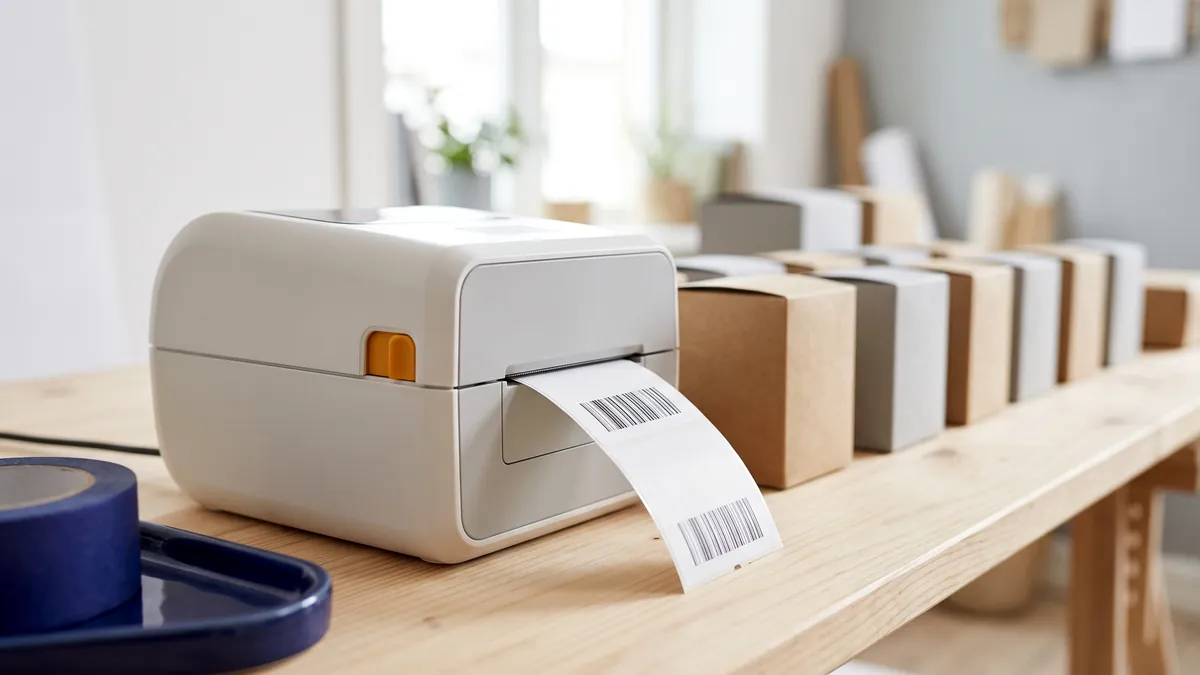
Product Barcode Generator
Structured product and variant barcodes built from category, attributes and a sequence.
Odoo 20€69.30
Inventory & Purchase · Odoo 19
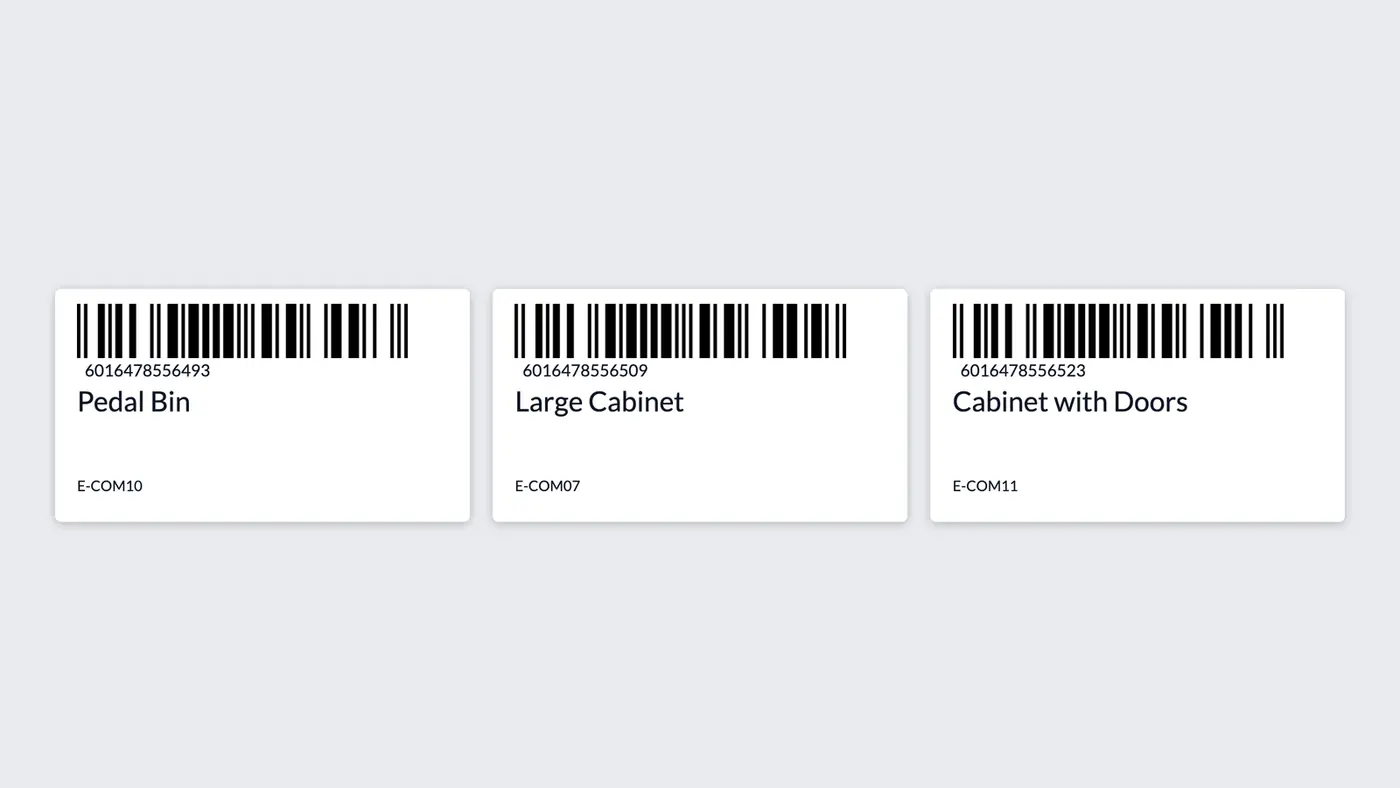
A second Dymo product label for Odoo, same size and barcode, without the price
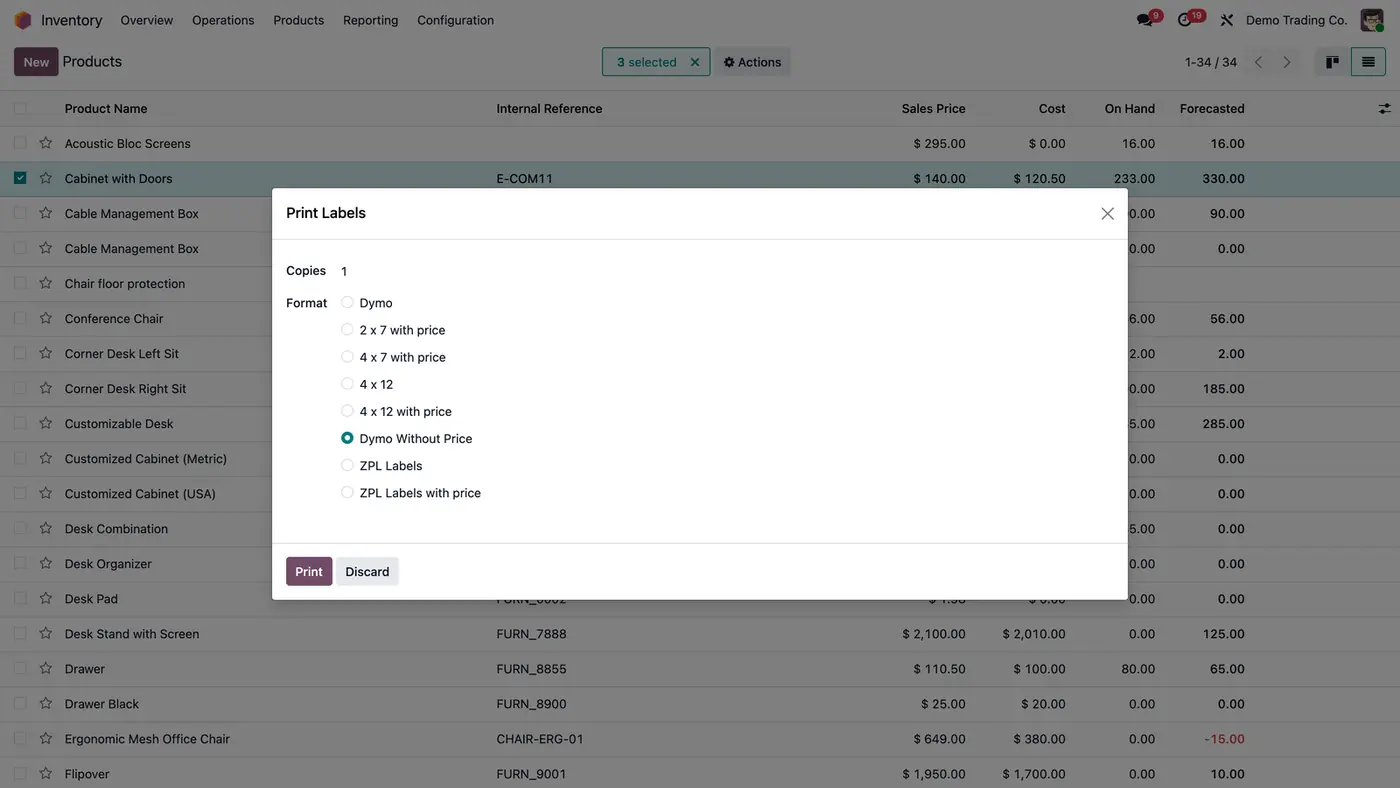
Dymo Labels Without Price adds a price-free Dymo product label to Odoo 19, next to the standard Dymo layout. It keeps the same label size and barcode placement and leaves the standard label untouched.
Key features
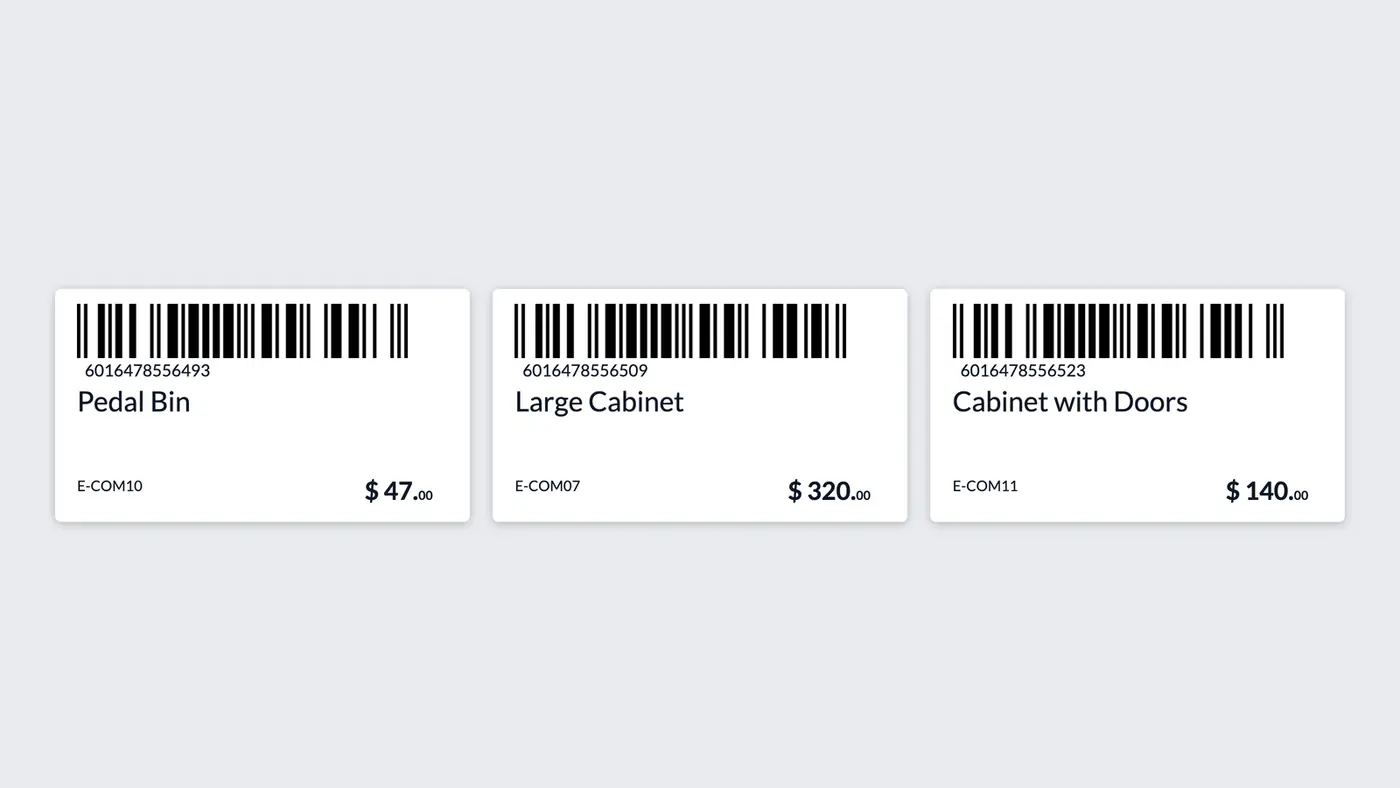
Odoo ships one Dymo product label, and it always prints the price. Many shops price at the till or on shelf edge tags and do not want a price on the item. Editing the standard report changes it for everyone, so teams either print prices they do not want or pay for custom report work.
 Play demo
Requires: Discuss (mail)
Odoo Online (SaaS) does not allow third-party apps, so Dymo Labels Without Price cannot be installed there. Use Odoo.sh or an on-premise Odoo 19 database.
Questions: info@flexcodesys.com.
| Setting | What it does |
|---|---|
| Dymo Without Price | Label format in the product label wizard: standard Dymo size and barcode, no price block. |
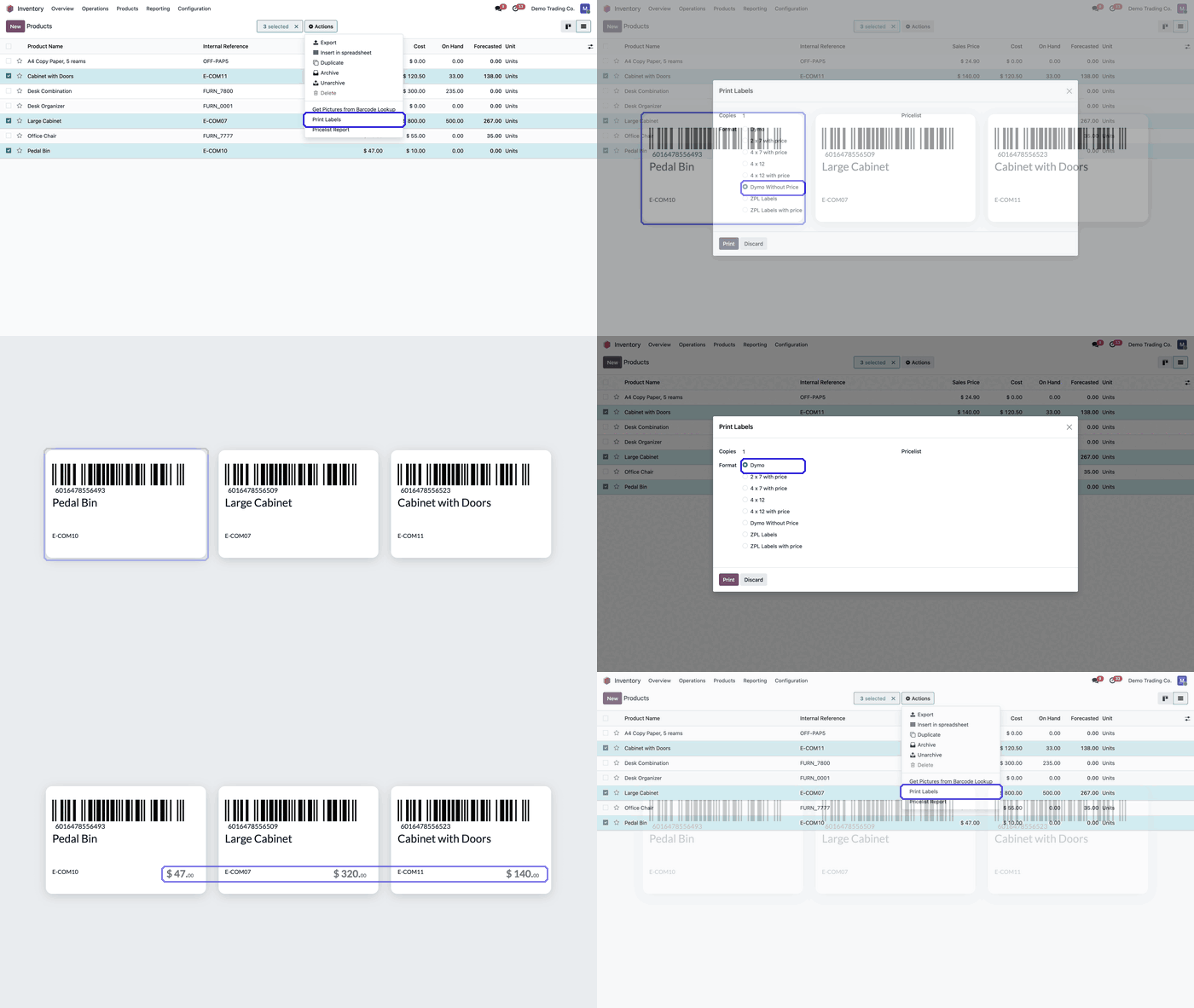
Install Dymo Labels Without Price, select your products in the list view, open Print Labels and choose Dymo Without Price. It prints like the standard Dymo label, without the price.
No. Dymo Labels Without Price adds a separate print format. The Dymo label that ships with Odoo keeps printing prices exactly as before.
Yes. Label dimensions and barcode placement are identical to the standard layout. Only the price block is omitted.
In the product label print wizard, beside the standard Dymo option.
English, German and Arabic translations ship with the app, and the label text follows the user language. Additional languages can be added on request.
Yes. The app respects the active company and its records, and has been tested in multi-company databases.
Structured product and variant barcodes built from category, attributes and a sequence.
Type of pack, dimensions and weight on the packing list and delivery slip.
Stock card report with HTML preview, PDF and XLSX exports.
Restore, reopen or delete a done transfer under control, with a preview of the stock impact.
Make-to-order RFQs automatically go to the vendor with the lowest valid price.
We configure our apps for your process, train your team and build the extra pieces you need.