Let authorised users set custom sales and purchase dates, and keep everyone else standard
Date Control is an Odoo 19 Enterprise app that gives role-based control over sales quotation, sales order and purchase confirmation dates. Members of one security group can set custom dates, while every other user keeps standard Odoo behaviour.
Sometimes the right people need to back-date an order or set a custom order date, but you do not want everyone doing it. Uncontrolled back-dating is a compliance risk, and nobody can say who was allowed to change which date.
What it does
Sales dates, under control
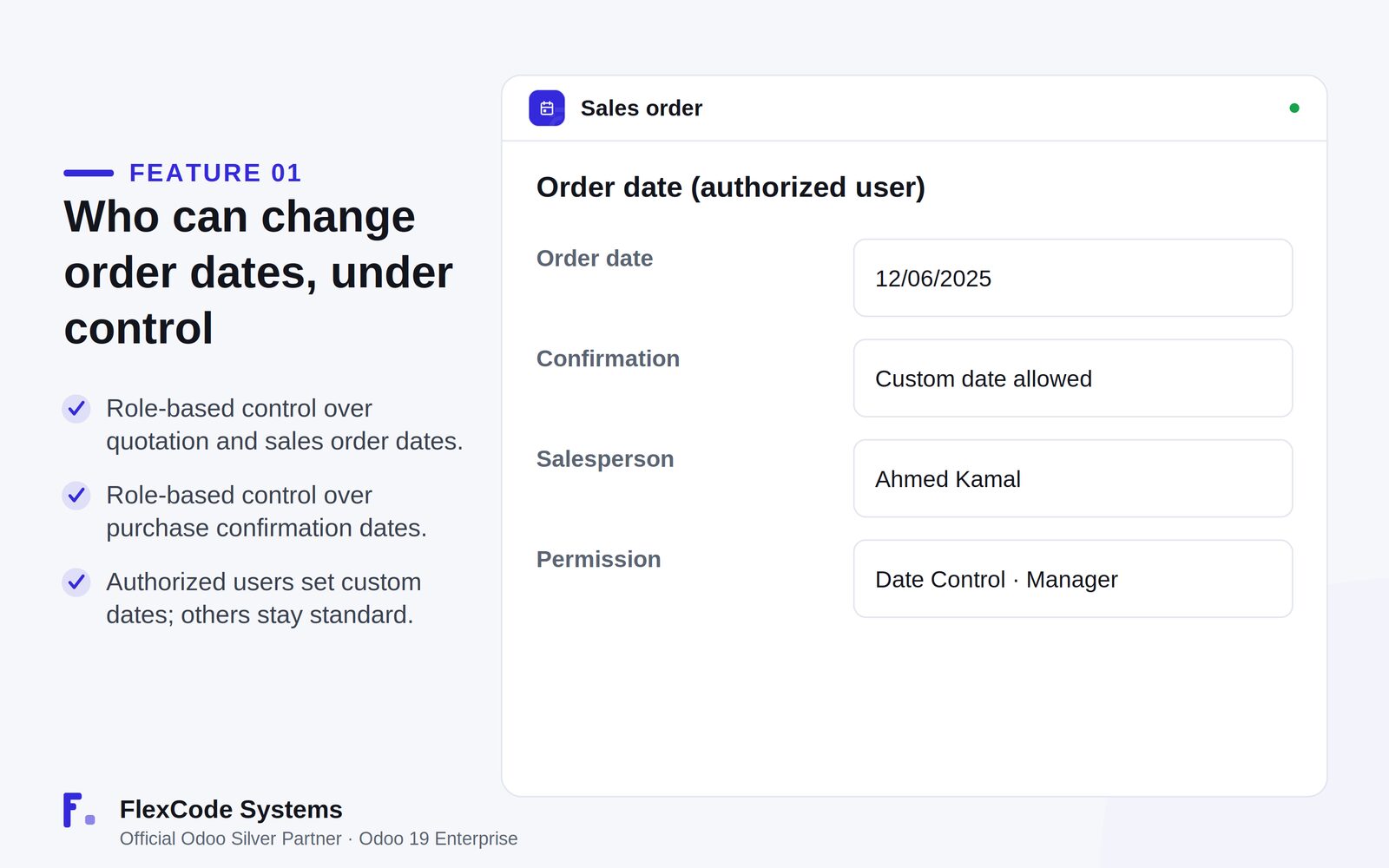
Let authorised users set custom dates on sales quotations and sales orders.
Keep the standard date behaviour for everyone outside the group.
Purchase dates, under control
Let authorised users set custom purchase confirmation dates.
Keep the standard date behaviour for everyone outside the group.
One security group
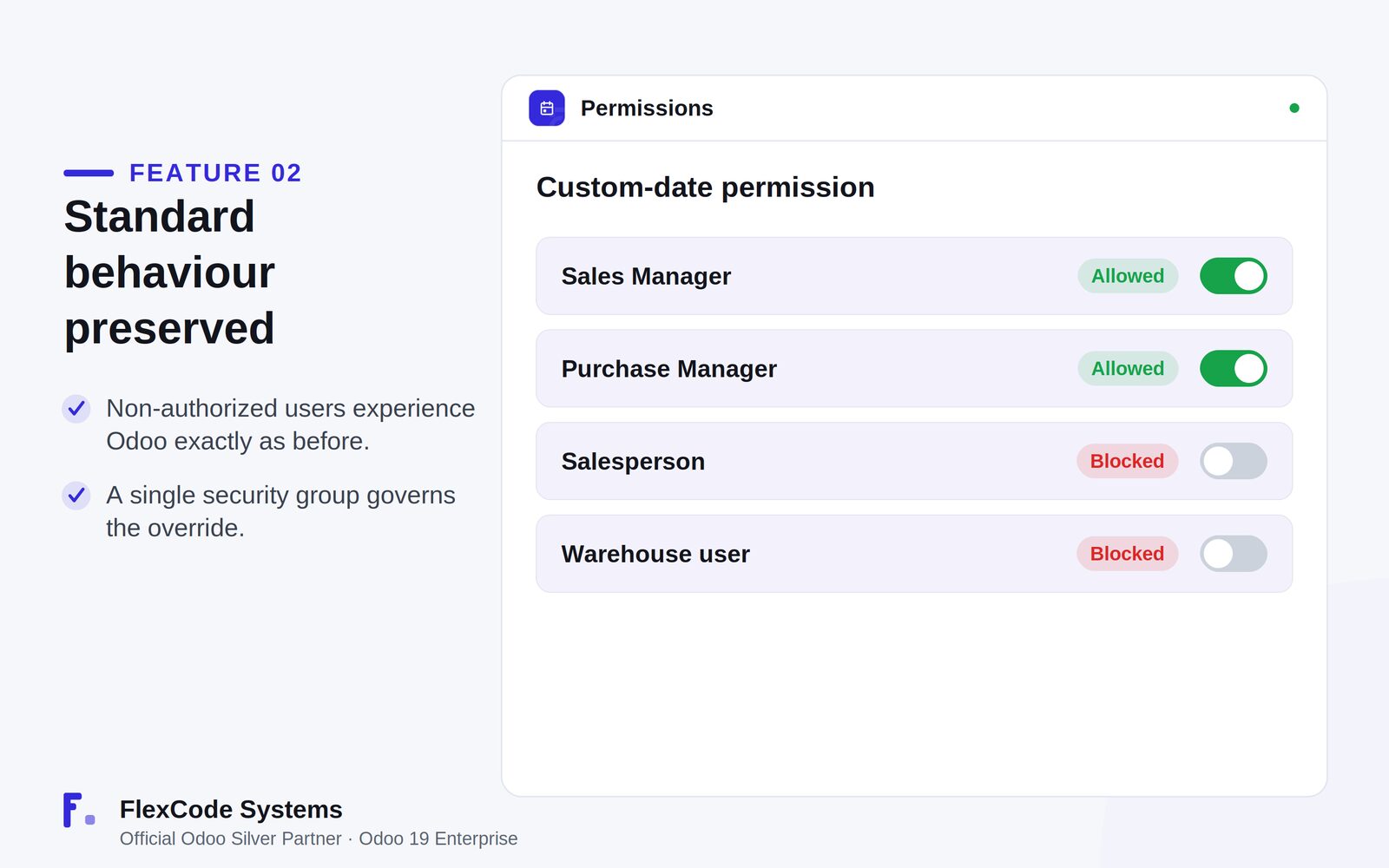
Manage the override through a single security group.
Grant or remove the right by adding or removing users from that group.
Light and non-intrusive
Change nothing for regular users; they see Odoo exactly as before.
Rely on focused view extensions with a small footprint, without changing Odoo core.
An authorised user sets a custom order date. Illustration from the store listing.One permission decides who may set custom dates. Illustration from the store listing.
Who it is for
Sales and purchase managers who need custom document dates.
Companies that must control back-dating for compliance.
Administrators who want one simple permission to manage.
Teams that need custom dates without disrupting normal users.
Not a fit when:
Databases on Odoo Online (SaaS), which cannot install third-party apps.
Dates on documents other than sales quotations, sales orders and purchase confirmations.
Buy Date Control on the Odoo Apps Store for Odoo 19.0.
Add the module to your Odoo.sh project or to the addons path of your on-premise server.
Update the apps list in Odoo and install Date Control.
Odoo Online (SaaS) does not allow third-party apps, so Date Control cannot be installed there. Use Odoo.sh or an on-premise Odoo 19 database.
Configure
Add the users who may set custom dates to the Date Control security group.
Leave everyone else out of the group; they keep standard Odoo date behaviour.
Setting
What it does
Date Control group
Security group whose members can set custom sales quotation, sales order and purchase confirmation dates.
How to use it
Set a custom date as an authorised user
Open a sales quotation, sales order or purchase document as a member of the Date Control group.
Set the custom date the document needs.
Confirm as usual.
Check who can change dates
Review the members of the Date Control group.
Add or remove users to grant or withdraw the right.
Limits
It covers sales quotation, sales order and purchase confirmation dates.
Access is controlled by one security group; there are no per-document or per-date-range rules.
It cannot be installed on Odoo Online (SaaS).
Frequently asked questions
How do I back-date a sales order in Odoo?
With Date Control, members of the Date Control security group can set custom dates on sales quotations and sales orders. All other users keep the standard Odoo date behaviour.
Can I change the purchase order confirmation date in Odoo?
Yes, if you are in the Date Control group. Date Control gives authorised users role-based control over purchase confirmation dates.
How do I control who can change order dates in Odoo?
Date Control uses a single security group. Only its members can set custom dates; you grant or remove the right by managing the group's members.
Does Date Control change Odoo for normal users?
No. Users outside the group see Odoo exactly as before, with no change to their workflow.
Does Date Control modify Odoo core?
No. It uses focused view extensions with clean code, no core monkey-patching and no migration scripts.
Which Odoo versions and editions does Date Control support?
It is built and tested for Odoo 19 Enterprise, on-premise and on Odoo.sh. Odoo Online cannot install third-party apps. You pay once per Odoo major version and get 90 days of free support.