Show each company only its own product categories, units of measure and pricelists
Company Visibility Controls is an Odoo 19 app that adds per-company visibility to product categories, units of measure and pricelists in multi-company databases. Record rules enforce it, and records with no company stay visible to everyone, so nothing breaks on install.
In a multi-company database, shared product categories, units of measure and pricelists show up in every company's dropdowns. Users pick a category or a pricelist that belongs to another company, and the lists get longer with every company you add. Cleaning this up usually means duplicating master data or writing custom rules.
What it does
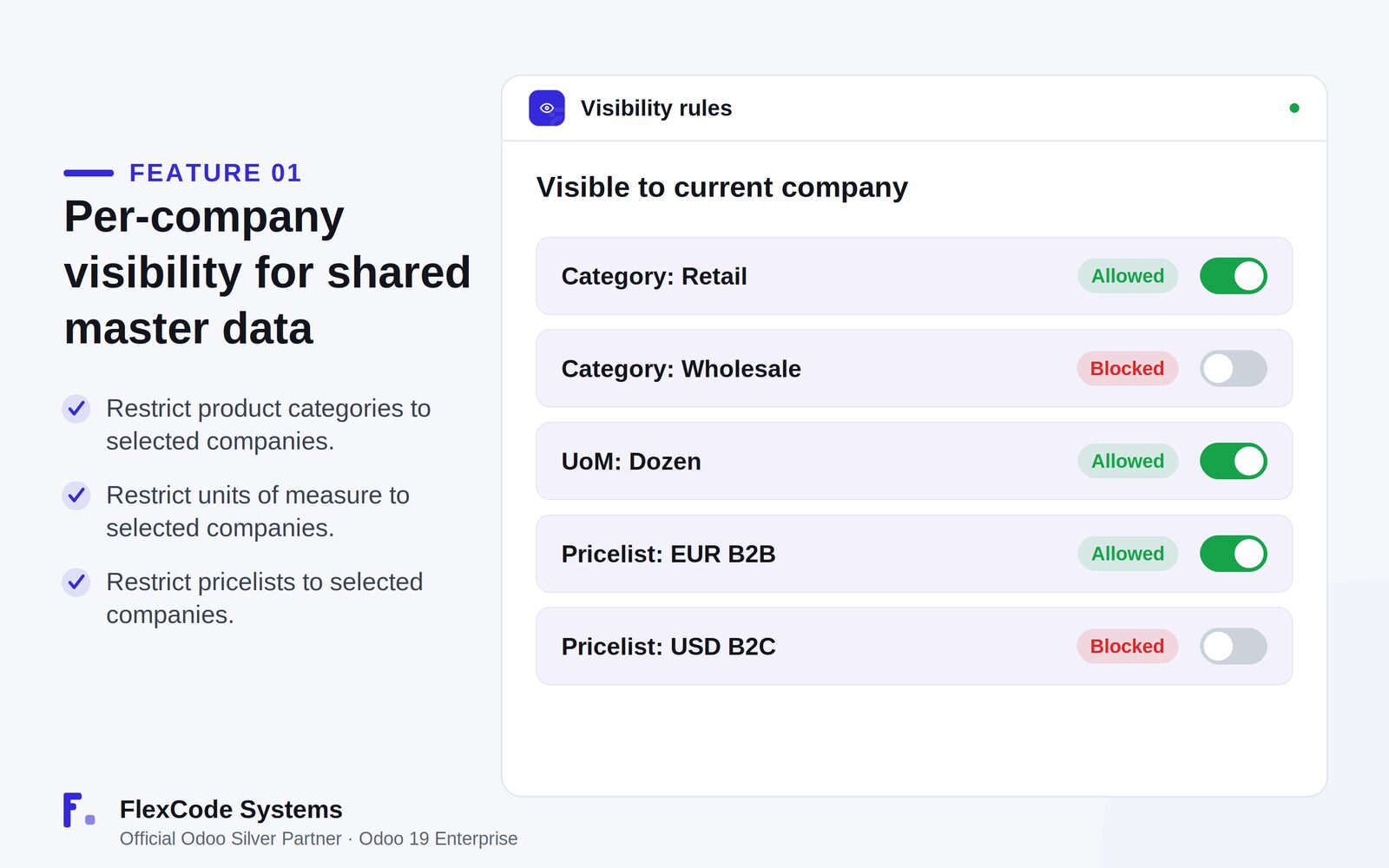
Per-company visibility for shared master data
Restrict product categories to selected companies.
Restrict units of measure to selected companies.
Restrict pricelists to selected companies, so the right prices show for the right company.
Enforced by record rules
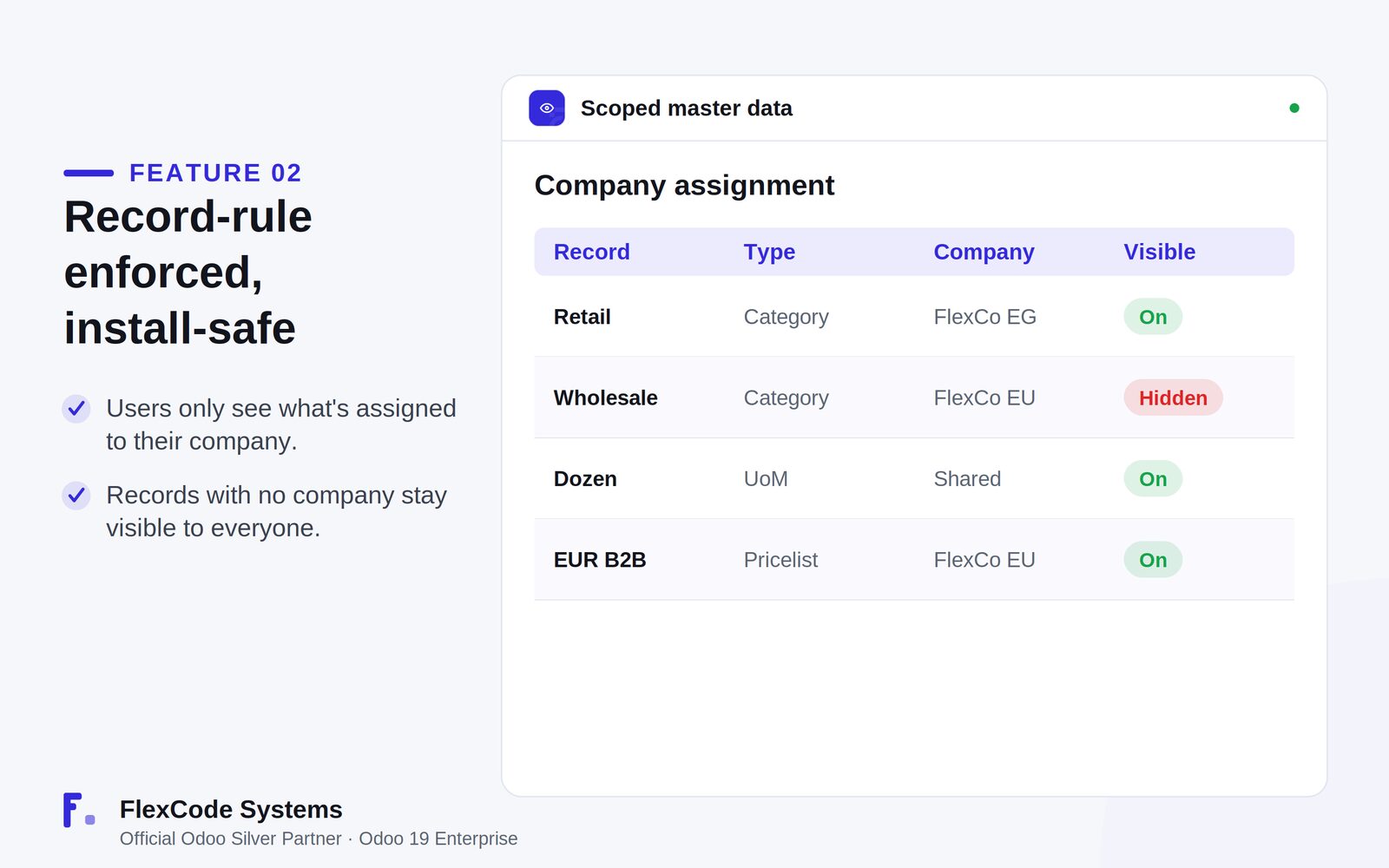
Enforce visibility at the security layer with record rules, so users only see records assigned to their company.
Keep master data unchanged; the app adds company scoping without modifying your records.
Safe to install
Keep records with no company visible to every company, so nothing is locked out on install.
Get filtered lists and dropdowns as soon as you assign companies.
Per-company visibility for categories, units of measure and pricelists. Illustration from the store listing.Company assignment: shared records stay visible, scoped ones only for their company. Illustration from the store listing.
Who it is for
Multi-company groups that share one Odoo database.
Administrators tidying category, unit of measure and pricelist lists per company.
Businesses that want company-specific pricelists visible only where they apply.
Teams that need install-safe scoping with no data migration.
Not a fit when:
Databases on Odoo Online (SaaS), which cannot install third-party apps.
Single-company databases, which have nothing to scope.
Master data other than product categories, units of measure and pricelists.
Install
Requires: Products (product), Units of Measure (uom), Discuss (mail)
Buy Company Visibility Controls on the Odoo Apps Store for Odoo 19.0.
Add the module to your Odoo.sh project or to the addons path of your on-premise server.
Update the apps list in Odoo and install Company Visibility Controls. Existing records keep no company, so they stay visible to everyone.
Odoo Online (SaaS) does not allow third-party apps, so Company Visibility Controls cannot be installed there. Use Odoo.sh or an on-premise Odoo 19 database.
Configure
Open a product category, unit of measure or pricelist that should belong to certain companies only.
Set the allowed companies on it and save.
Leave the company empty on records that every company should keep seeing.
Setting
What it does
Company on product category
Limits the category to the selected companies.
Company on unit of measure
Limits the unit of measure to the selected companies.
Company on pricelist
Limits the pricelist to the selected companies.
How to use it
Scope master data to a company
Assign the allowed companies to a category, unit of measure or pricelist.
Users then see only the records assigned to their company, in lists and dropdowns.
Leave the company empty to keep a record shared across all companies.
Limits
It scopes product categories, units of measure and pricelists only.
It is built and tested for Odoo 19 Enterprise.
It cannot be installed on Odoo Online (SaaS).
Frequently asked questions
How do I hide a pricelist from other companies in Odoo?
With Company Visibility Controls, set the allowed companies on the pricelist. Record rules then show it only to users of those companies, in lists and in dropdowns.
Can product categories be company-specific in Odoo?
Yes. Company Visibility Controls adds a company field to product categories, and users only see the categories assigned to their company. Categories with no company stay visible to all.
Will Company Visibility Controls hide existing shared data after install?
No. Records with no company stay visible to everyone, so nothing is locked out on install. Visibility changes only when you assign companies.
How is visibility enforced?
Through Odoo record rules at the security layer, not just in the interface, so restricted users cannot select hidden records.
Which master data can I scope by company?
Product categories, units of measure and pricelists.
Which Odoo versions and editions are supported?
Company Visibility Controls is built and tested for Odoo 19 Enterprise, on-premise and on Odoo.sh. Odoo Online cannot install third-party apps. You pay once per Odoo major version and get 90 days of free support.