Skip to Content

Access & Controls · Odoo 20, Odoo 19, Odoo 18

New Cost & Price Visibility

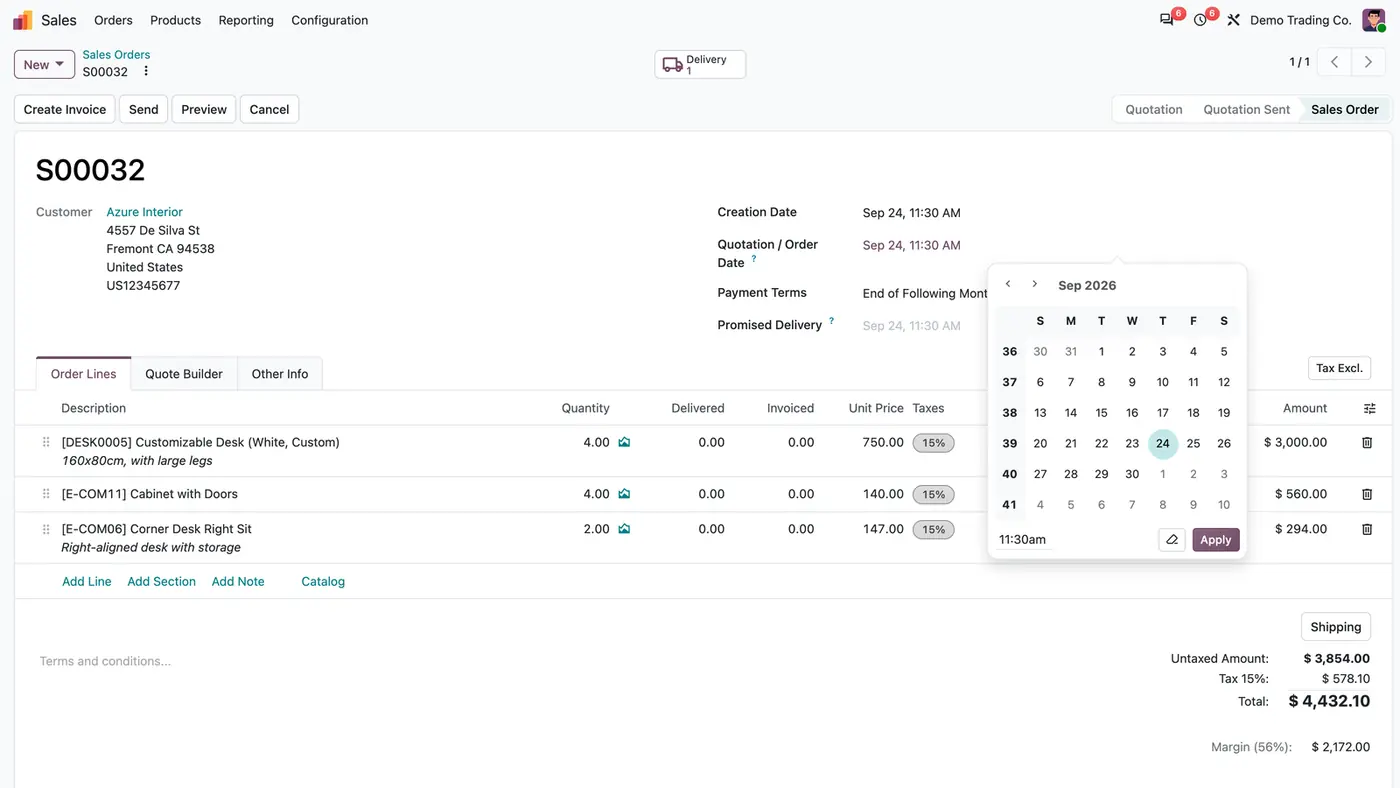
Storekeepers and sales staff work without seeing your costs and margins

Cost & Price Visibility hides money from users who do not need it, without taking their work away. Four roles on the user form and two company policies take the amounts out of screens, exports, analyses, printouts and API reads. Quantities stay visible, and every document is still priced and valued on the server.

Key features

The problem

In a standard database, everyone who works with products, orders or stock can read the cost, the vendor prices, the margins and the order totals. A storekeeper only needs quantities, and a sales assistant may not need to know what you paid. Hiding a field on one screen is not enough, because the same amount is still reachable through exports, pivot views, printouts and the API.
Screenshots

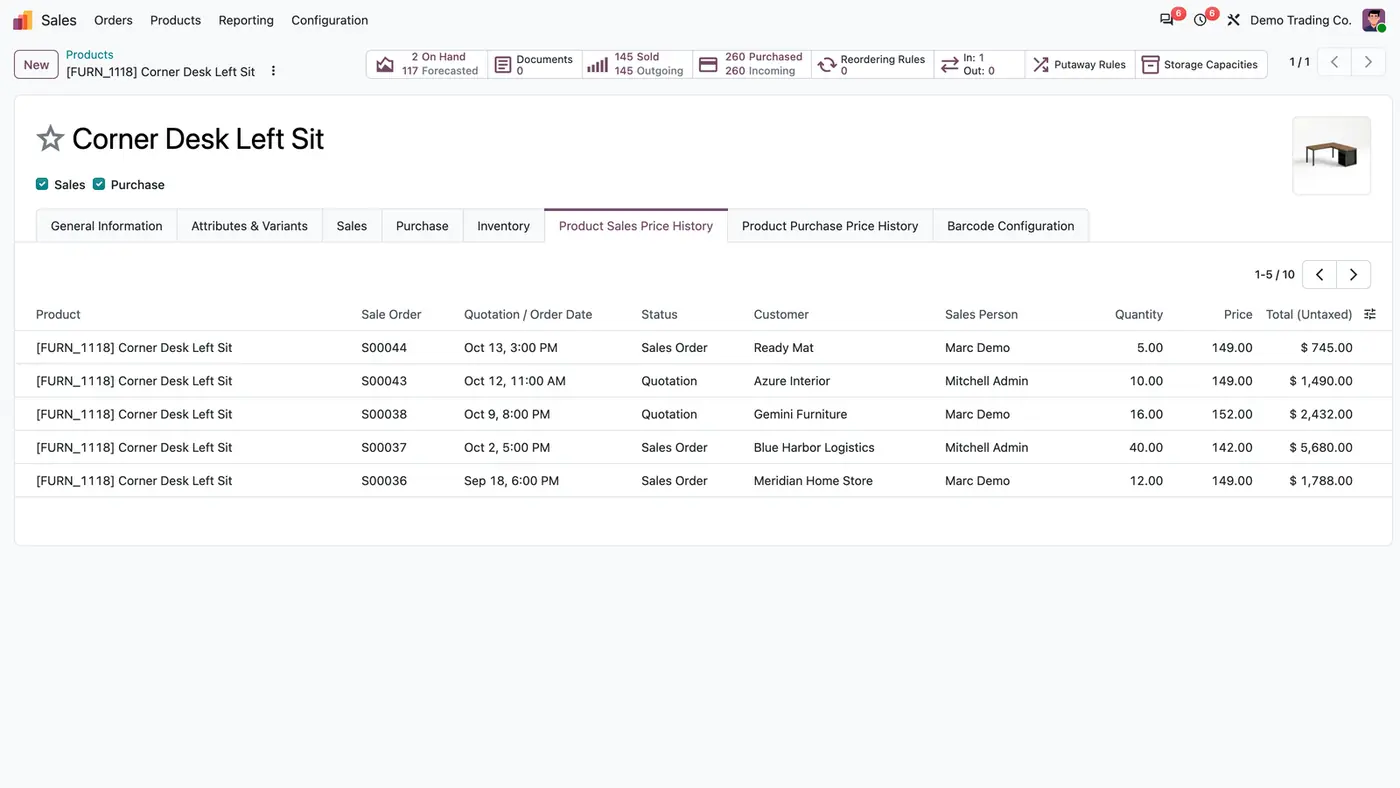
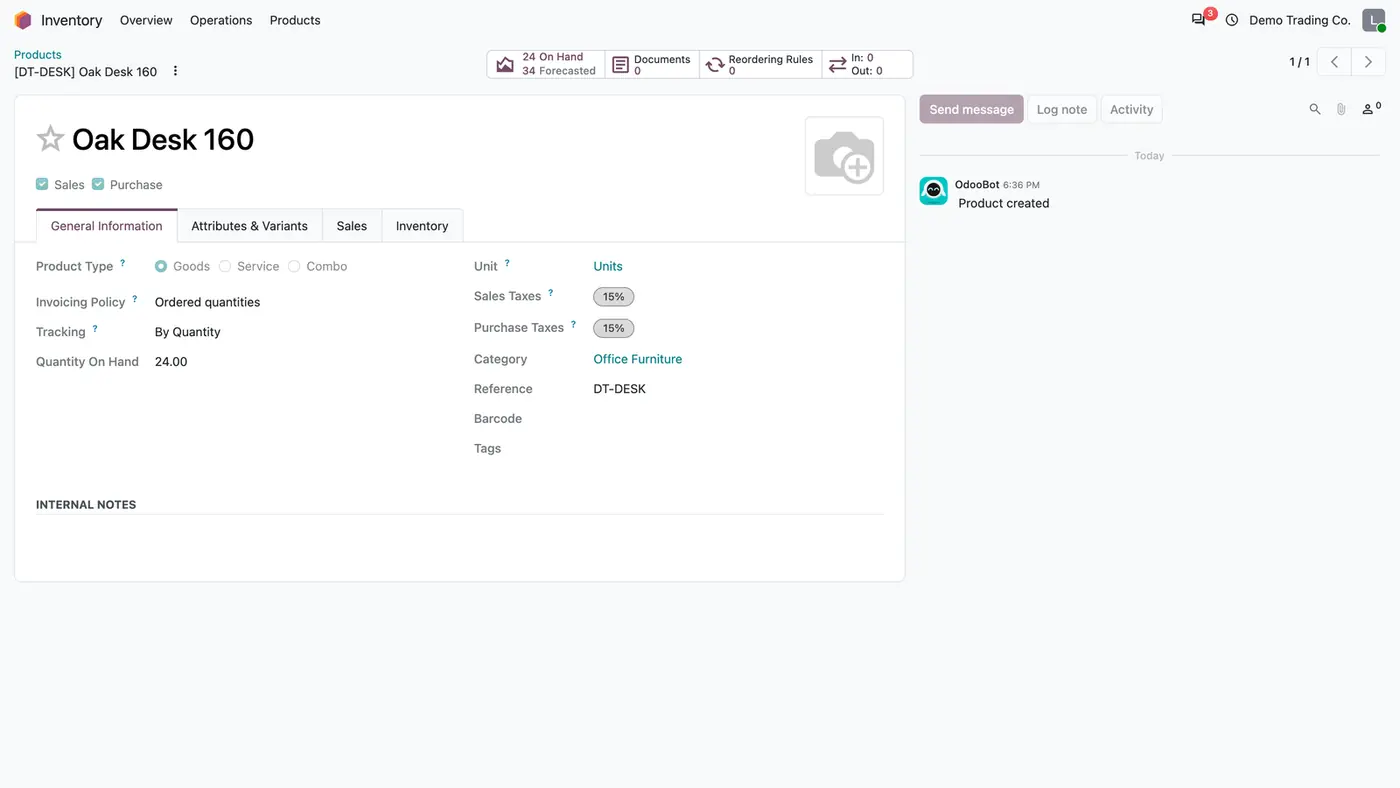
Odoo product form Oak Desk 160 without sales price or cost, showing quantity on hand, taxes and reference
A storekeeper with Inventory Prices hidden sees quantities, taxes and the reference, but no sales price or cost.
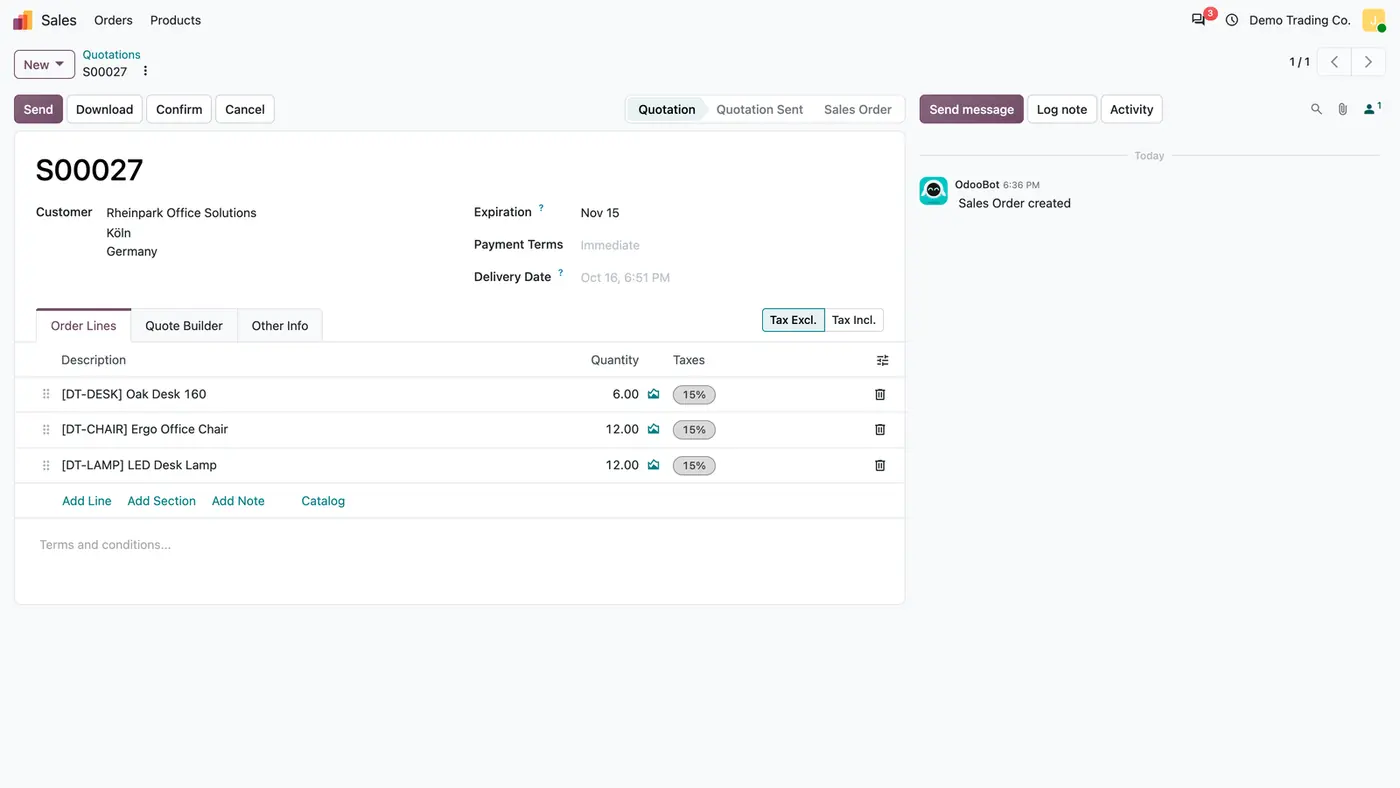
Odoo quotation S00027 with products, quantities and taxes but no unit price, subtotal or total
With Sales Prices hidden, the quotation keeps products, quantities and taxes while prices and totals disappear.
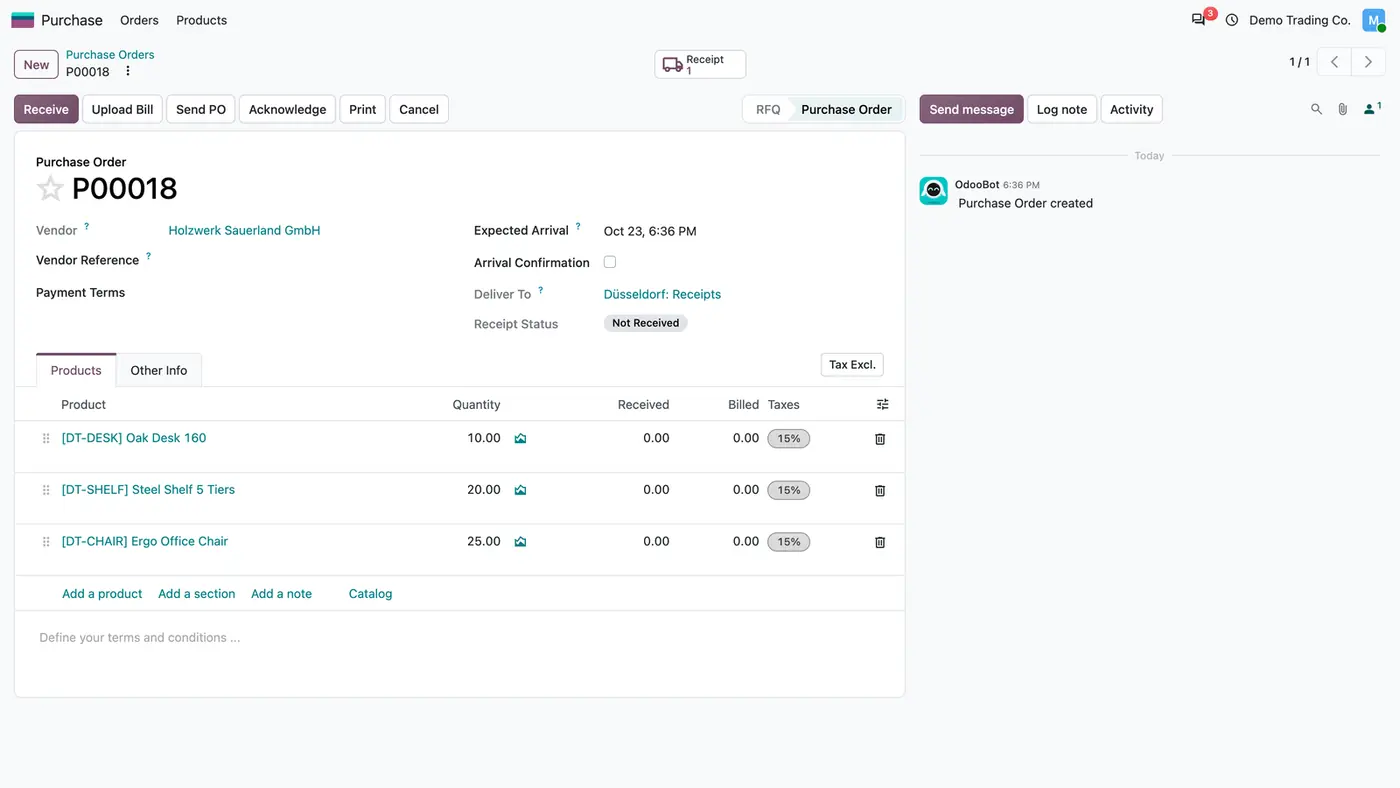
Odoo purchase order P00018 listing products, quantities, received and billed quantities without prices
The company cost policy with Also Hide Purchase Prices leaves the buyer quantities but no prices or totals.
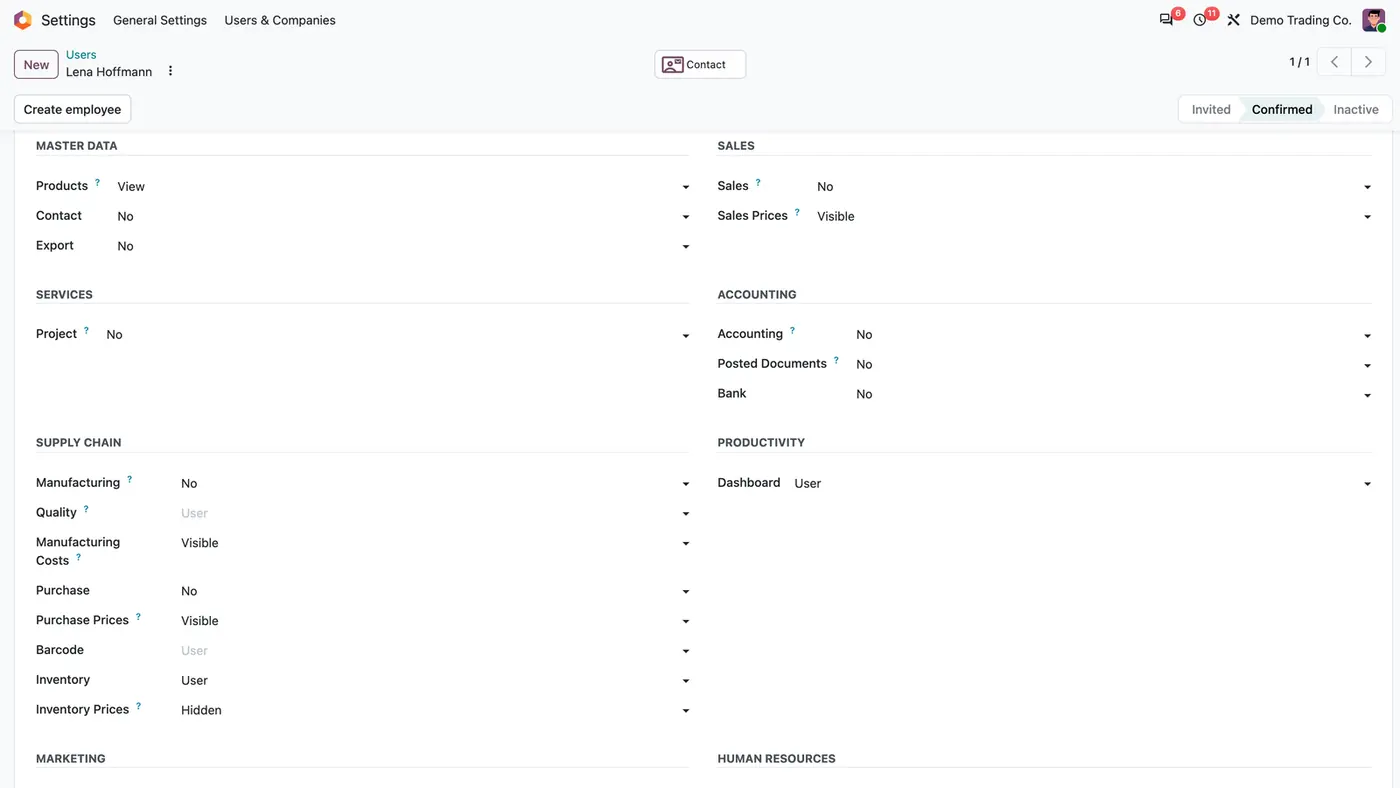
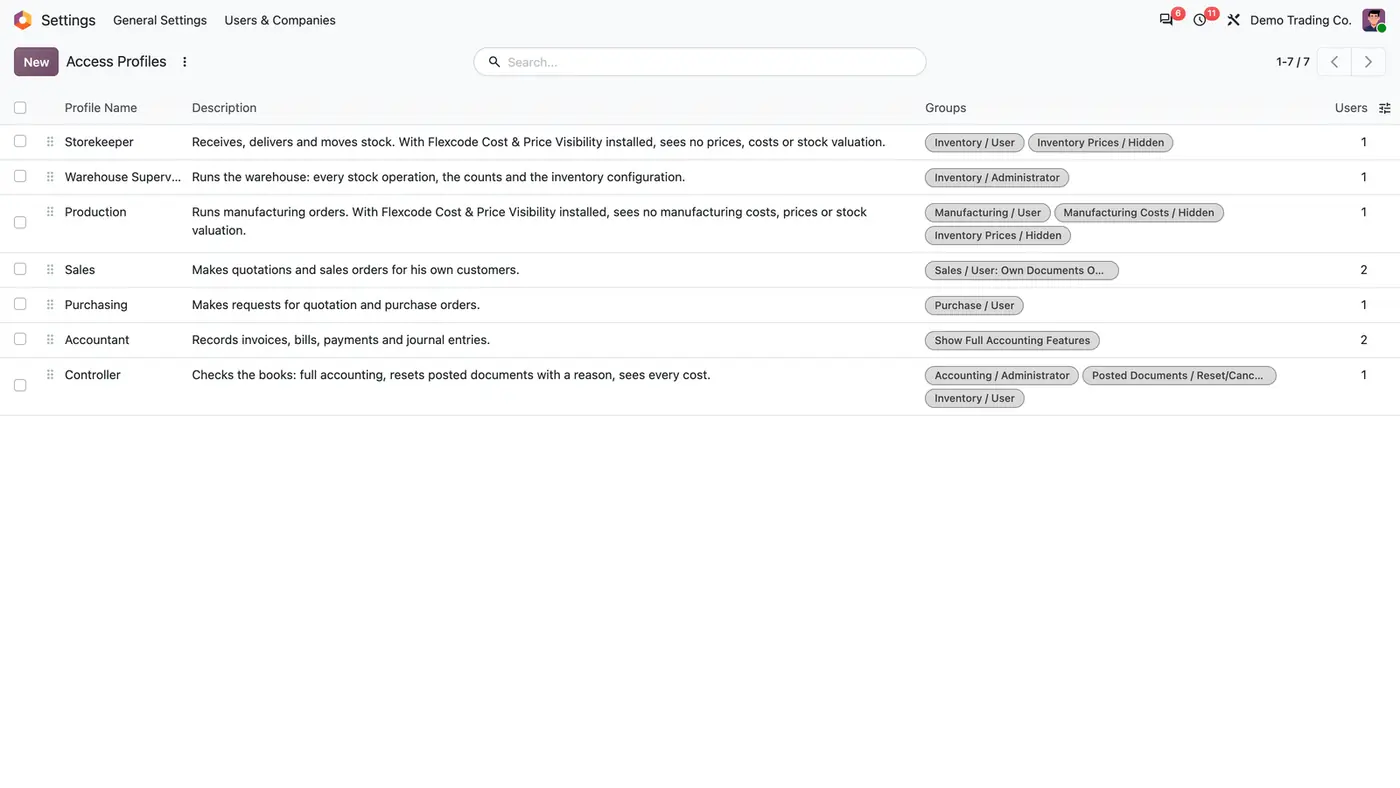
User access rights with the four price roles; Inventory Prices is set to Hidden
The four price roles sit in the user's Access Rights next to the app role they belong to.
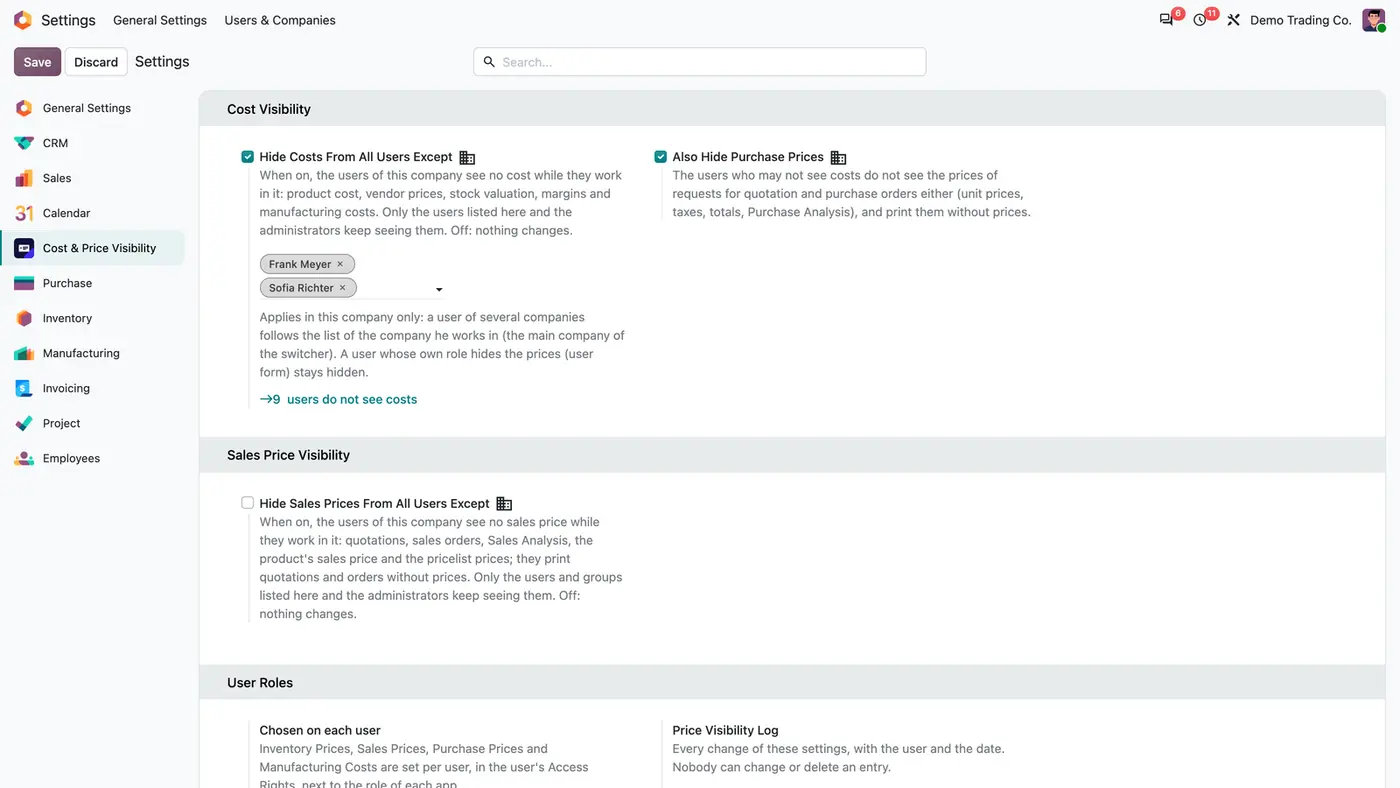
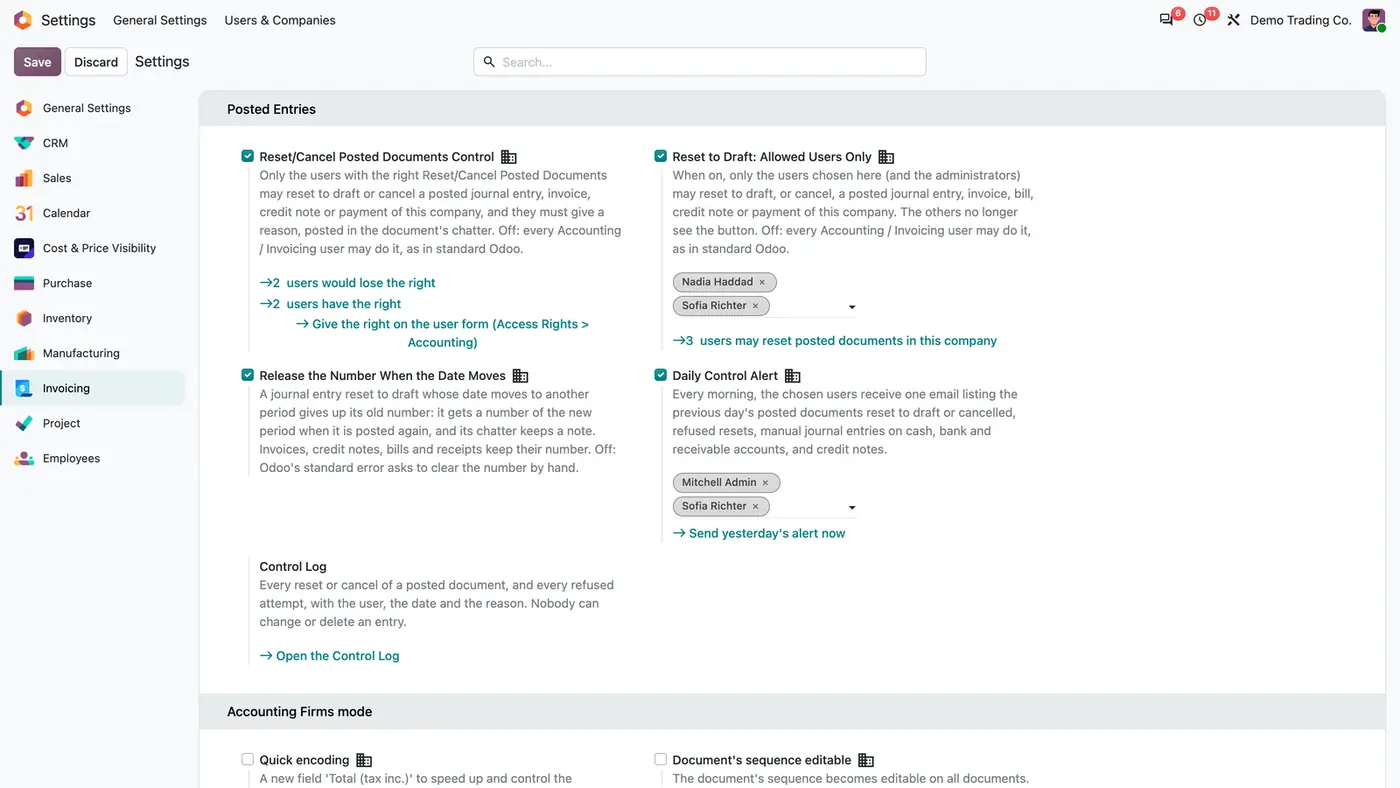
Cost & Price Visibility settings: Hide Costs From All Users Except, Also Hide Purchase Prices, Sales Price Visibility
Company policies hide costs and purchase prices from every user except the listed ones, and every change is logged.
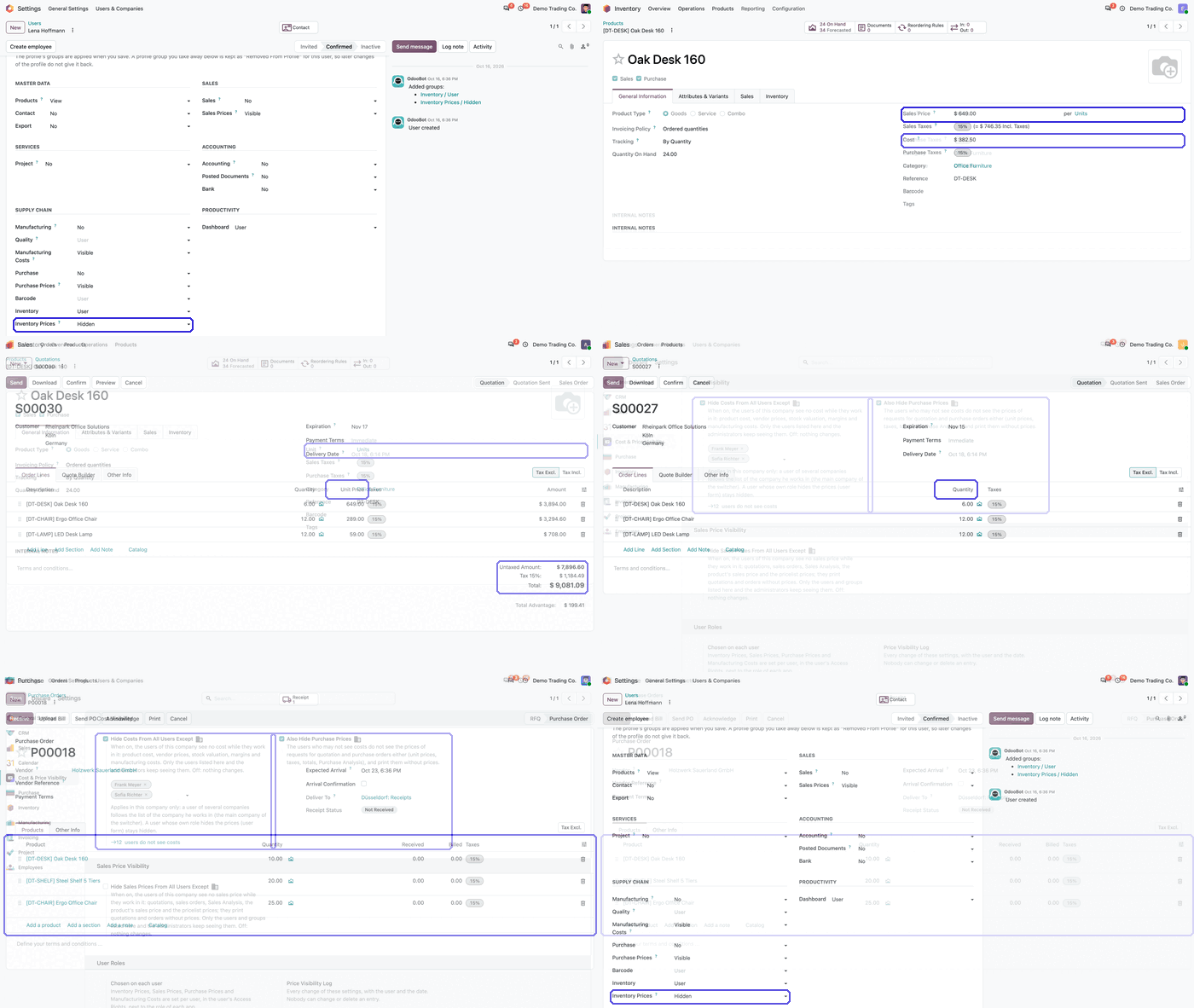
Animated demo of setting the Inventory Prices role to Hidden on a user's access rights in Odoo Play demo
A short demo of hiding inventory prices for one user.

What it does

Four price roles per user

  • Inventory Prices, Sales Prices, Purchase Prices and Manufacturing Costs sit in the user's Access Rights, next to the app role they belong to.
  • Each role is Visible by default, so installing the app changes nobody's access.
  • Set a role by hand or through an access profile.
  • Roles are read from the server on every request.

Company policies

  • Hide Costs From All Users Except: every user of the company stops seeing product cost, vendor prices, stock valuation, margins and manufacturing costs, except the users you list and the administrators.
  • Also Hide Purchase Prices: the same users see no prices on requests for quotation and purchase orders, and print them without prices.
  • Hide Sales Prices From All Users Except, with allowed users and groups, for quotations, sales orders, Sales Analysis and pricelist prices.
  • A policy applies per company: a user follows the company he works in.

Enforced everywhere

  • Amounts are hidden in views, the Export dialog, pivot and graph measures and group-by.
  • read, search_read, the group-by calls and export refuse a hidden price over the API, and the screens receive 0 instead of the amount.
  • Quotations, sales orders, RFQs and purchase orders print without prices, also when they are sent by email.
  • Printouts stay without prices even when another app extends them.

Work keeps going

  • Receipts, deliveries, counts and orders are priced and valued as before. Only what the user reads is hidden.
  • Quantities, taxes and references stay visible on products and orders.
  • Prices still come from the pricelist, the vendor prices and the costing method on the server.

Audit trail and extensions

  • Every change of the company policies is kept in the Price Visibility Log with the user and the date. Nobody can change or delete an entry.
  • Administrators always see the prices.
  • The Manufacturing Costs role applies when Manufacturing is installed. The app does not install Manufacturing for you.
  • Other apps can follow the same rules by asking res.users._fccp_can_see_costs(company), _fccp_can_see_purchase_prices or _fccp_can_see_sales_prices, and hide fields of their own models with one declaration.

Who it is for

A good fit for

  • Companies whose storekeepers should handle stock without seeing costs or valuation.
  • Sales teams where some staff should not see unit prices, discounts or margins.
  • Buyers who order quantities while purchase prices stay with a few people.
  • Multi-company groups that need a different cost policy per company.

Not a fit for

  • Hiding quantities: on-hand stock and forecasts stay visible.
  • Stopping anyone working: receipts, deliveries, counts and orders are priced and valued as before.
  • Hiding prices from administrators, who always see them.
  • Databases on Odoo Online (SaaS), which cannot install third-party apps.

Install

Requires: Sales, Purchase (purchase), Inventory (stock), Invoicing (account), Discuss (mail)

  1. Buy Cost & Price Visibility on the Odoo Apps Store for Odoo 18.0, 19.0 or 20.0.
  2. Add the module to your Odoo.sh project or to the addons path of your on-premise server.
  3. Update the apps list in Odoo and install Cost & Price Visibility. Sales, Purchase and Inventory are installed with it if they are missing.

Odoo Online (SaaS) does not install custom apps from the Apps Store, so the app cannot be installed there. Use Odoo.sh or an on-premise database, Community or Enterprise.

Every purchase includes 90 days of free support from FlexCode Systems.

Configure

  1. Hide sales prices from a user: Settings > Users & Companies > Users > user > Sales > Sales Prices, set to Hidden.
  2. Hide stock, purchase or manufacturing amounts: in the Supply Chain section of the same form, set Inventory Prices, Purchase Prices or Manufacturing Costs to Hidden.
  3. Hide costs for a whole company: Settings > General Settings > Cost & Price Visibility > Hide Costs From All Users Except, and list the users who keep seeing costs.
  4. Hide sales prices for a whole company: in the same settings, switch on Hide Sales Prices From All Users Except and list the users or groups who keep seeing them.
SettingWhat it does
Inventory PricesUser role: Hidden removes sales price, cost, vendor prices and stock valuation from what the user reads.
Sales PricesUser role: Hidden removes unit price, discount, subtotal, totals, margins and Sales Analysis amounts.
Purchase PricesUser role for prices on RFQs and purchase orders.
Manufacturing CostsUser role; applies when the Manufacturing app is installed.
Hide Costs From All Users ExceptCompany policy with a list of users who keep seeing costs. Applies in the current company only.
Also Hide Purchase PricesSecond switch of the cost policy: hides prices on RFQs, purchase orders and Purchase Analysis too.
Hide Sales Prices From All Users ExceptCompany policy with allowed users and groups.

How to use it

A storekeeper opens a product

  1. With Inventory Prices set to Hidden, the product form shows no sales price, cost or vendor price list.
  2. Quantity On Hand and the forecast stay visible, and receipts and deliveries are valued as before.

A salesperson writes a quotation

  1. With Sales Prices set to Hidden, the quotation shows products, quantities and taxes only.
  2. The order is still priced from the pricelist on the server, and the printout leaves the prices out.

Check who changed a policy

  1. Open the Price Visibility Log from the Cost & Price Visibility settings.
  2. Each entry shows the change, the user and the date.

Limits

  • Quantities are never hidden.
  • Administrators always see the prices.
  • The Manufacturing Costs role only applies when the Manufacturing app is installed.
  • It cannot be installed on Odoo Online (SaaS).

FAQ

Do hidden users still create correct documents?

Yes. Prices come from the pricelist, the vendor prices and the costing method on the server, exactly as for anyone else. Only what the user reads is hidden.

Can a hidden user get the prices through the API or an export?

No. read, search_read, the group-by calls and export refuse a hidden price, and the screens receive 0 instead of the amount.

Are the printouts without prices too?

Yes. A user who may not see the prices prints quotations, sales orders, RFQs and purchase orders without them, also when he sends them by email.

Is the Manufacturing app required?

No. The Manufacturing Costs role and the manufacturing part of the cost policy apply when the Manufacturing app is installed.

Does it work with multi-company databases?

Yes. The module respects the active company and its records, and has been tested in multi-company databases. The company policies apply per company.

Need it set up or adapted?

We configure our apps for your process, train your team and build the extra pieces you need.