Skip to Content

Access & Controls · Odoo 20, Odoo 19, Odoo 18

Company Visibility Controls

Show each company only its own product categories, units of measure and pricelists

Company Visibility Controls is a free app for Odoo 18, 19 and 20 that adds per-company visibility to product categories, units of measure and pricelists in multi-company databases. Record rules enforce it, and records with no company stay visible to everyone, so nothing breaks on install.

Key features

The problem

In a multi-company database, shared product categories, units of measure and pricelists show up in every company's dropdowns. Users pick a category or a pricelist that belongs to another company, and the lists get longer with every company you add. Cleaning this up usually means duplicating master data or writing custom rules.
Screenshots

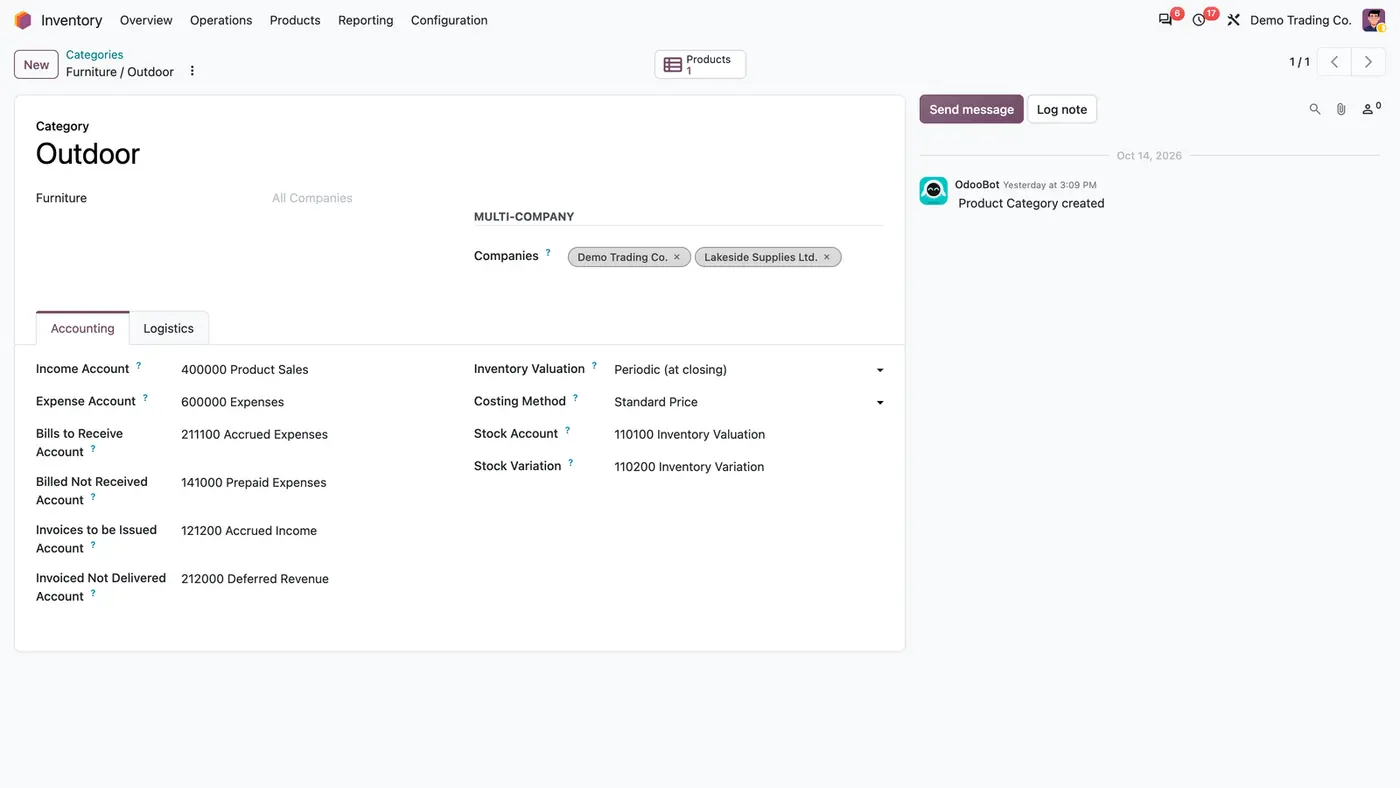
Product category Furniture / Outdoor with the Companies field set to Demo Trading Co. and Lakeside Supplies Ltd.
The Companies field in the Multi-Company section decides which companies are offered a category.
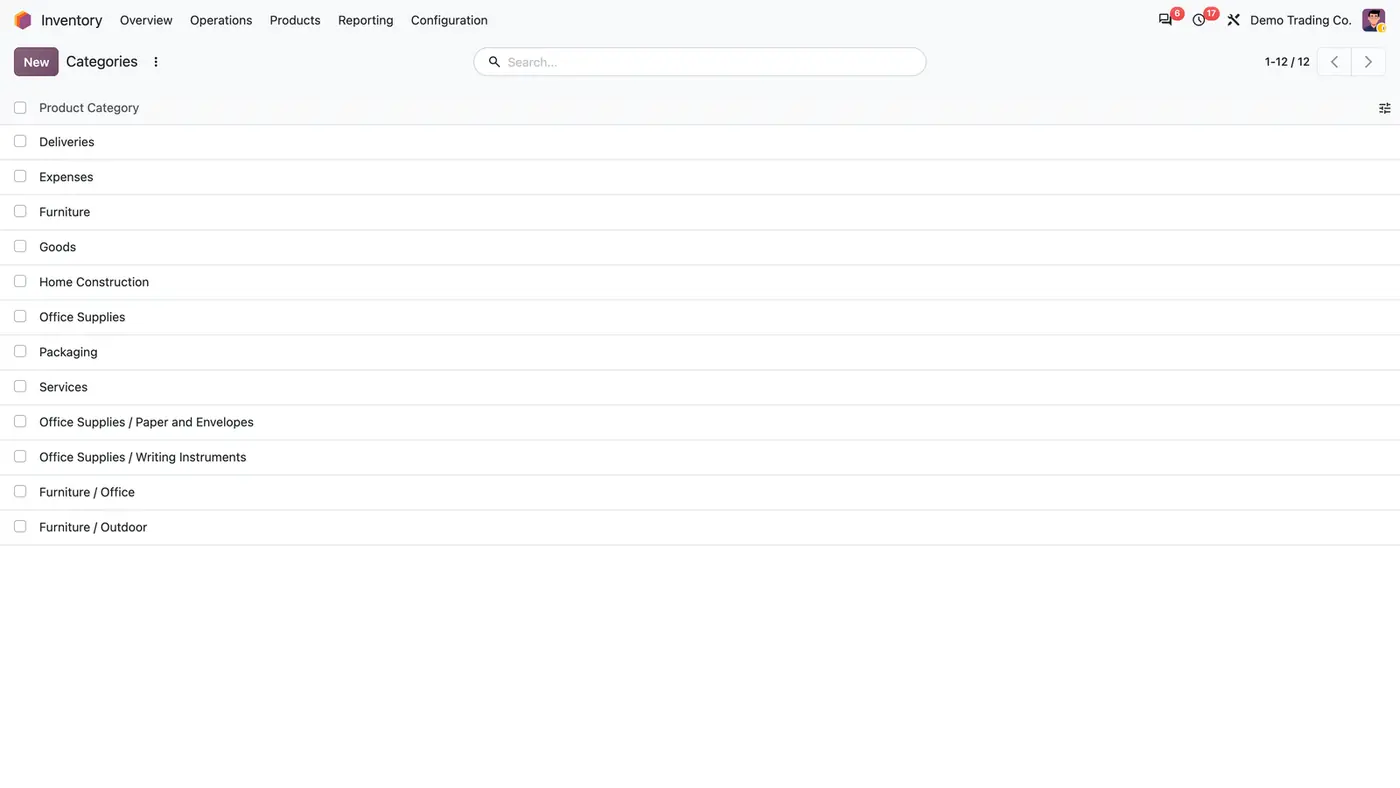
Product category list in Demo Trading Co.: 12 categories, including Office Supplies and Furniture / Outdoor
Working in Demo Trading Co., users see the shared categories plus those given to this company.
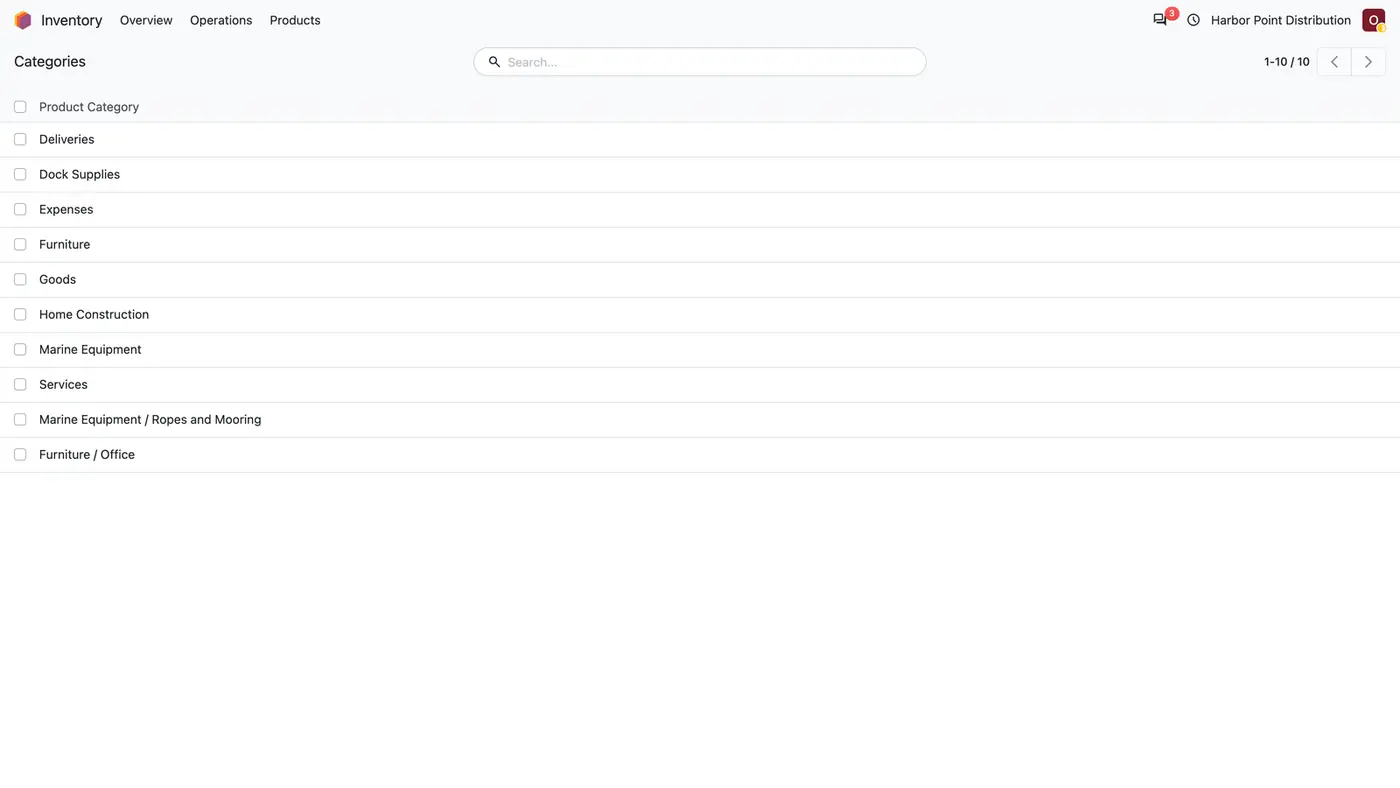
Product category list for Harbor Point Distribution with 10 categories, including Marine Equipment and Dock Supplies
A Harbor Point user gets the shared categories and her own company's, but not those of Demo Trading Co.
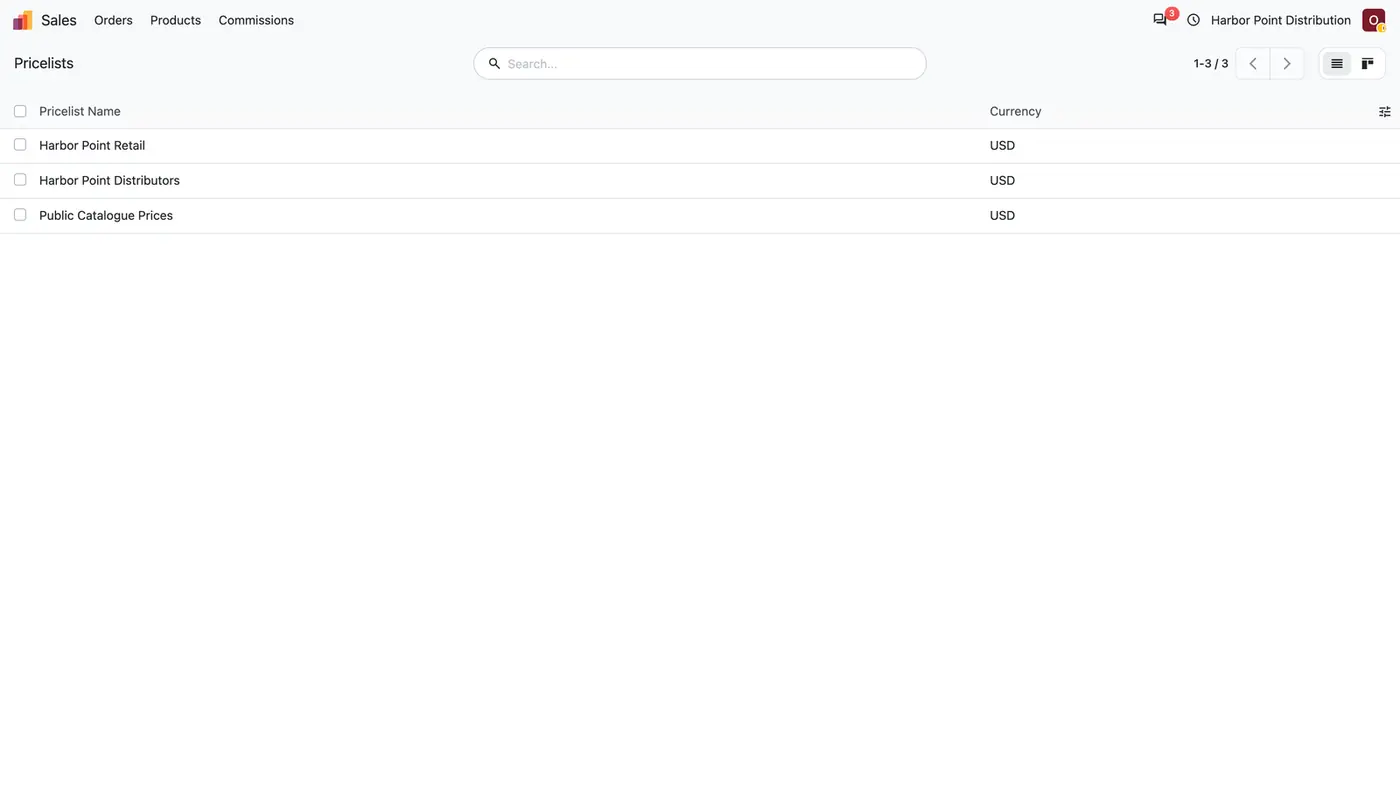
Sales pricelists seen by Harbor Point Distribution: two Harbor Point pricelists and Public Catalogue Prices
Pricelists follow the company: Harbor Point sees its own pricelists and the shared catalogue pricelist.
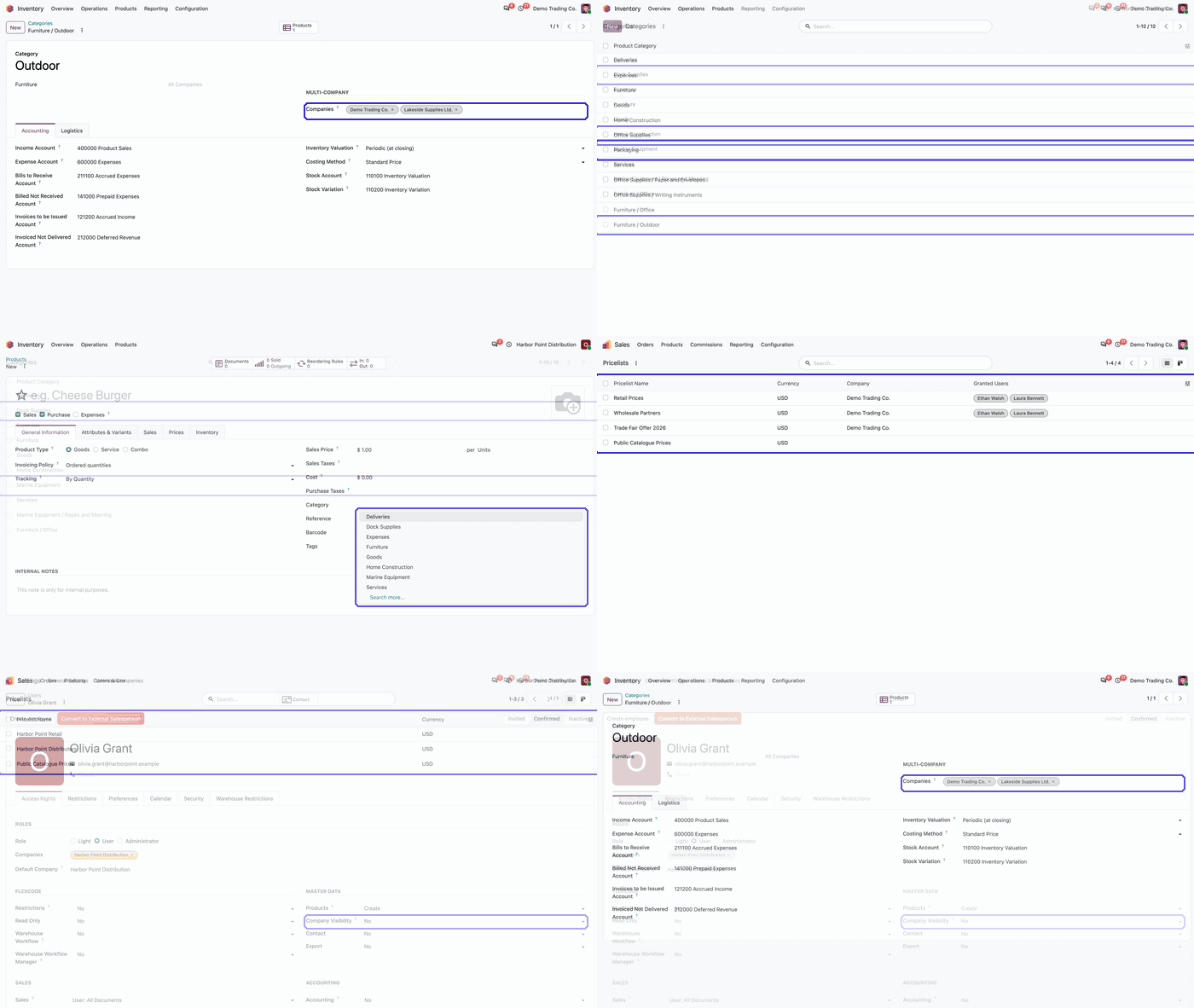
Animated demo: Companies field on the Furniture / Outdoor product category with two companies selected Play demo
Animated demo of scoping a product category to two companies.

What it does

Per-company visibility for shared master data

  • Restrict product categories to selected companies.
  • Restrict units of measure to selected companies.
  • Restrict pricelists to selected companies, so the right prices show for the right company.

Enforced by record rules

  • Enforce visibility at the security layer with record rules, so users only see records assigned to their company.
  • Keep master data unchanged; the app adds company scoping without modifying your records.

Safe to install

  • Keep records with no company visible to every company, so nothing is locked out on install.
  • Get filtered lists and dropdowns as soon as you assign companies.

Who it is for

A good fit for

  • Multi-company groups that share one Odoo database.
  • Administrators tidying category, unit of measure and pricelist lists per company.
  • Businesses that want company-specific pricelists visible only where they apply.
  • Teams that need install-safe scoping with no data migration.

Not a fit for

  • Databases on Odoo Online (SaaS), which cannot install third-party apps.
  • Single-company databases, which have nothing to scope.
  • Master data other than product categories, units of measure, pricelists and sequences.

Install

Requires: Products (product), Units of Measure (uom), Discuss (mail)

  1. Download Company Visibility Controls free from the Odoo Apps Store for Odoo 18.0, 19.0 or 20.0.
  2. Add the module to your Odoo.sh project or to the addons path of your on-premise server.
  3. Update the apps list in Odoo and install Company Visibility Controls. Existing records keep no company, so they stay visible to everyone.

Odoo Online (SaaS) does not allow third-party apps, so Company Visibility Controls cannot be installed there. Use Odoo.sh or an on-premise Odoo 18, 19 or 20 database.

Questions: info@flexcodesys.com.

Configure

  1. Open a product category, unit of measure or pricelist that should belong to certain companies only.
  2. Set the allowed companies on it and save.
  3. Leave the company empty on records that every company should keep seeing.
SettingWhat it does
Company on product categoryLimits the category to the selected companies.
Company on unit of measureLimits the unit of measure to the selected companies.
Company on pricelistLimits the pricelist to the selected companies.

How to use it

Scope master data to a company

  1. Assign the allowed companies to a category, unit of measure or pricelist.
  2. Users then see only the records assigned to their company, in lists and dropdowns.
  3. Leave the company empty to keep a record shared across all companies.

Limits

  • It scopes product categories, units of measure, pricelists and sequences only. A category or unit already used by a product or document still opens; only the choices offered are filtered.
  • It runs on Odoo 18, 19 and 20, Community and Enterprise.
  • It cannot be installed on Odoo Online (SaaS).

FAQ

How do I hide a pricelist from other companies in Odoo?

With Company Visibility Controls, set the allowed companies on the pricelist. Record rules then show it only to users of those companies, in lists and in dropdowns.

Can product categories be company-specific in Odoo?

Yes. Company Visibility Controls adds a company field to product categories, and users only see the categories assigned to their company. Categories with no company stay visible to all.

Will Company Visibility Controls hide existing shared data after install?

No. Records with no company stay visible to everyone, so nothing is locked out on install. Visibility changes only when you assign companies.

How is visibility enforced?

Through Odoo record rules at the security layer, not just in the interface, so restricted users cannot select hidden records.

Which master data can I scope by company?

Product categories and units of measure, through a Companies field. Pricelists use Odoo's own Company field, and sequences are isolated by company as well.

Which Odoo versions and editions are supported?

Company Visibility Controls is a free app for Odoo 18, 19 and 20, Community and Enterprise, on-premise and on Odoo.sh. Odoo Online cannot install third-party apps.

Need it set up or adapted?

We configure our apps for your process, train your team and build the extra pieces you need.