Inventory & Purchase
MTO Cheapest Vendor
Make-to-order RFQs automatically go to the vendor with the lowest valid price.
Odoo 20 Odoo 19 Odoo 18Free
Inventory & Purchase · Odoo 20, Odoo 19, Odoo 18
Reorder without a fixed vendor, and buy in your own lots
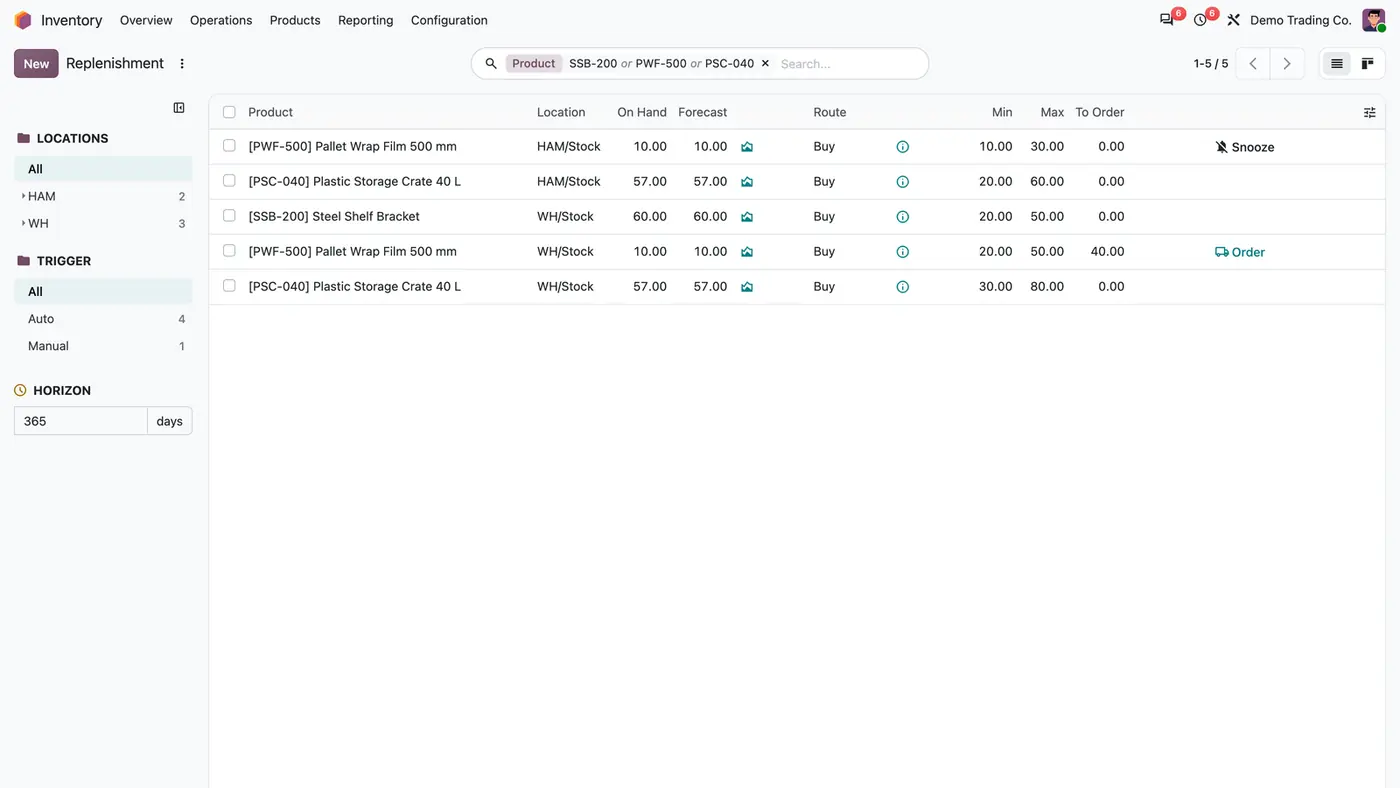
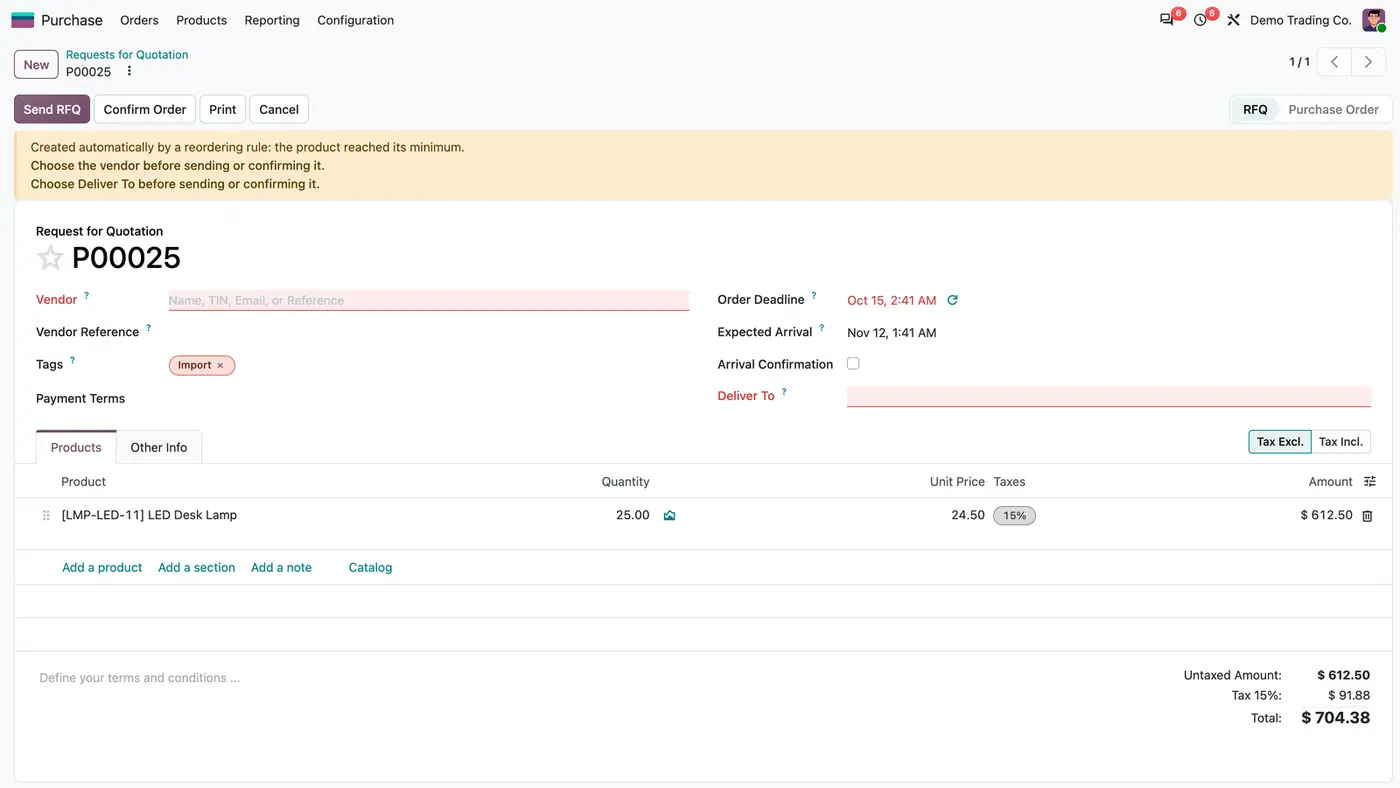
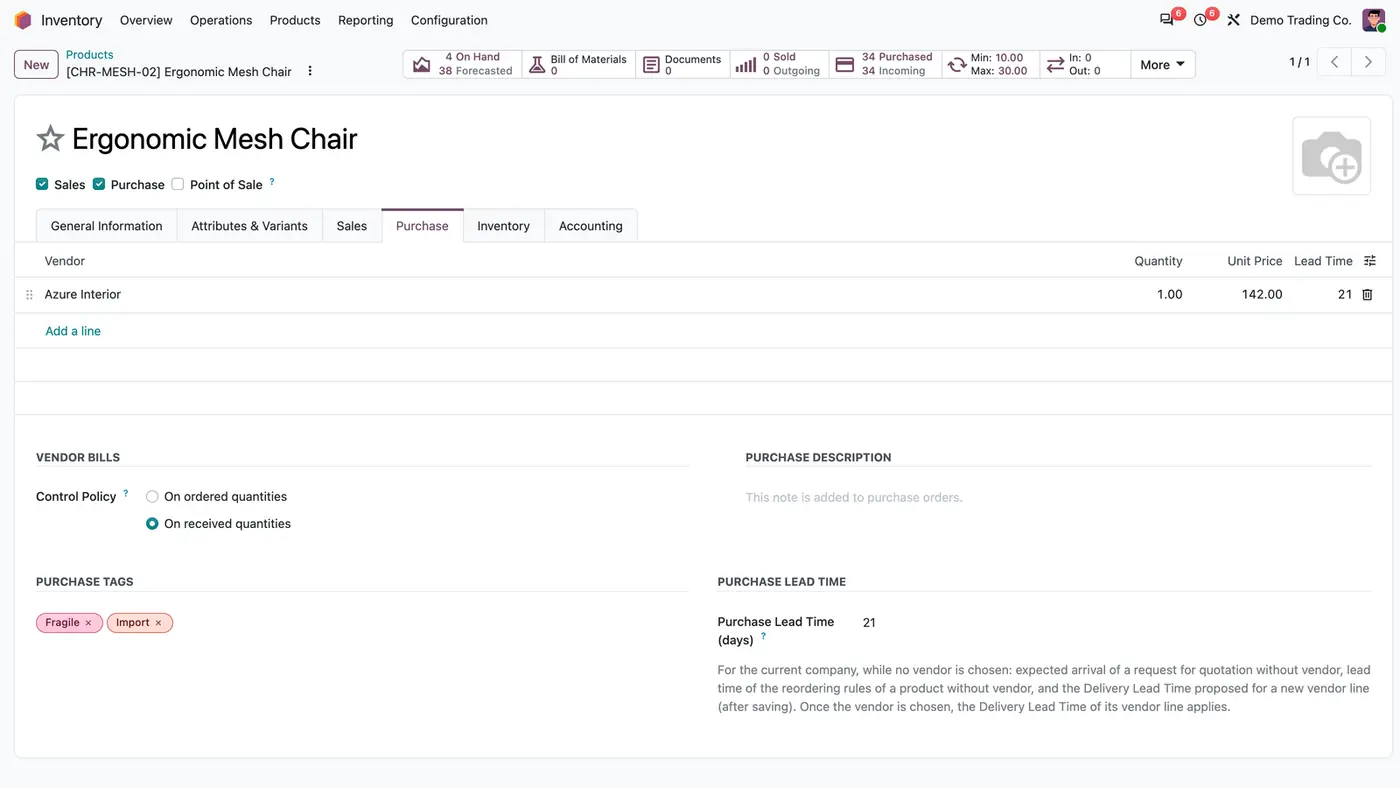
Purchase Tags & Vendorless Reordering RFQs lets reordering rules create requests for quotation without a vendor and Deliver To, which cannot be sent or confirmed until purchasing chooses both. A rule can also order fixed lots of Max minus Min instead of filling up to the Max. Purchase tags and a purchase lead time per product follow the product into purchasing.
Key features
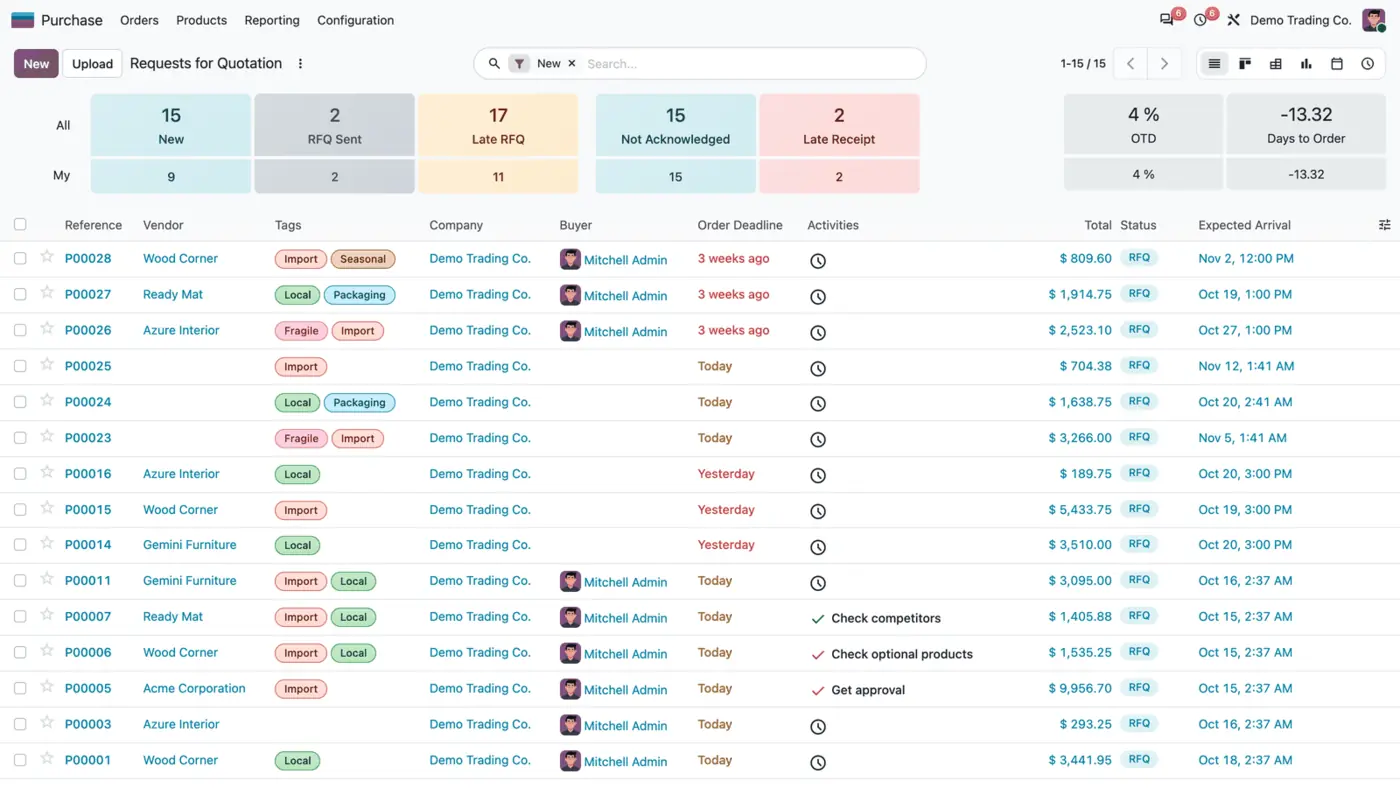
Odoo's reordering rules always order from the product's vendor and fill up to the Max. When purchasing wants to choose the vendor each time, or buys in fixed lots, the automatic requests go to the wrong supplier or with the wrong quantity and have to be corrected by hand. There is also no simple way to tag products, such as Import or Local, and see those tags on the requests for quotation.
 Play demo
Requires: Purchase (purchase), Inventory (stock), Invoicing (account), Discuss (mail)
Odoo Online (SaaS) does not allow third-party apps, so the app cannot be installed there. Use Odoo.sh or an on-premise Odoo database, Community or Enterprise.
Every purchase includes 90 days of free support from FlexCode Systems.
| Setting | What it does |
|---|---|
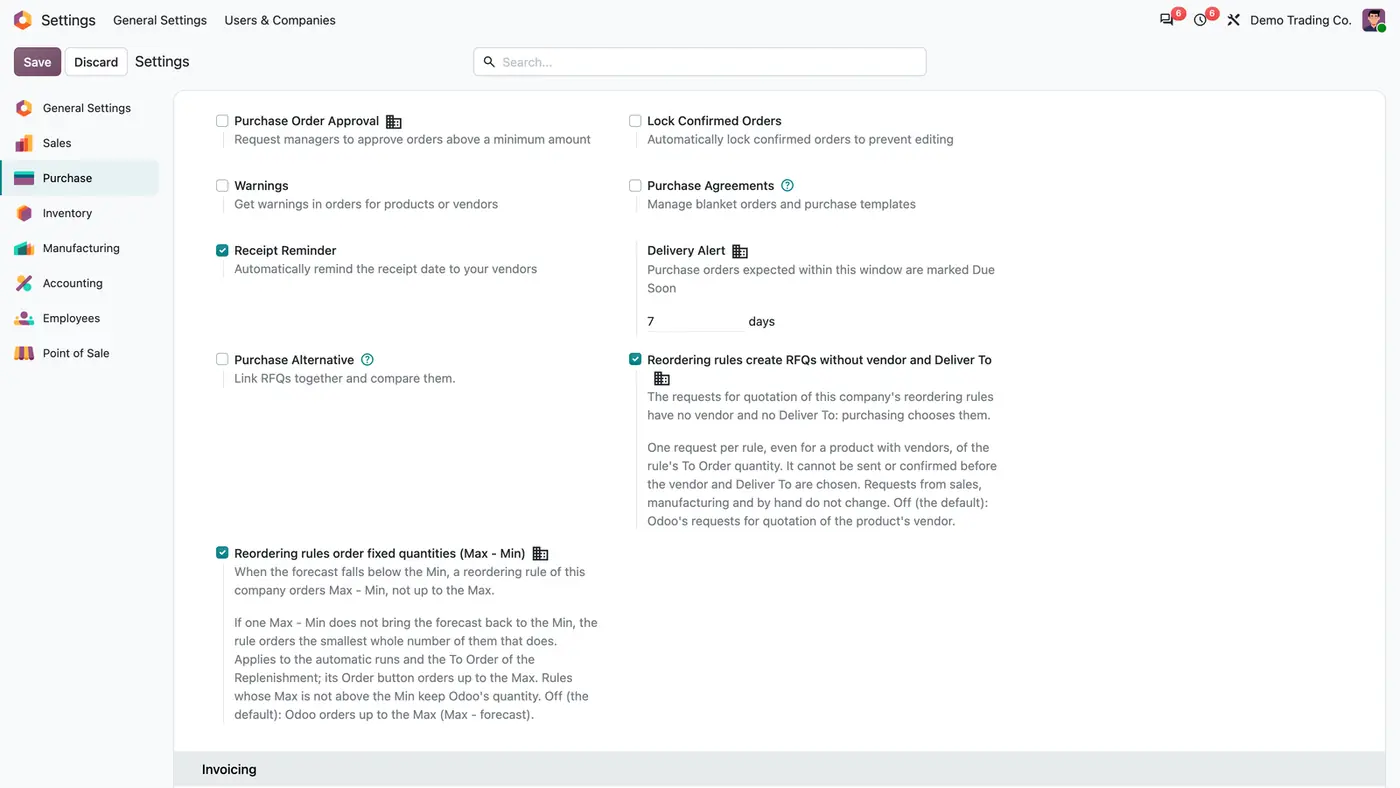
| Reordering rules create RFQs without vendor and Deliver To | Per company, off by default. Each rule then creates one draft request that purchasing completes. |
| Reordering rules order fixed quantities (Max - Min) | Per company, off by default. A rule then orders Max minus Min, or the fewest whole lots needed. |
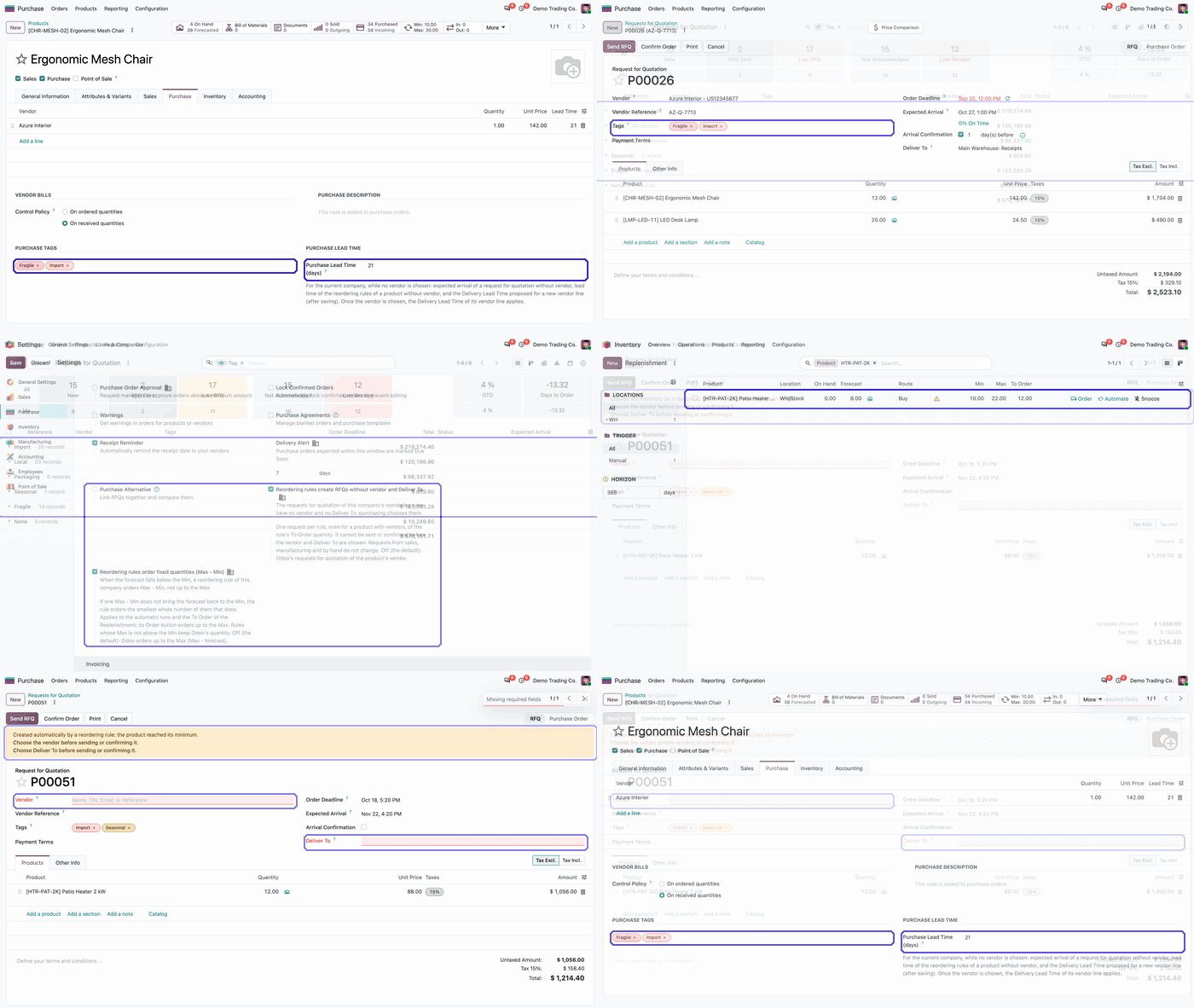
| Purchase Tags | Coloured tags on products, copied to requests for quotation. |
| Purchase Lead Time (days) | Per product and company; used while no vendor is chosen. |
| Route Buy | Needed on the reordering rule of a product without a vendor. |
No. Sending, printing as sent, confirming and approving are refused until both the vendor and Deliver To are set, and a constraint on the server enforces it for every path.
When the forecast falls below the Min, the rule orders Max - Min, or the smallest whole number of Max - Min that brings the forecast back to the Min. The rule's Multiple still rounds it up.
Yes: set the Route of its reordering rule to Buy, in the Route column of Inventory > Operations > Replenishment or on the rule itself. Without it, ordering fails with "No rule has been found to replenish".
No. Only procurements of reordering rules in a company with the option on are changed.
While no vendor is chosen, it sets the expected arrival of the request and the lead time of the product's reordering rules. Once a vendor is chosen, the lead time of that vendor line applies.
Make-to-order RFQs automatically go to the vendor with the lowest valid price.
Reordering rules count stock over all warehouses of the company, and only one rule per product orders.
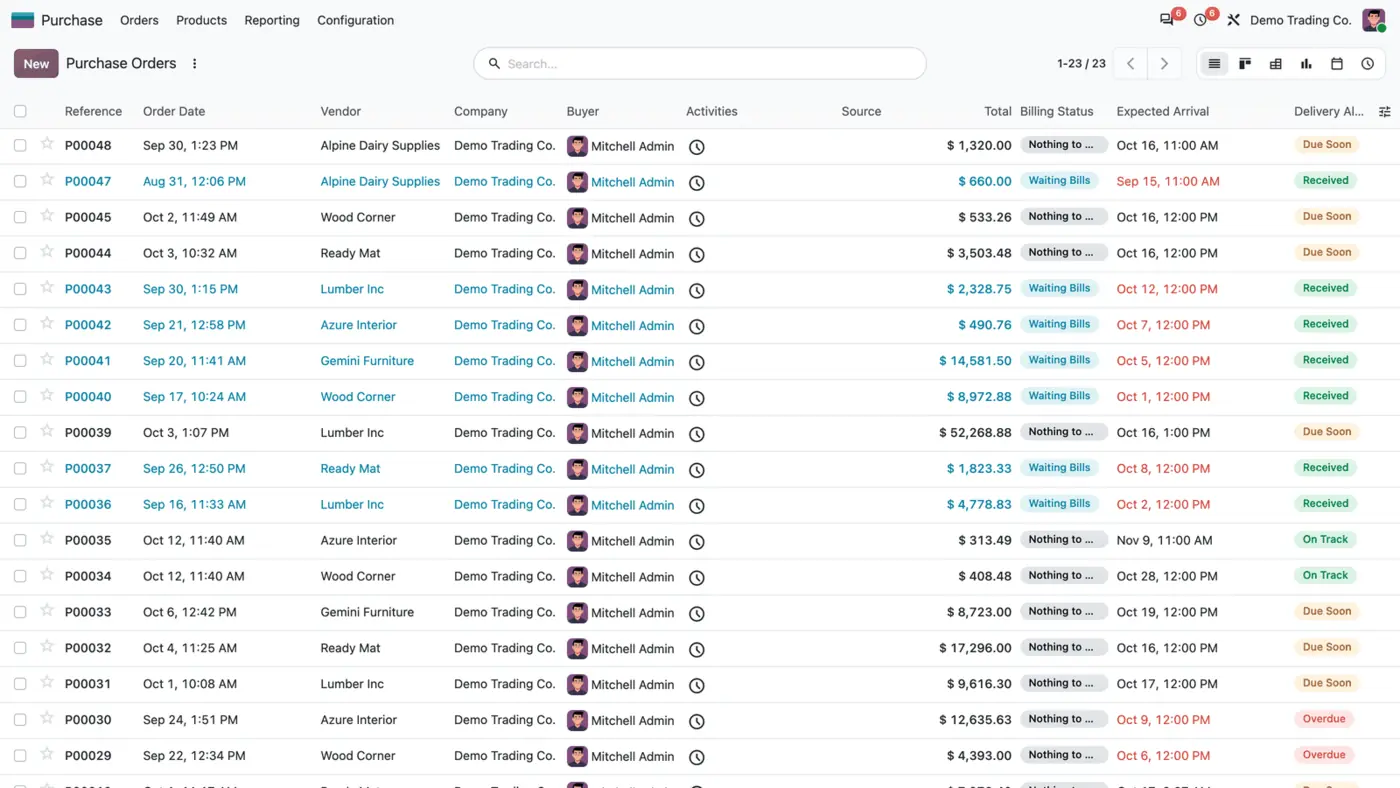
Overdue, Due Soon, On Track or Received on every confirmed purchase order, with filters. Free.
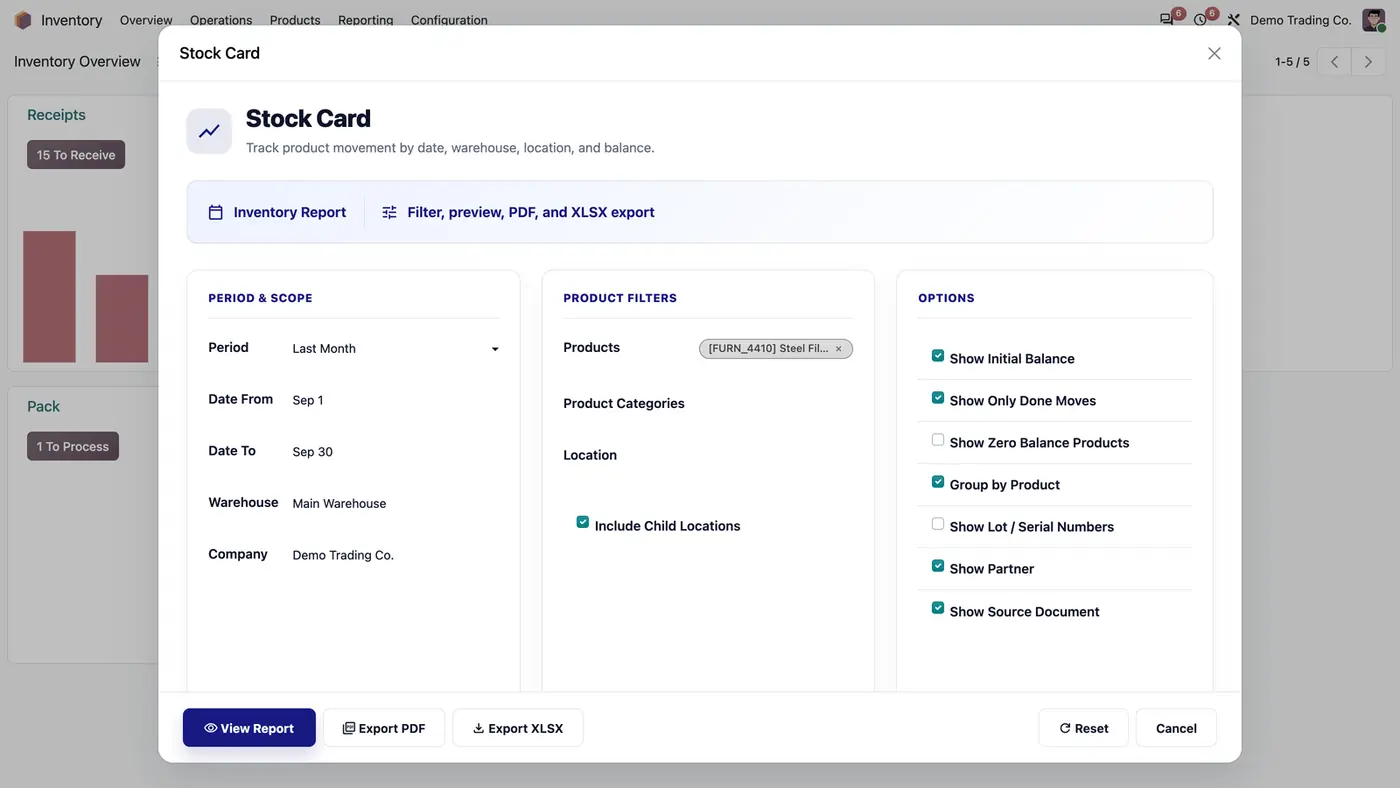
Stock card report with HTML preview, PDF and XLSX exports.
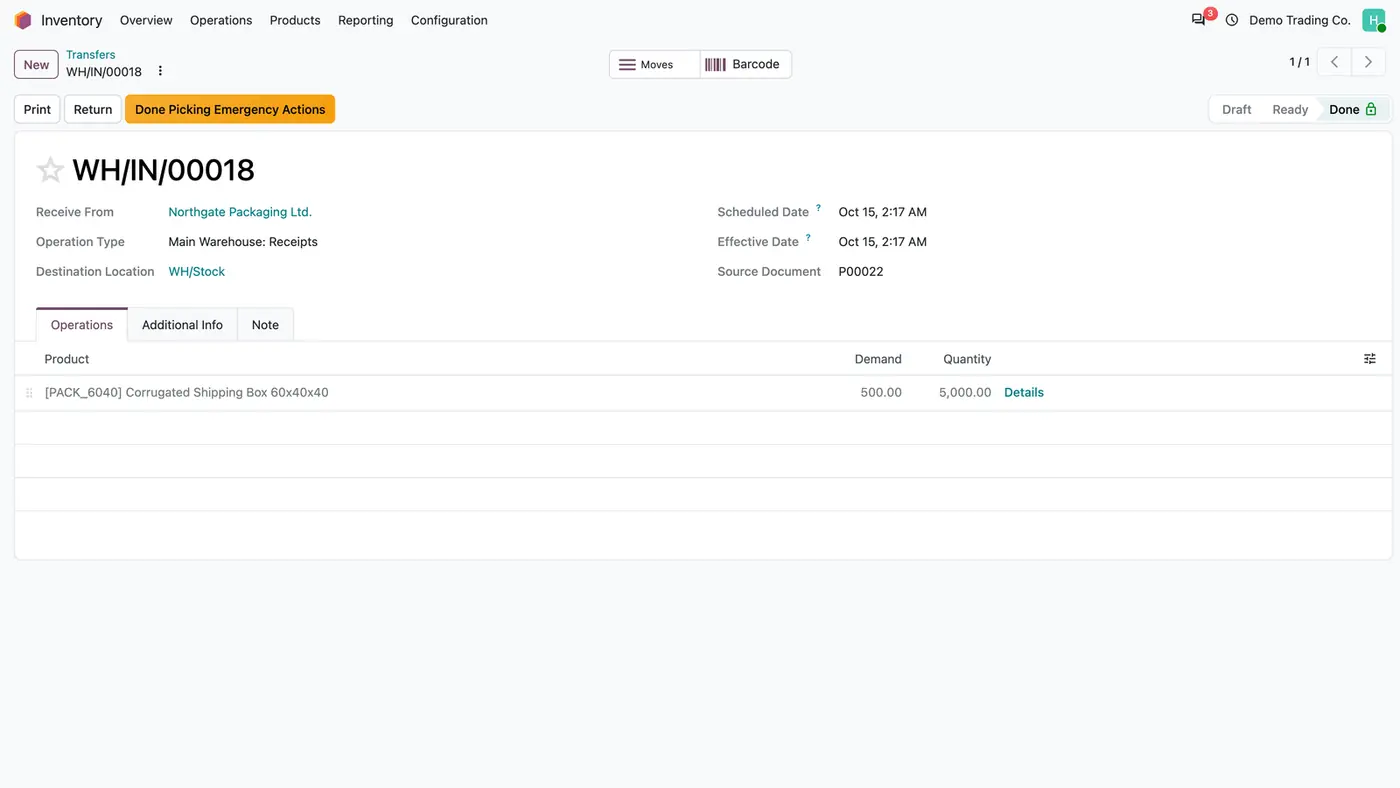
Restore, reopen or delete a done transfer under control, with a preview of the stock impact.
Structured product and variant barcodes built from category, attributes and a sequence.
We configure our apps for your process, train your team and build the extra pieces you need.