Inventory & Purchase
Supplier Delivery Note on Receipts
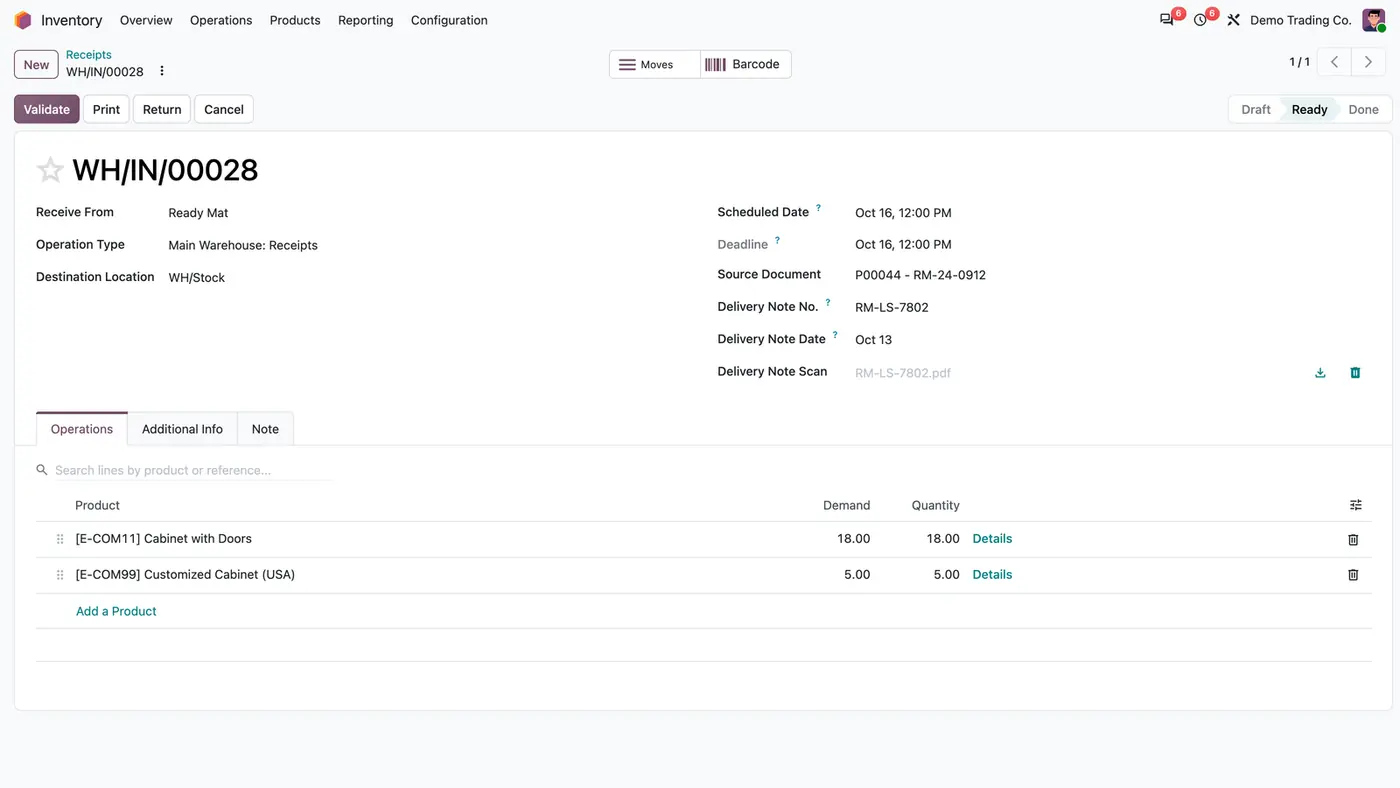
Supplier delivery note number, date and scan on every vendor receipt, optional or required.
Odoo 20 Odoo 19 Odoo 18€34.30
Inventory & Purchase · Odoo 20, Odoo 19, Odoo 18
Know which vendor deliveries are late or due soon
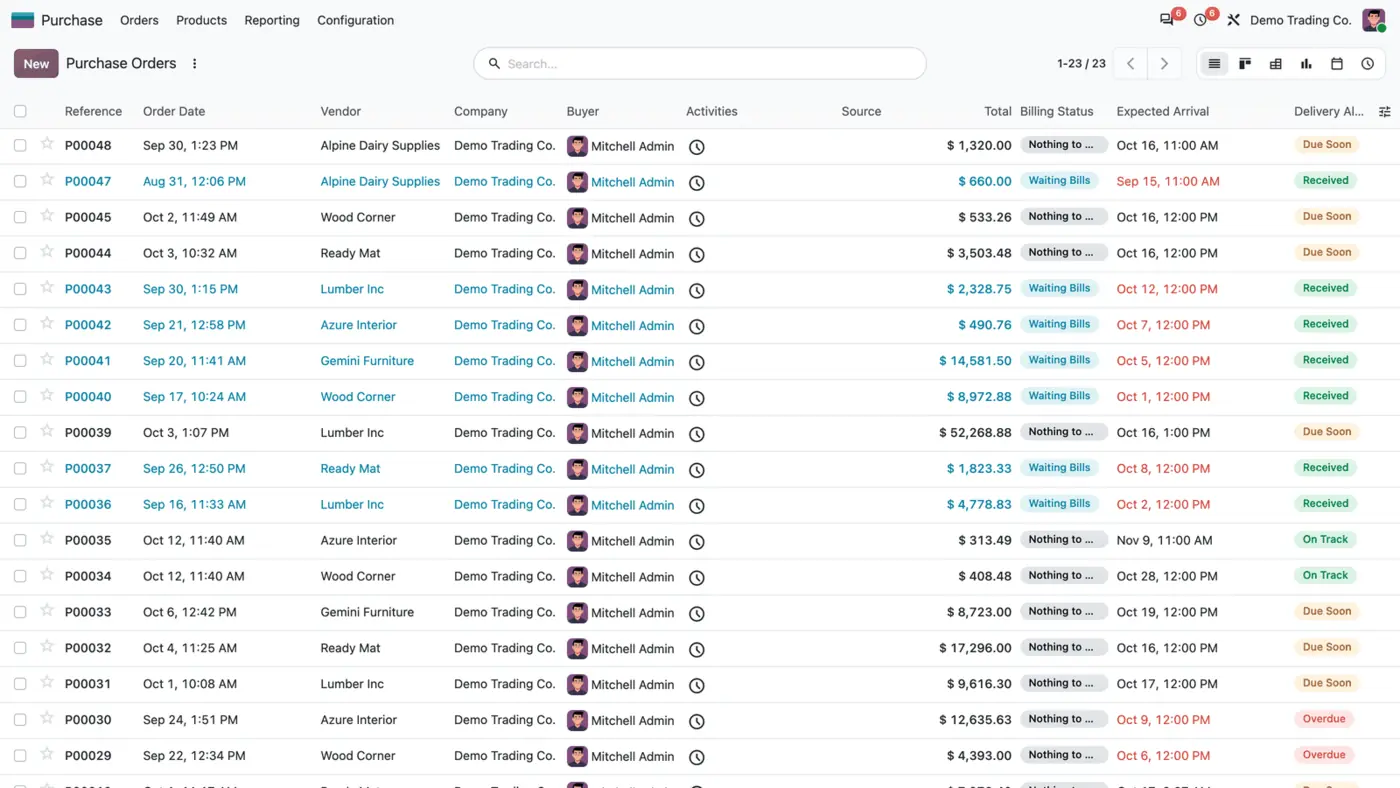
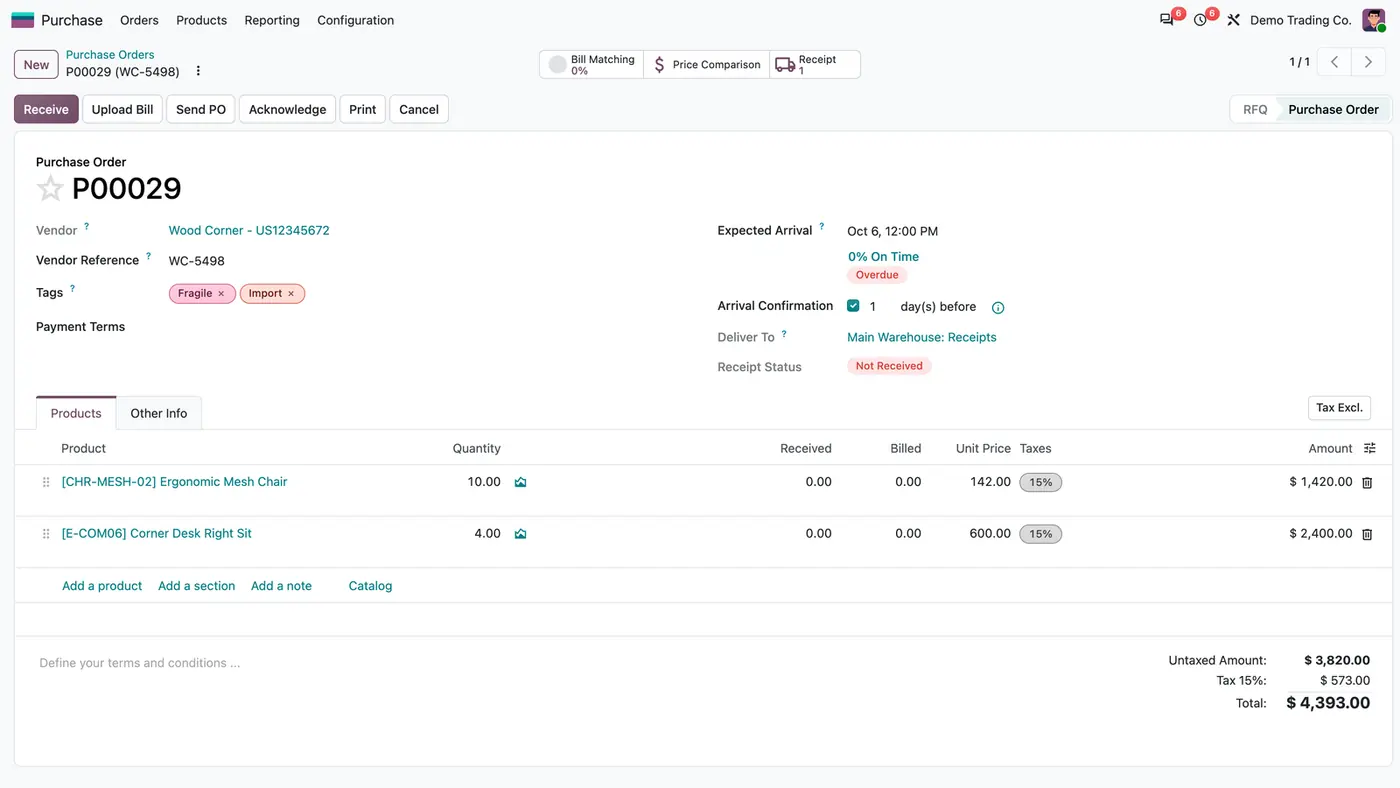
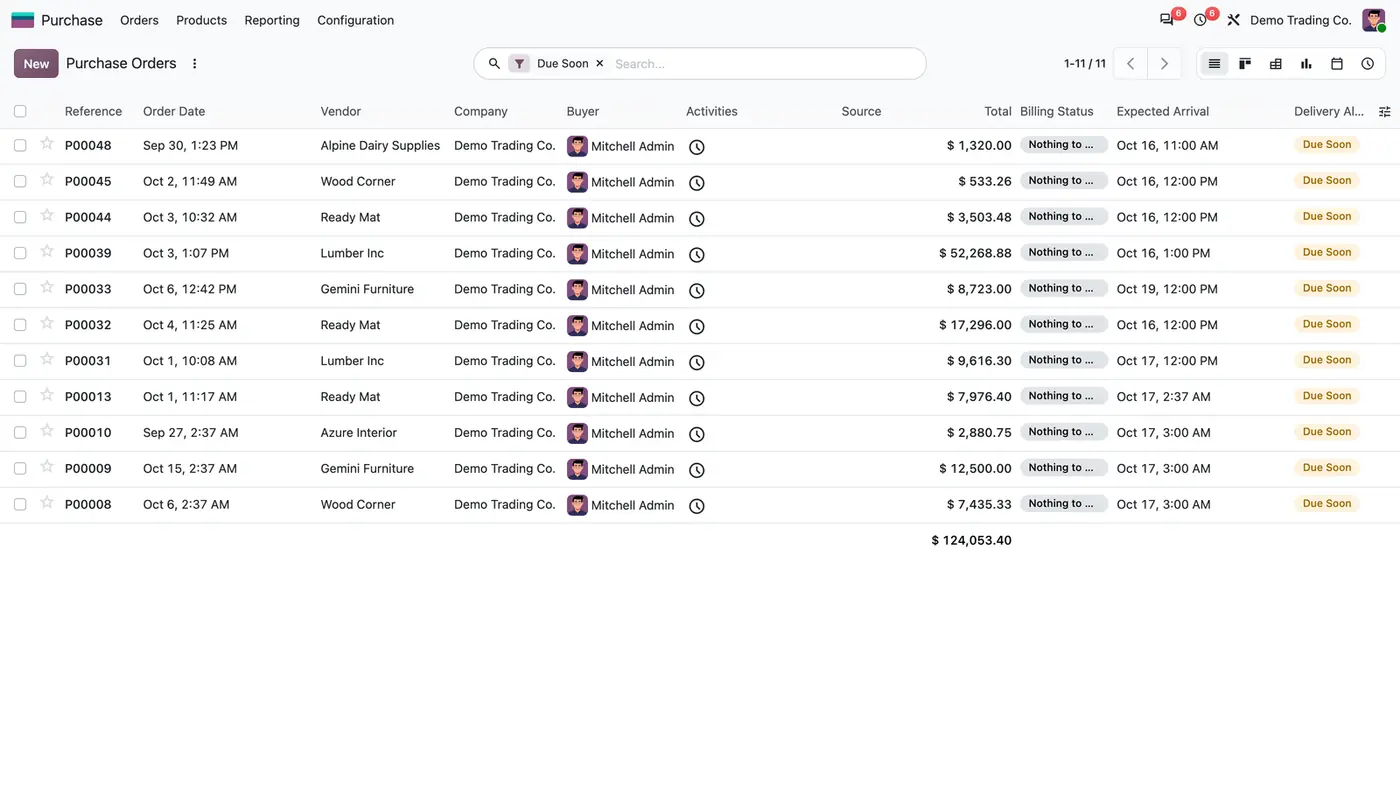
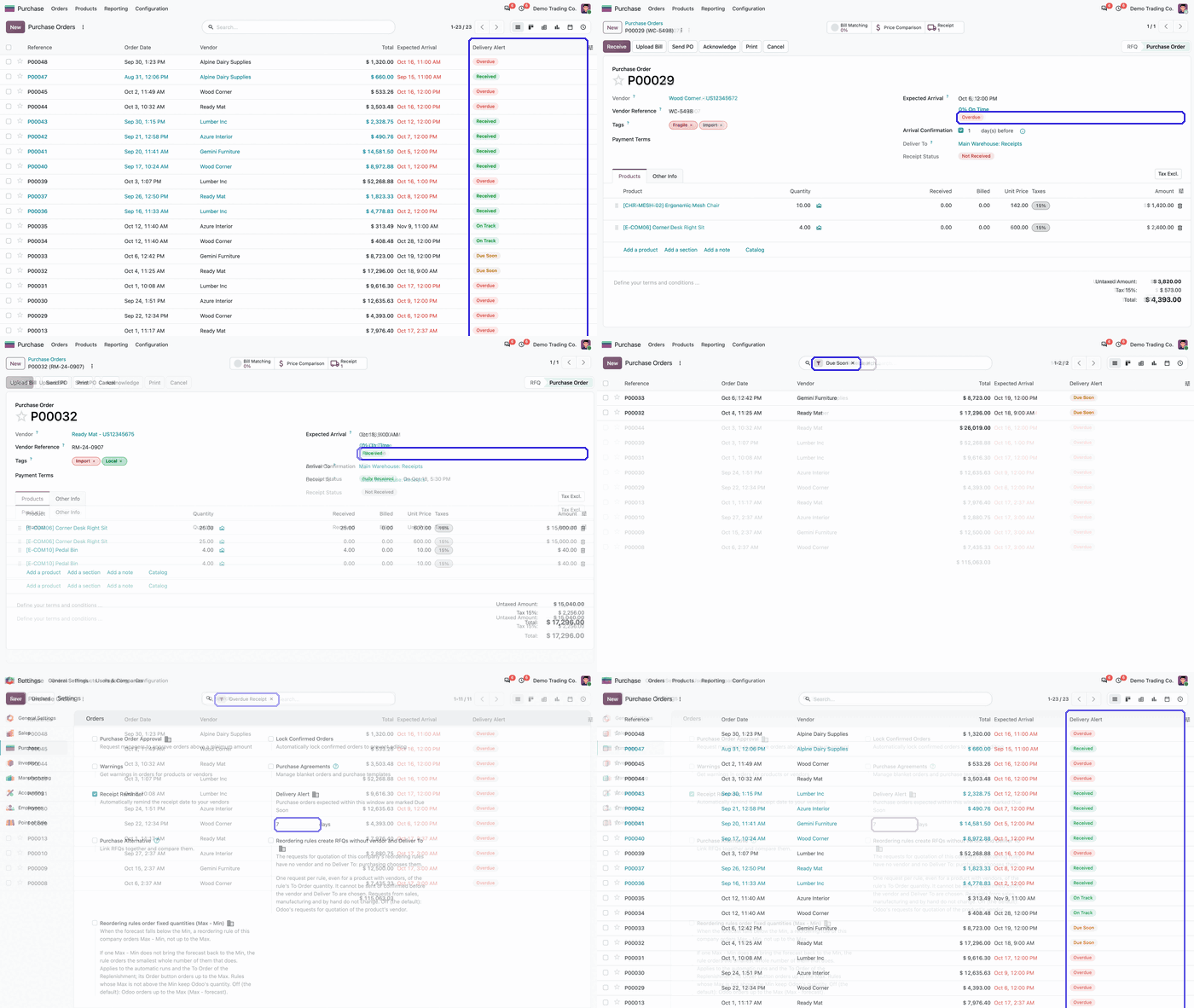
Purchase Delivery Alert gives every confirmed purchase order a Delivery Alert: Overdue, Due Soon, On Track or Received. The status is worked out from the Expected Arrival and Receipt Status each time the order is read and shows as a coloured badge in the purchase lists and on the order, with a search filter for each value. The Due Soon window is set per company.
Key features
Odoo shows an Expected Arrival on every purchase order, but not whether that date has already passed. To find late deliveries, a buyer has to compare dates with today and check the receipt status order by order. Vendors get chased too late, and goods that are due this week go unnoticed until they are missing.
 Play demo
Requires: Purchase (purchase), Inventory (stock), Invoicing (account), Discuss (mail)
Odoo Online (SaaS) does not allow third-party apps, so the app cannot be installed there. Use Odoo.sh or an on-premise Odoo 18, 19 or 20 database, Community or Enterprise.
Questions: info@flexcodesys.com.
| Setting | What it does |
|---|---|
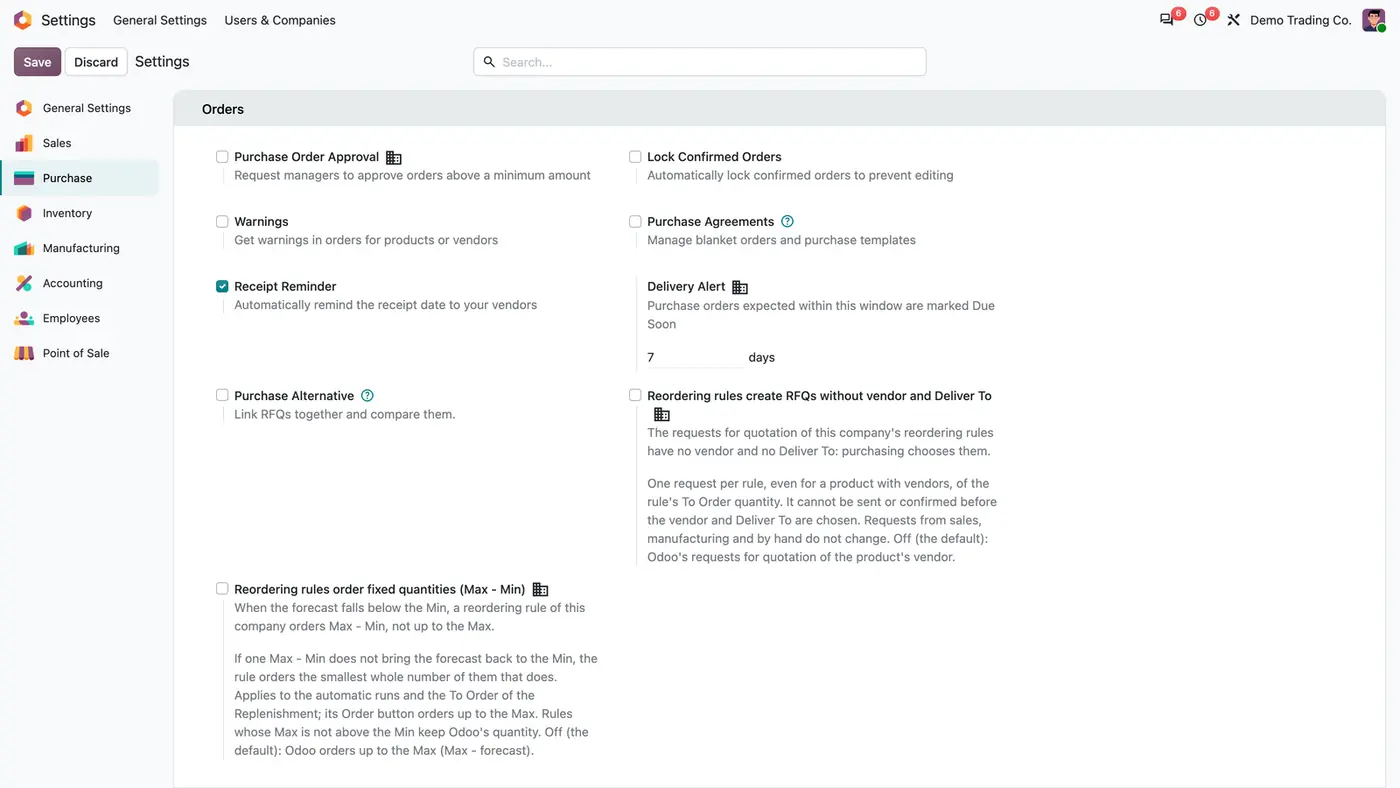
| Delivery Alert | Days ahead that count as Due Soon, per company; 7 by default. |
Confirmed purchase orders with an Expected Arrival. Requests for quotation and cancelled orders have none.
When its Expected Arrival is before today in your time zone and it is not fully received. An order expected today is Due Soon.
No. It only calculates and displays the status. Receipts, bills, reports and vendor reminders are unchanged.
Yes, per company in the Purchase settings, under Delivery Alert. An order expected from today up to that many days ahead is Due Soon.
No. Only a fully received order is Received. A partly received one stays Overdue, Due Soon or On Track by its date.
Supplier delivery note number, date and scan on every vendor receipt, optional or required.
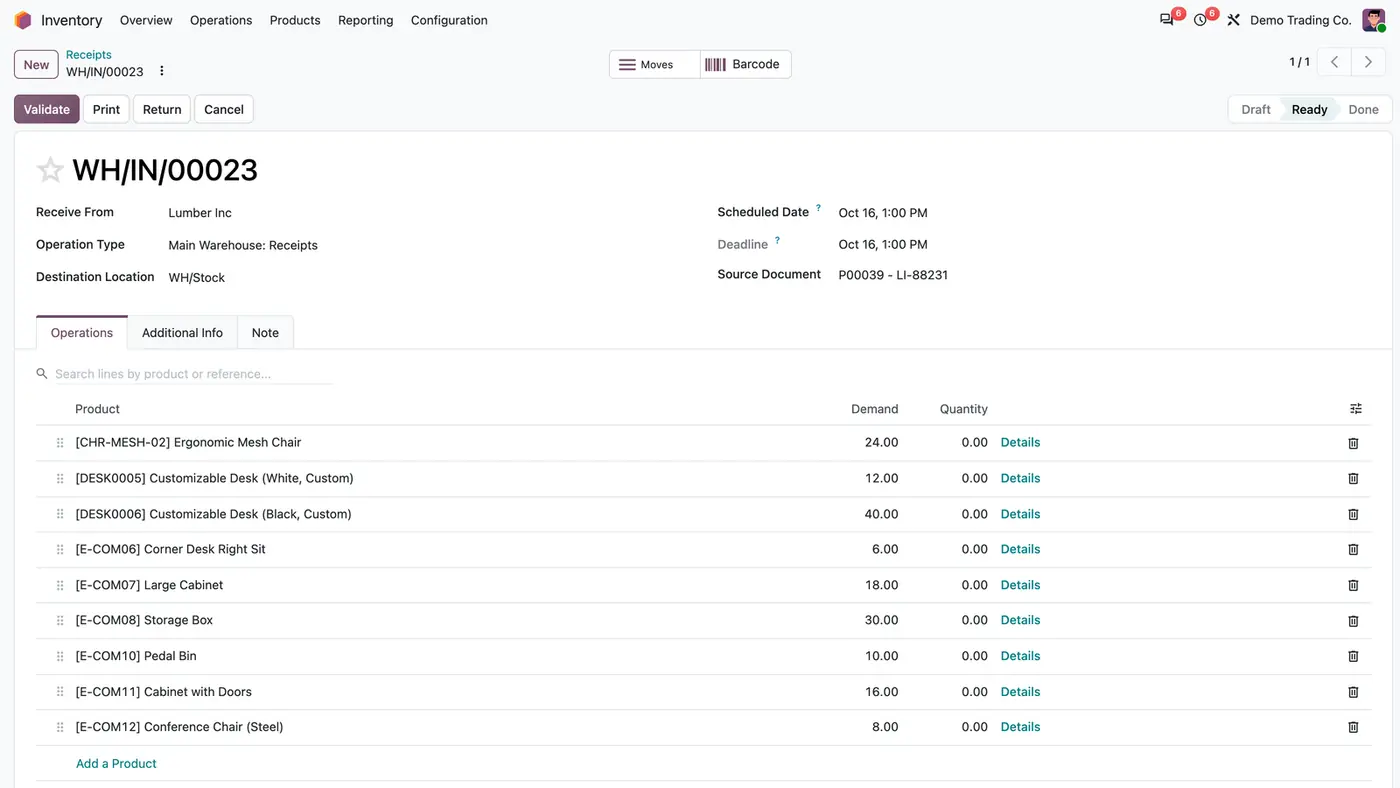
Vendor receipts start at quantity 0 so the clerk enters what was counted, plus a search over operation lines.
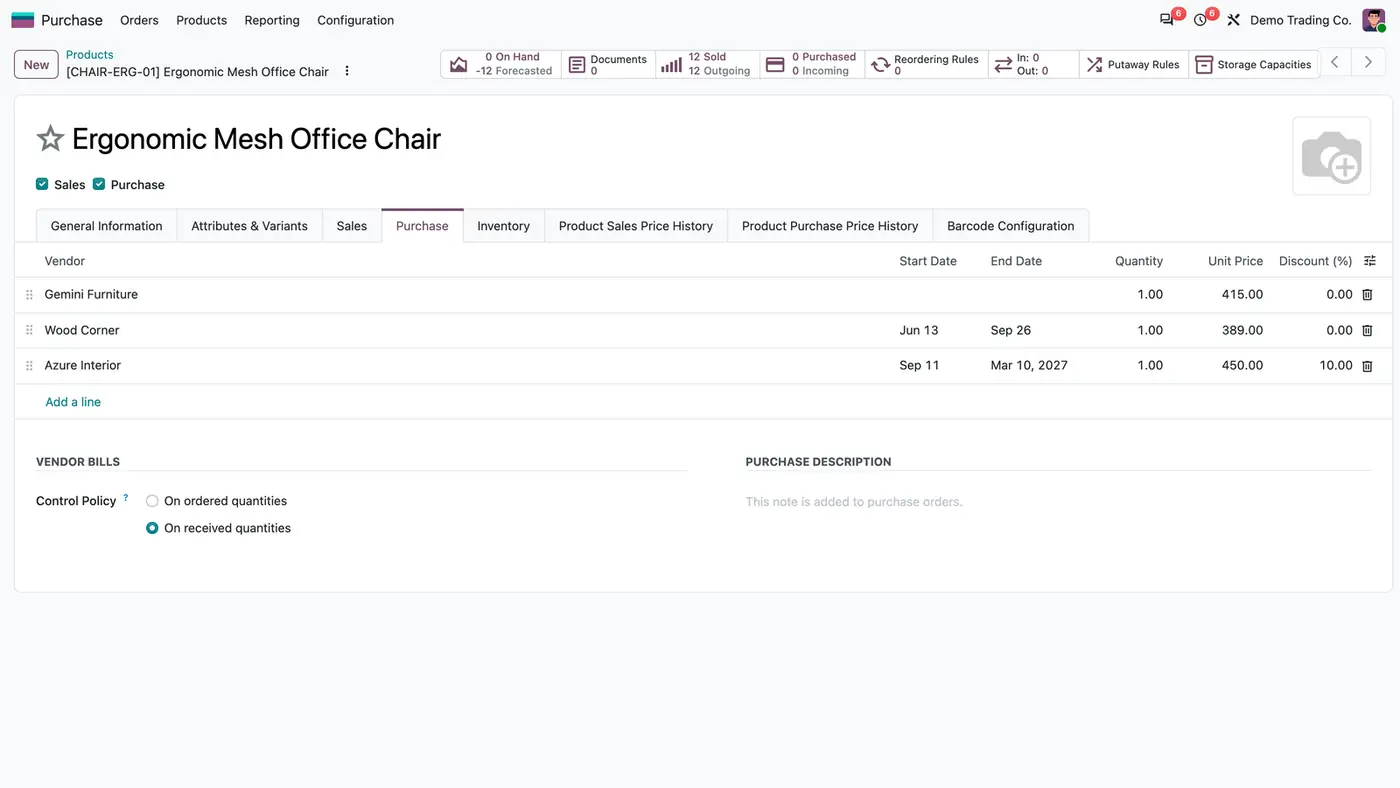
Make-to-order RFQs automatically go to the vendor with the lowest valid price.
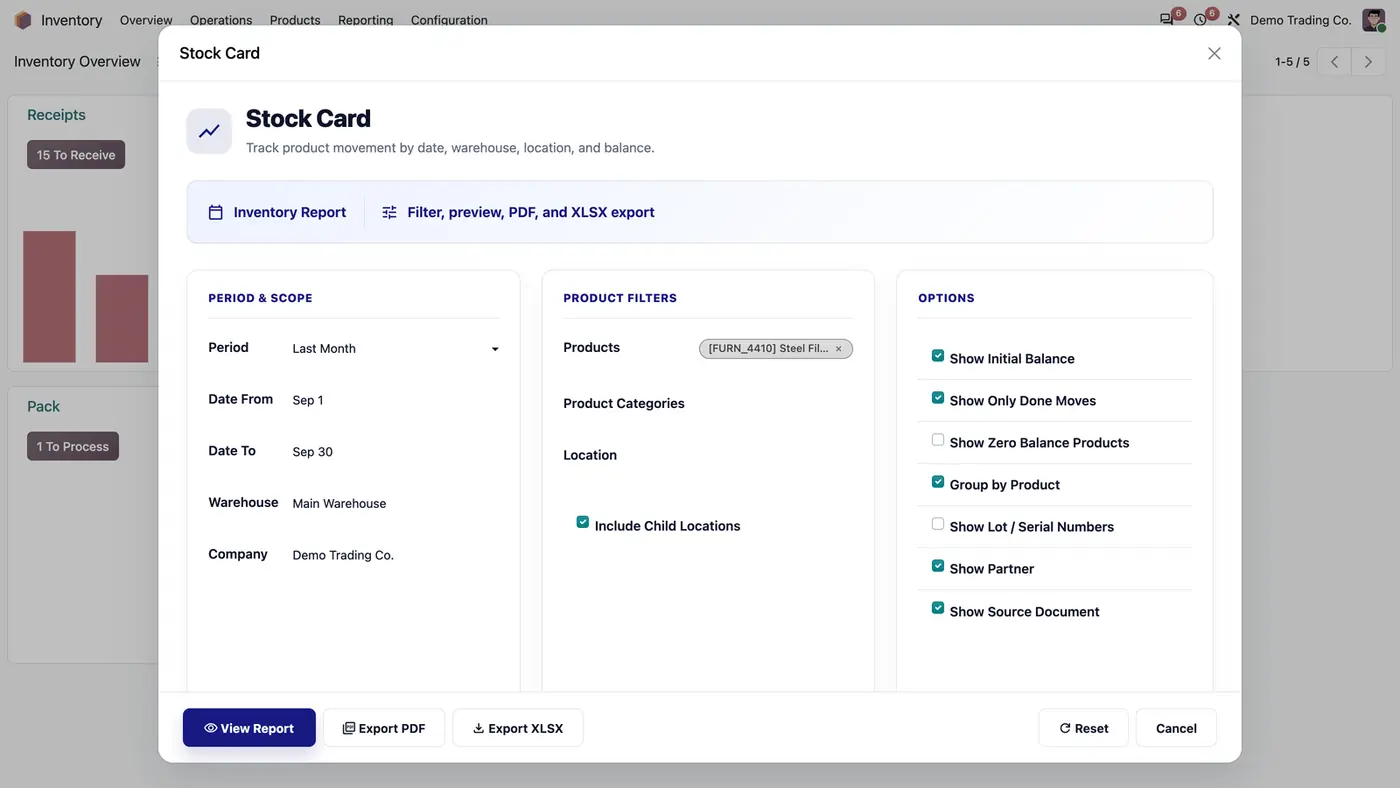
Stock card report with HTML preview, PDF and XLSX exports.
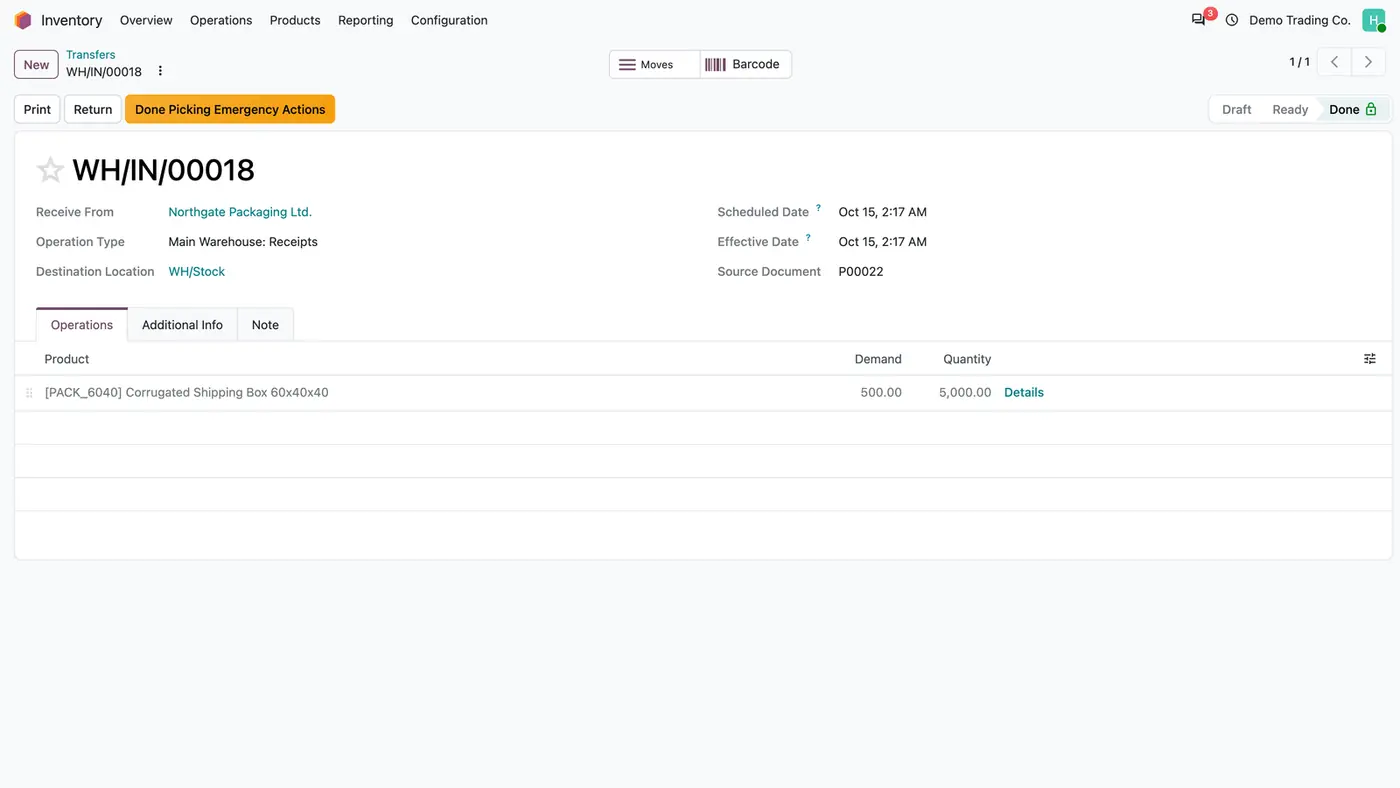
Restore, reopen or delete a done transfer under control, with a preview of the stock impact.
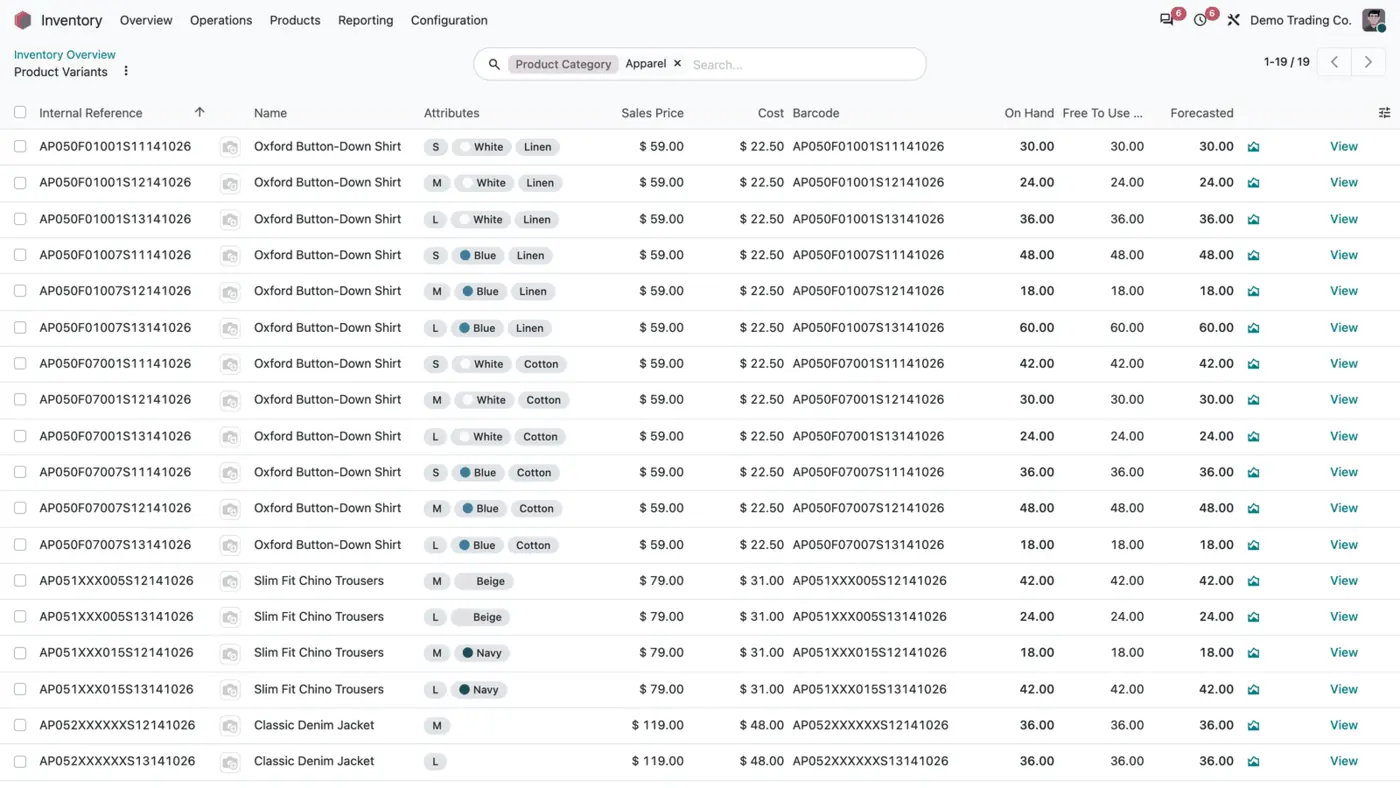
Structured product and variant barcodes built from category, attributes and a sequence.
We configure our apps for your process, train your team and build the extra pieces you need.