Sales & Customers
Cross-Company Contact Merge
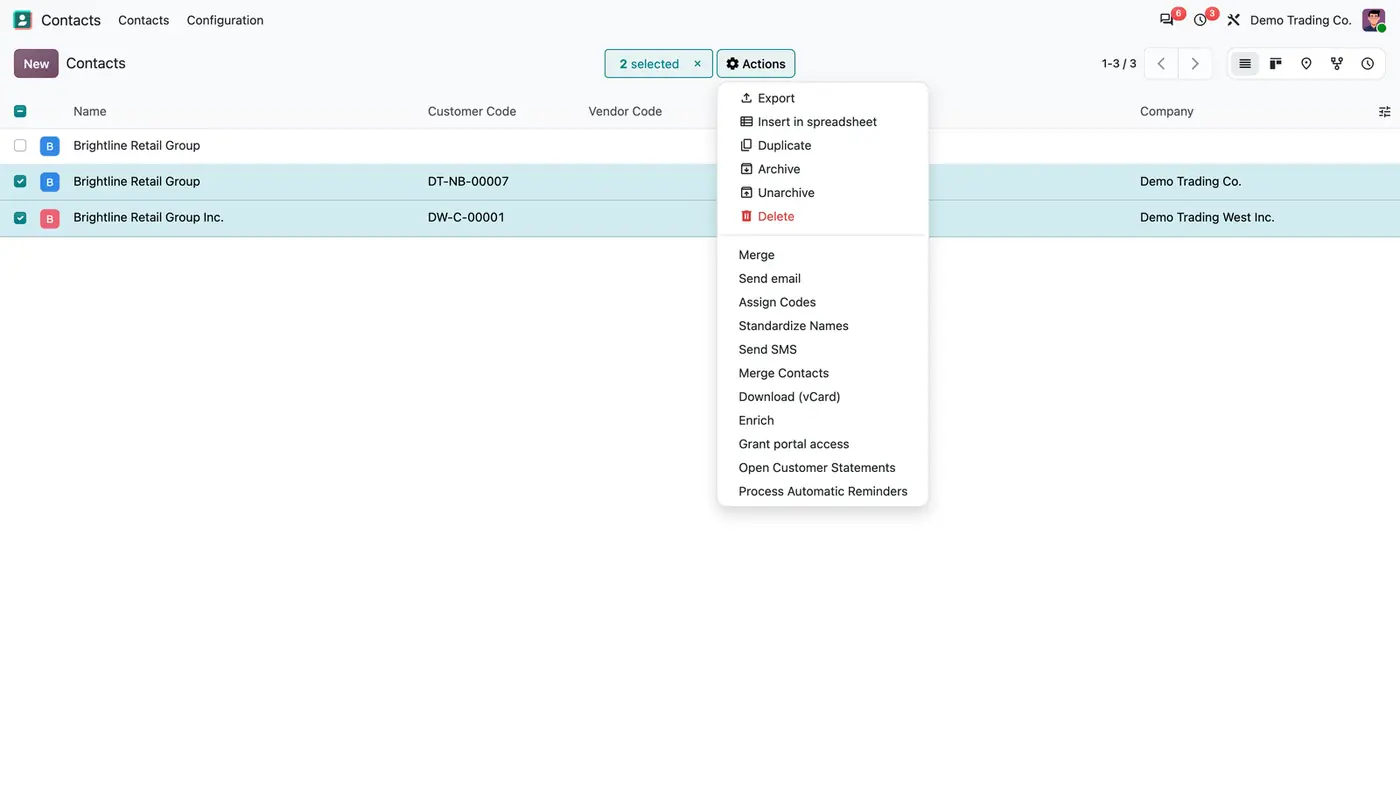
Merge duplicate customers and vendors from several companies into one shared contact with one history.
Odoo 20 Odoo 19 Odoo 18€69.30
Sales & Customers · Odoo 20, Odoo 19, Odoo 18
Customer and vendor codes that never repeat, and one spelling for every name
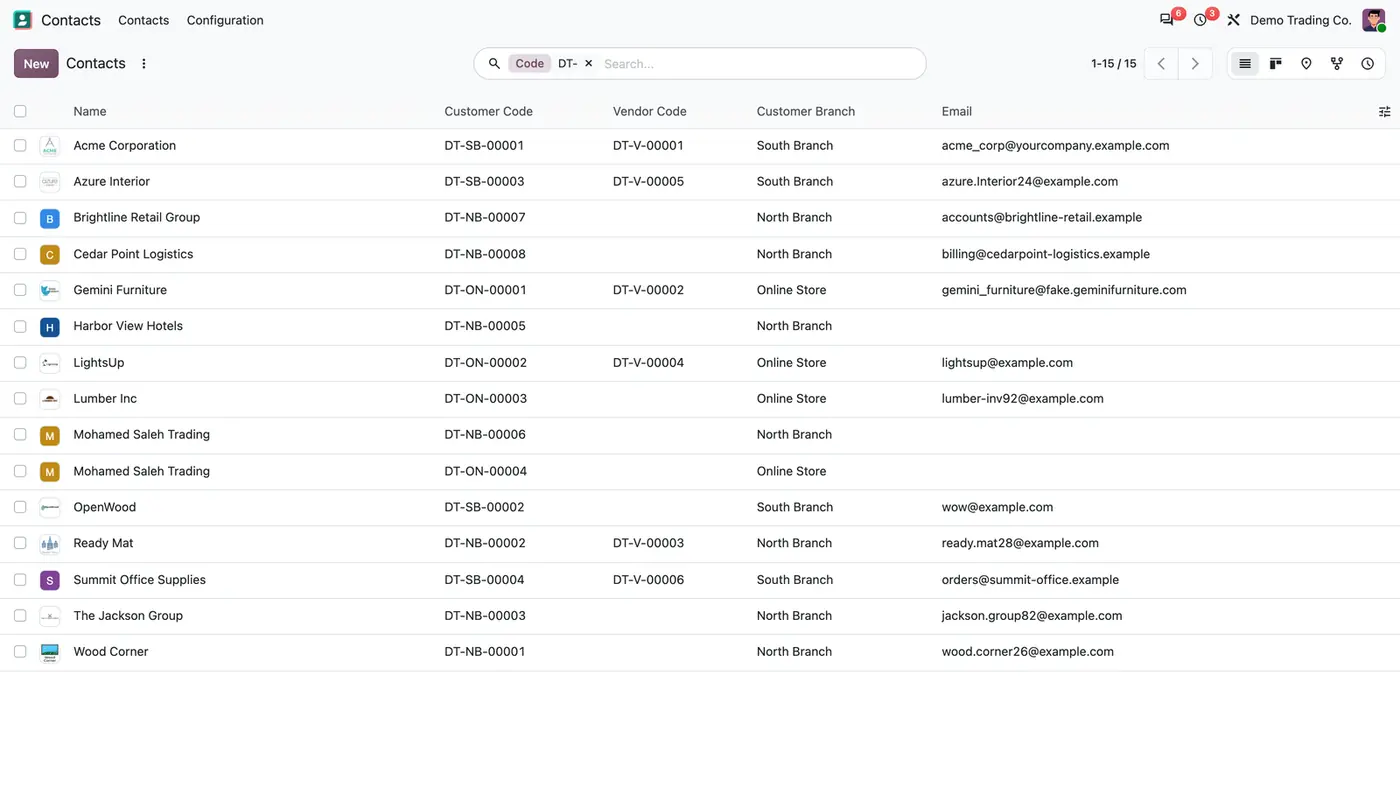
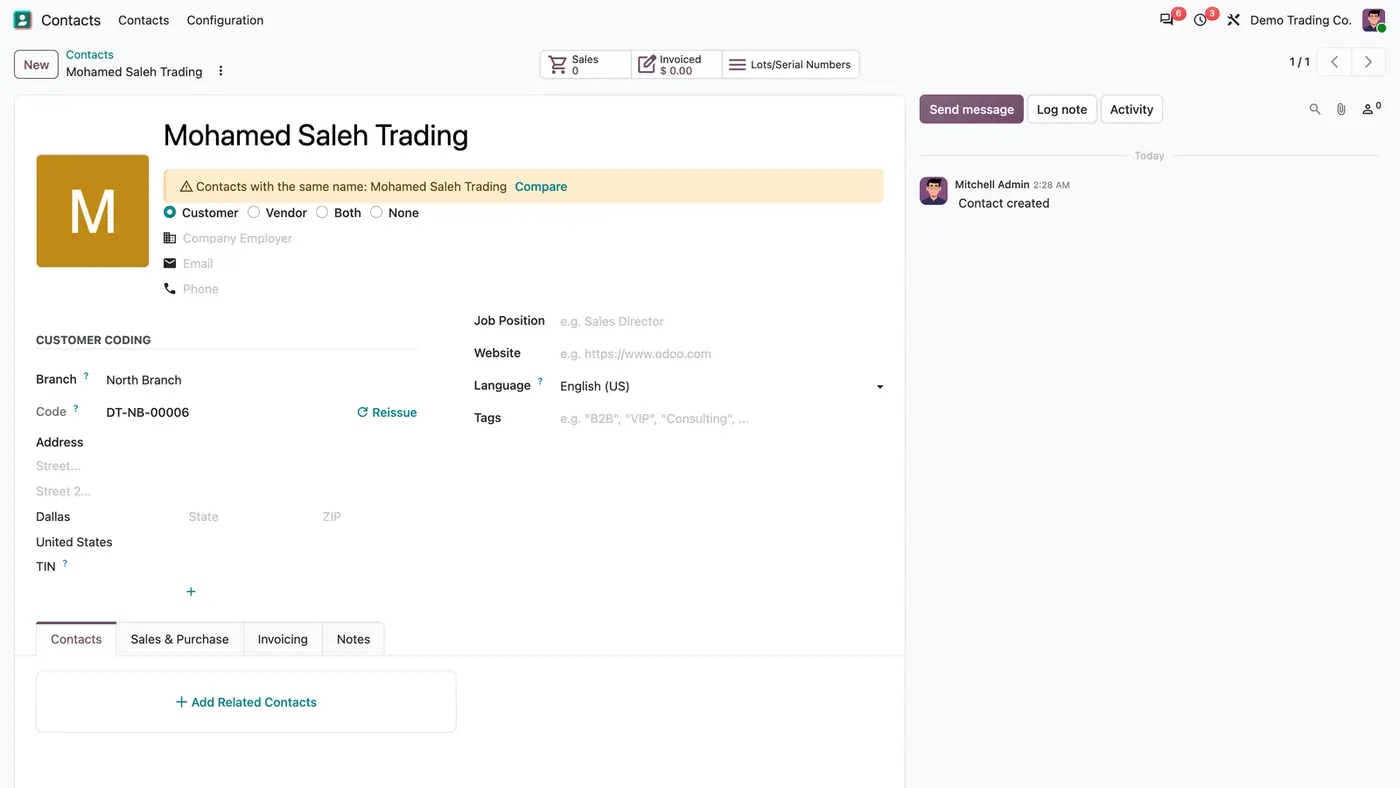
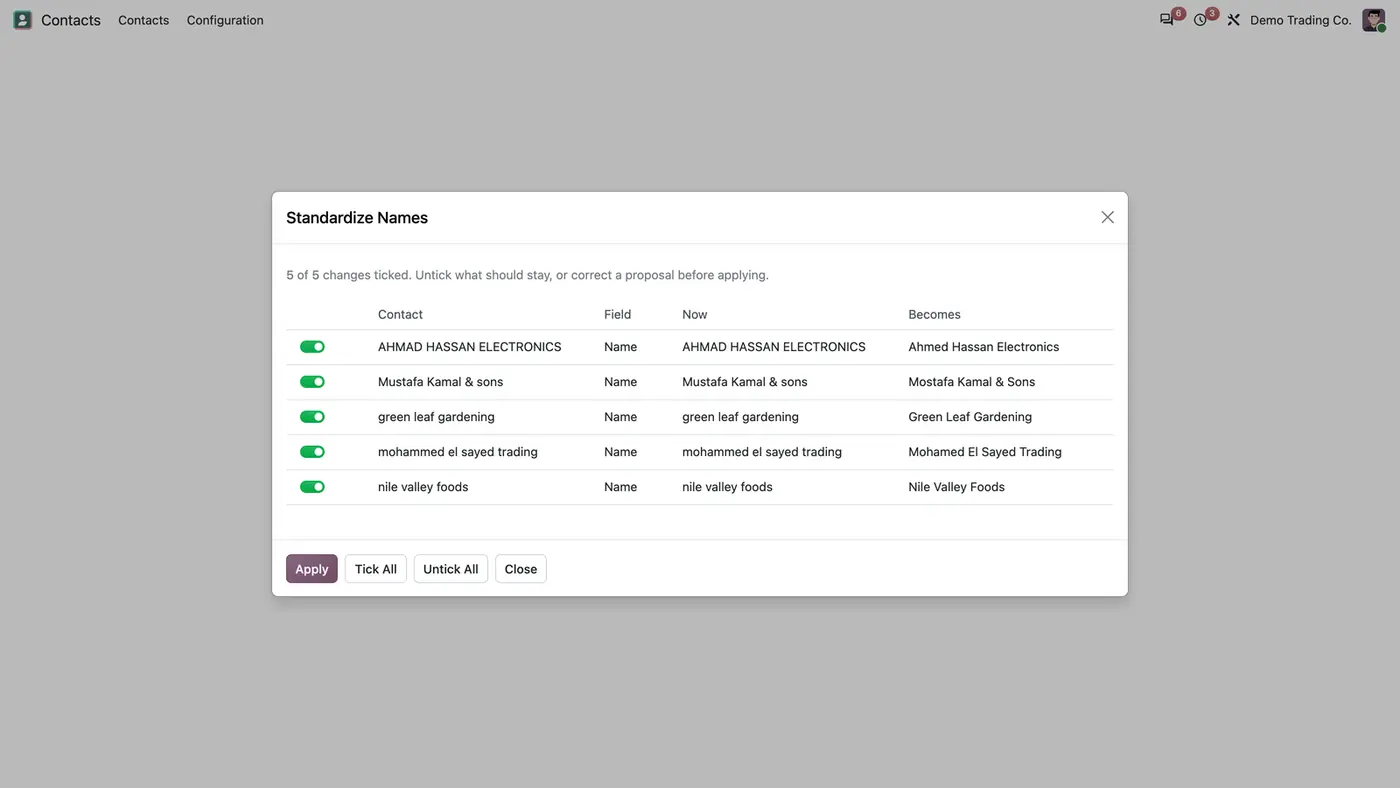
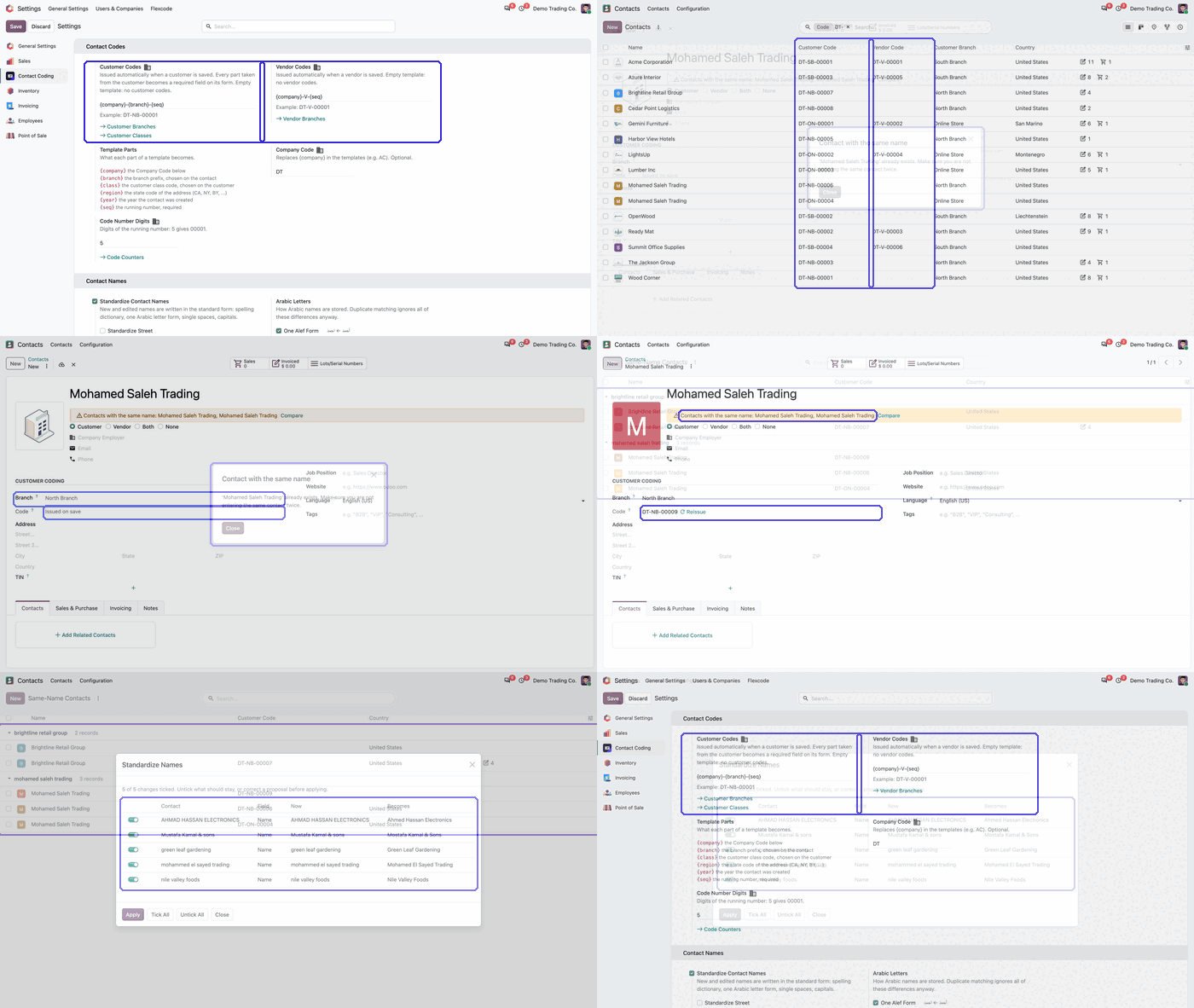
Partner Codes & Name Standard gives every customer and vendor a code from a template you set per company, such as DT-NB-00001, with one counter per pattern that never hands out the same number twice. Contact names are written in one standard form on save, with a spelling dictionary and Arabic letter forms, and a contact with the same name as another one is flagged or refused.
Key features
Without a code on each contact, customers and vendors are told apart by name only, and names are typed in many ways: AHMAD and Ahmed, Mustafa and Mostafa, all capitals or all lower case. The same company ends up in Odoo twice, and nobody notices until the statements disagree. Codes kept in a spreadsheet get reused or skipped, and nobody knows which branch a code belongs to.
 Play demo
Requires: Contacts (contacts), Discuss (mail)
Odoo Online (SaaS) does not allow third-party apps, so the app cannot be installed there. Use Odoo.sh or an on-premise database, Community or Enterprise.
Every purchase includes 90 days of free support from FlexCode Systems.
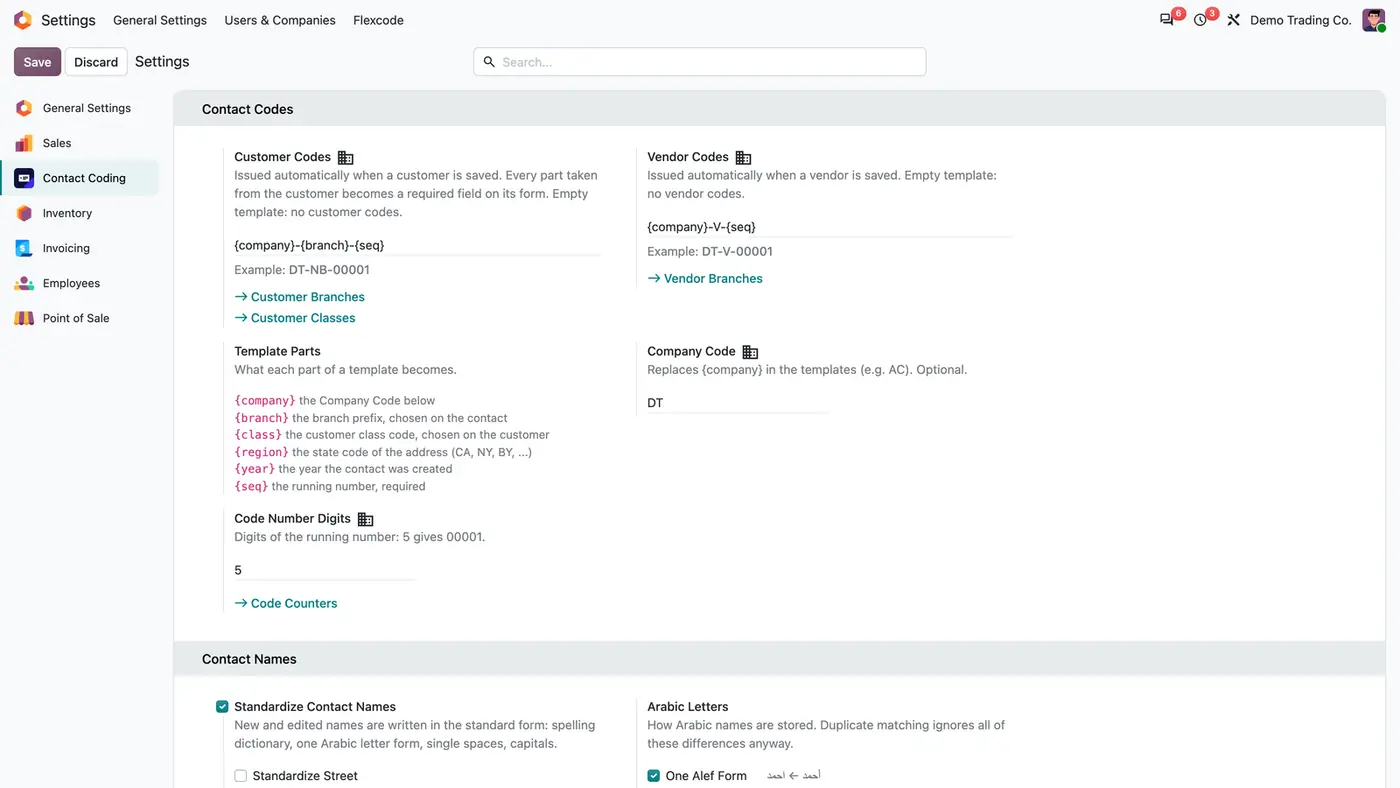
| Setting | What it does |
|---|---|
| Customer Codes | Template for customer codes. Empty template: no customer codes. |
| Vendor Codes | Template for vendor codes. Empty template: no vendor codes. |
| Company Code | Replaces {company} in the templates. Optional. |
| Code Number Digits | Digits of the running number: 5 gives 00001. |
| Standardize Contact Names | Writes new and edited names in the standard form on save. |
| Arabic Letters | How Arabic names are stored, for example One Alef Form. |
| Same-name check | Warn, block or off. |
No. Each code pattern has its own counter, drawn under a database row lock, and a new counter starts after the highest code already issued in that pattern.
No. New and edited names are standardized on save. Existing names change only through Standardize Names, which previews every change before applying it.
Never automatically. Depending on the setting, a same-name contact shows a warning or is refused, and all of them are listed under Same-Name Contacts.
A company code, the branch prefix, the customer class, the state code of the address, the year the contact was created and the running number, which is required. The parts a template needs become required on the contact form.
Yes. Templates are set per company, the module respects the active company and its records, and it has been tested in multi-company databases.
Merge duplicate customers and vendors from several companies into one shared contact with one history.
Only users with the Contact: Creation permission create contacts, from every app, import and the API.
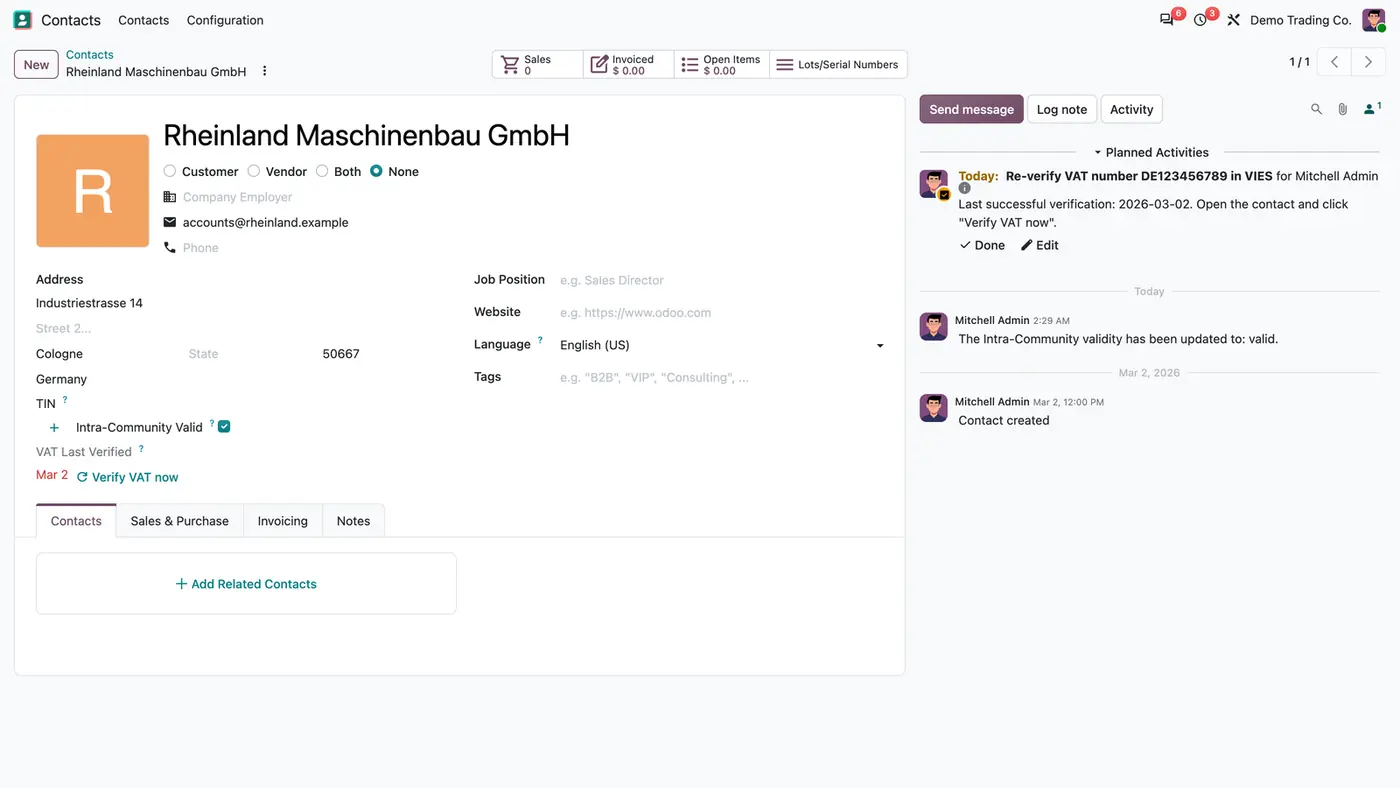
Date of the last successful VIES check on every EU customer, a Verify VAT now button and due reminders.
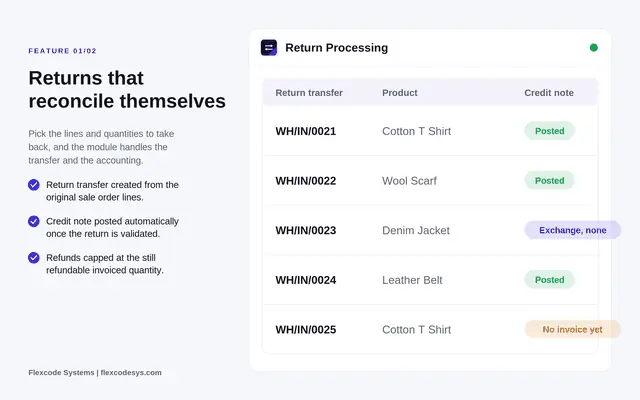
Sales returns and exchanges with return transfers, fees and automatic credit notes.
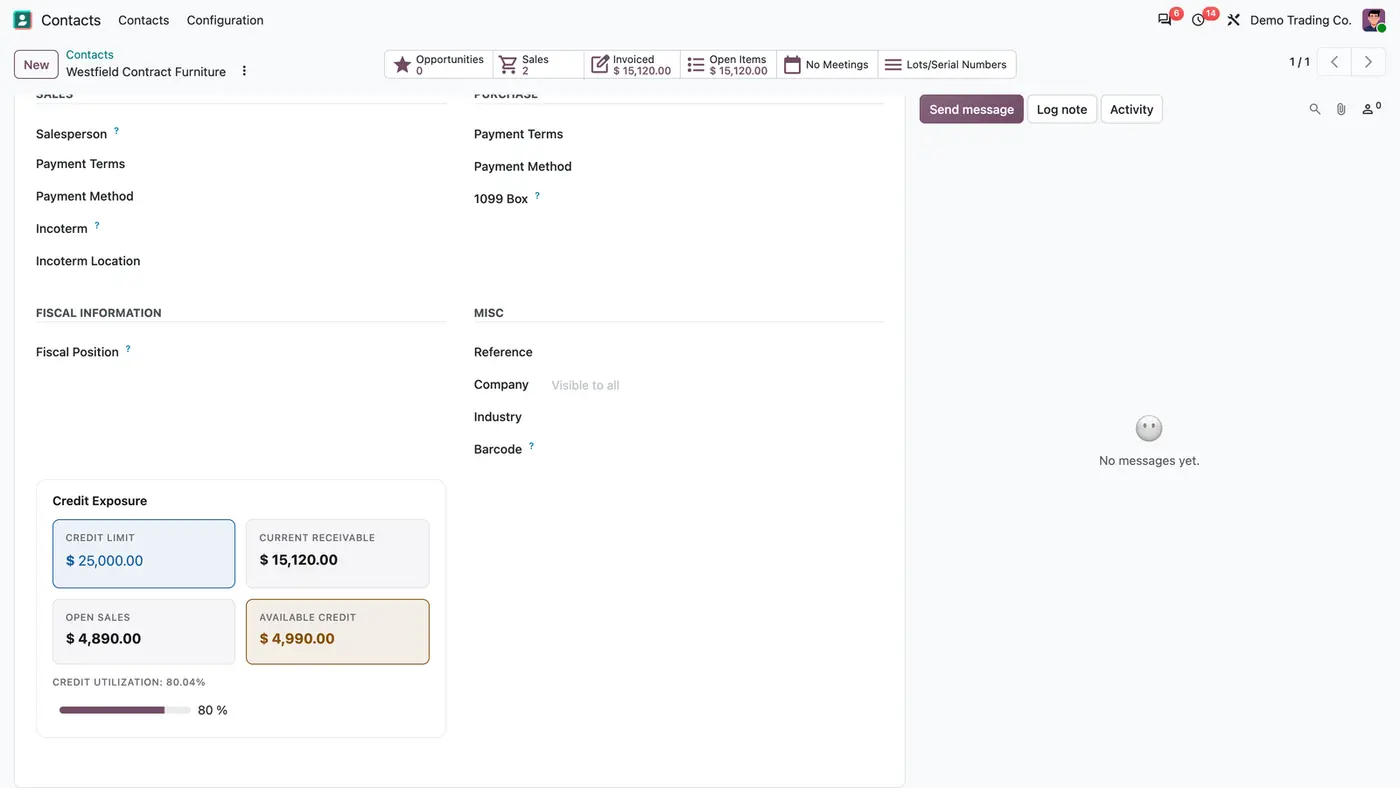
Customer credit limits at order and invoice, plus unique customer phone numbers.
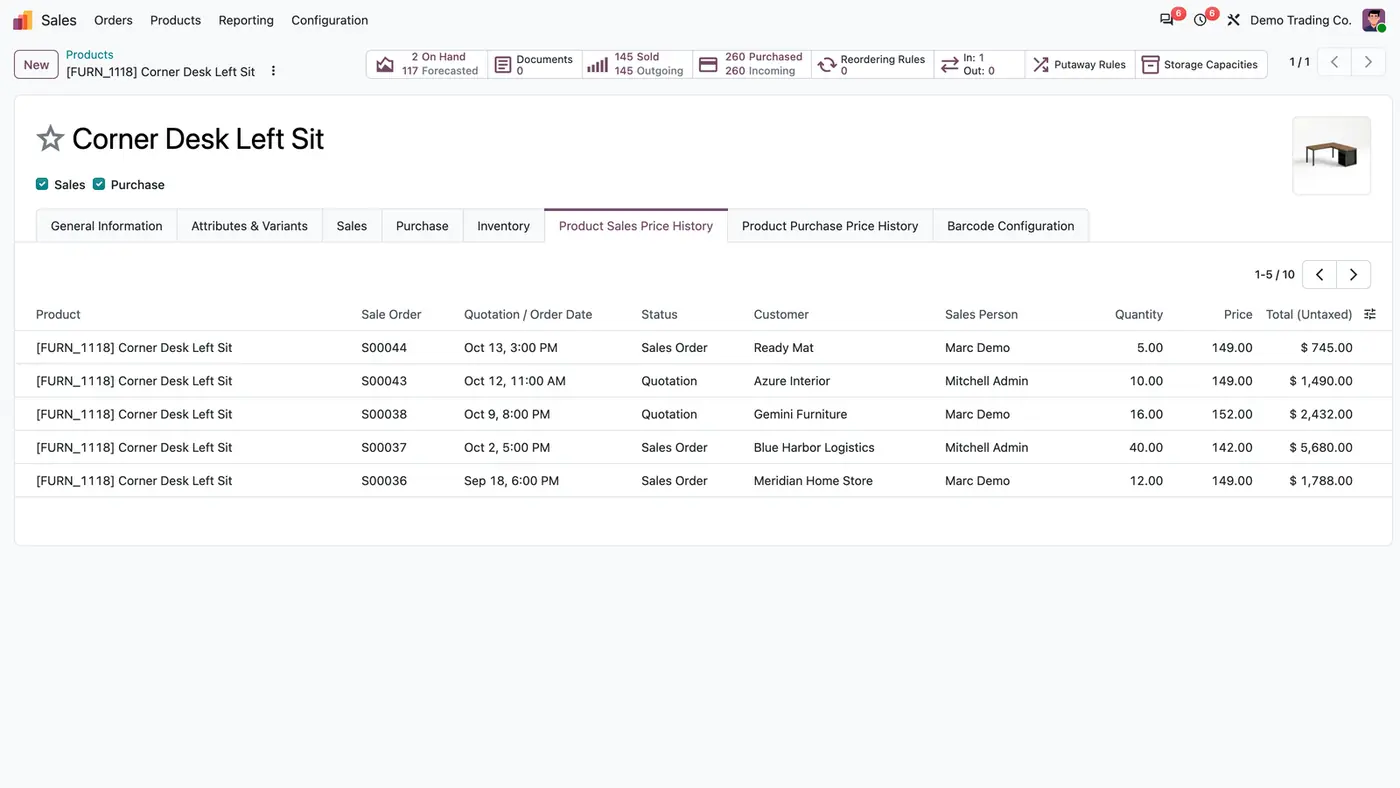
See a product's historical sales and purchase prices right on the product form.
We configure our apps for your process, train your team and build the extra pieces you need.