Accounting & Finance
Journal Default Analytic Distribution
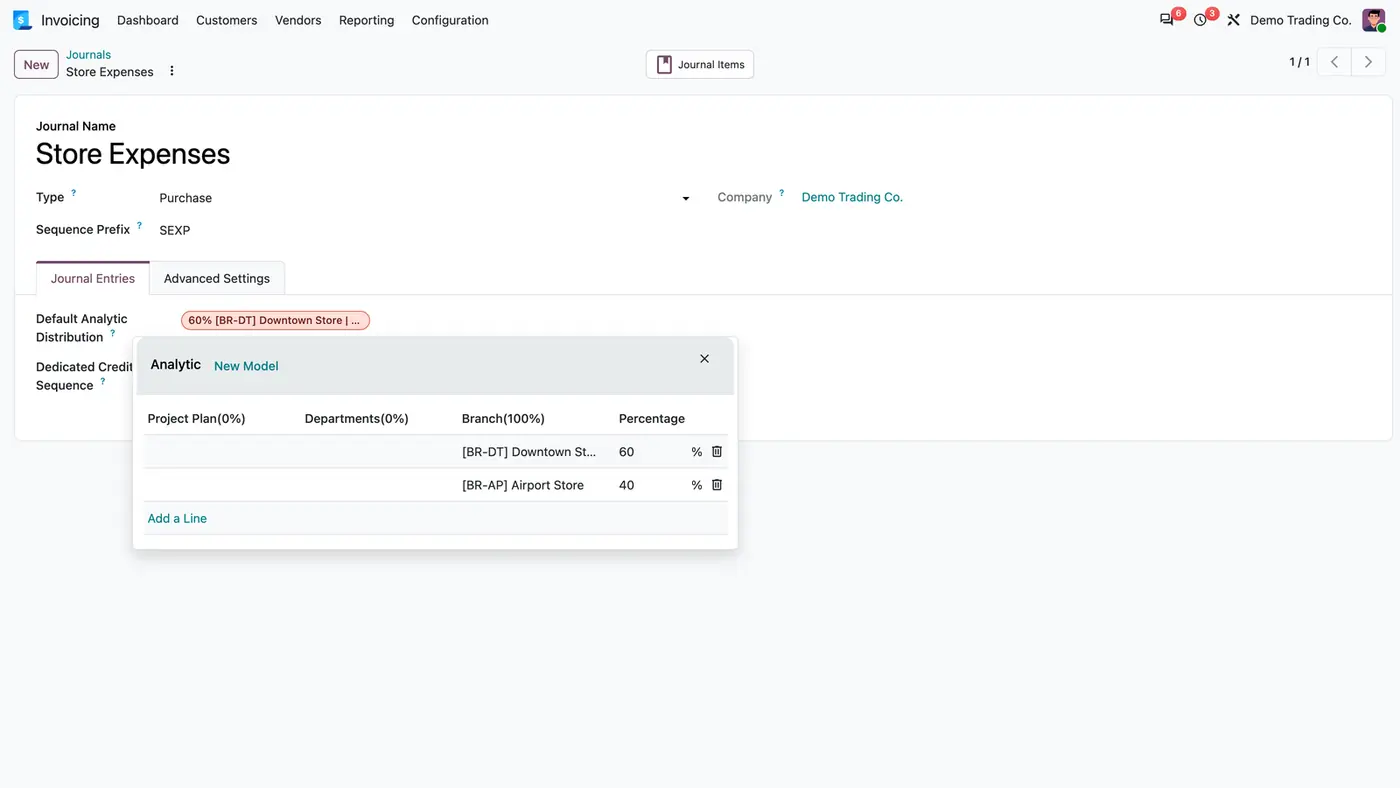
A default analytic distribution per journal, plus an Unclassified column in the analytic reports.
Odoo 20 Odoo 19 Odoo 18Free
Accounting & Finance · Odoo 20, Odoo 19, Odoo 18
Invoice numbers that show the day and start again every morning
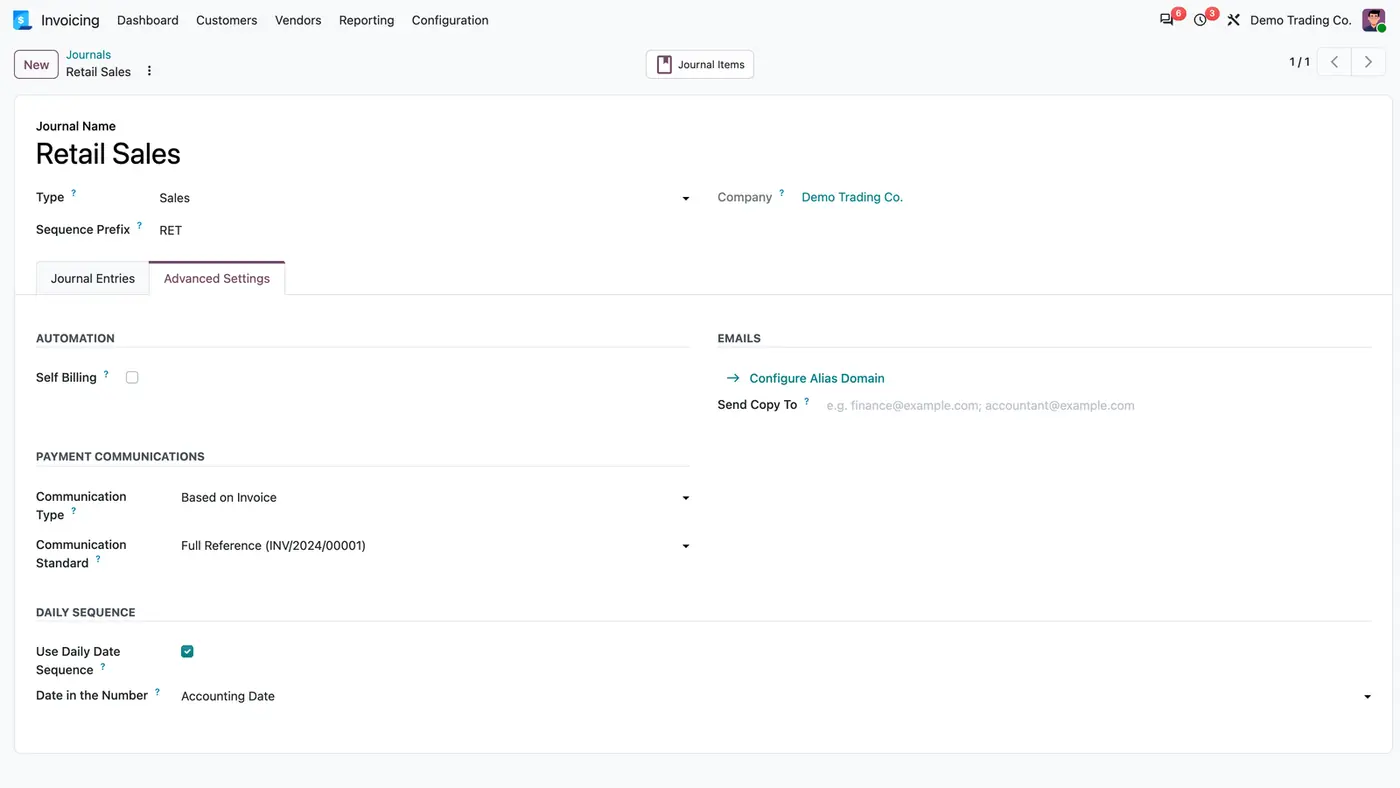
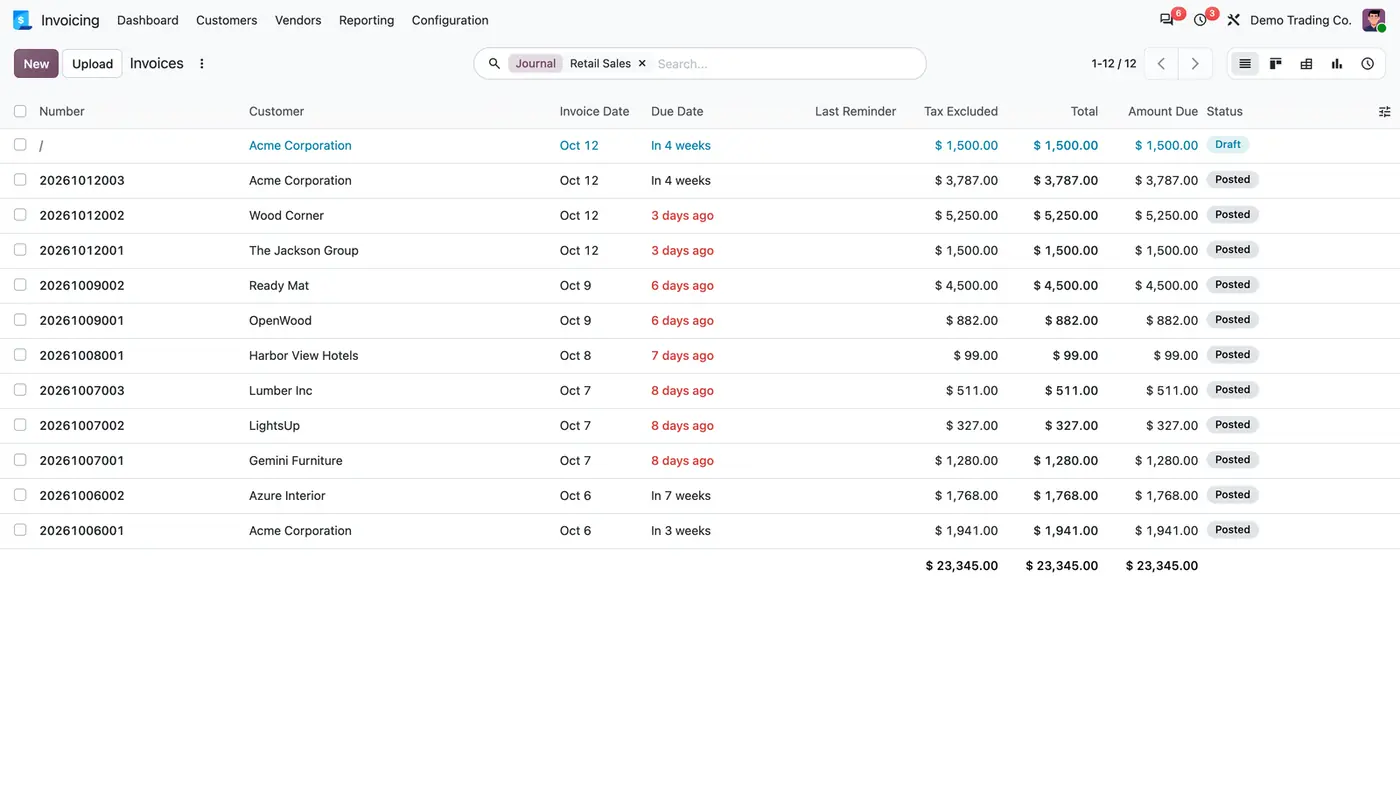
Daily Invoice Numbering numbers the invoices, credit notes, bills or entries of a chosen journal as YYYYMMDDXXX, for example 20260102001. The three-digit counter starts again at 001 every day, and each journal chooses whether the number carries the confirmation date or the accounting date. All other journals keep Odoo's numbering.
Key features
Odoo's standard numbers such as INV/2026/00001 do not tell you on which day a document was issued, and the counter keeps running for the whole year. Businesses that want the day to be readable from the number, and a fresh count every morning, have to rename documents by hand or live without it.
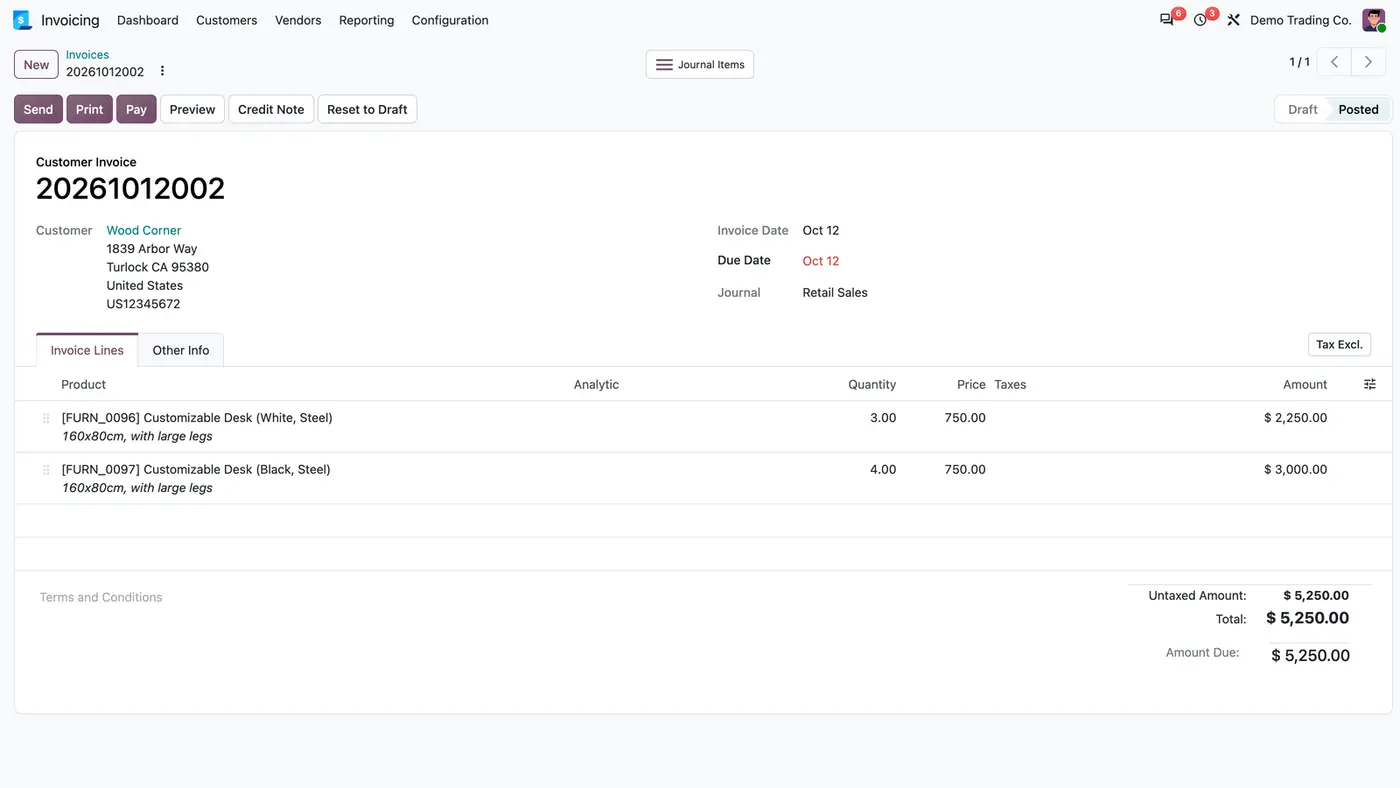
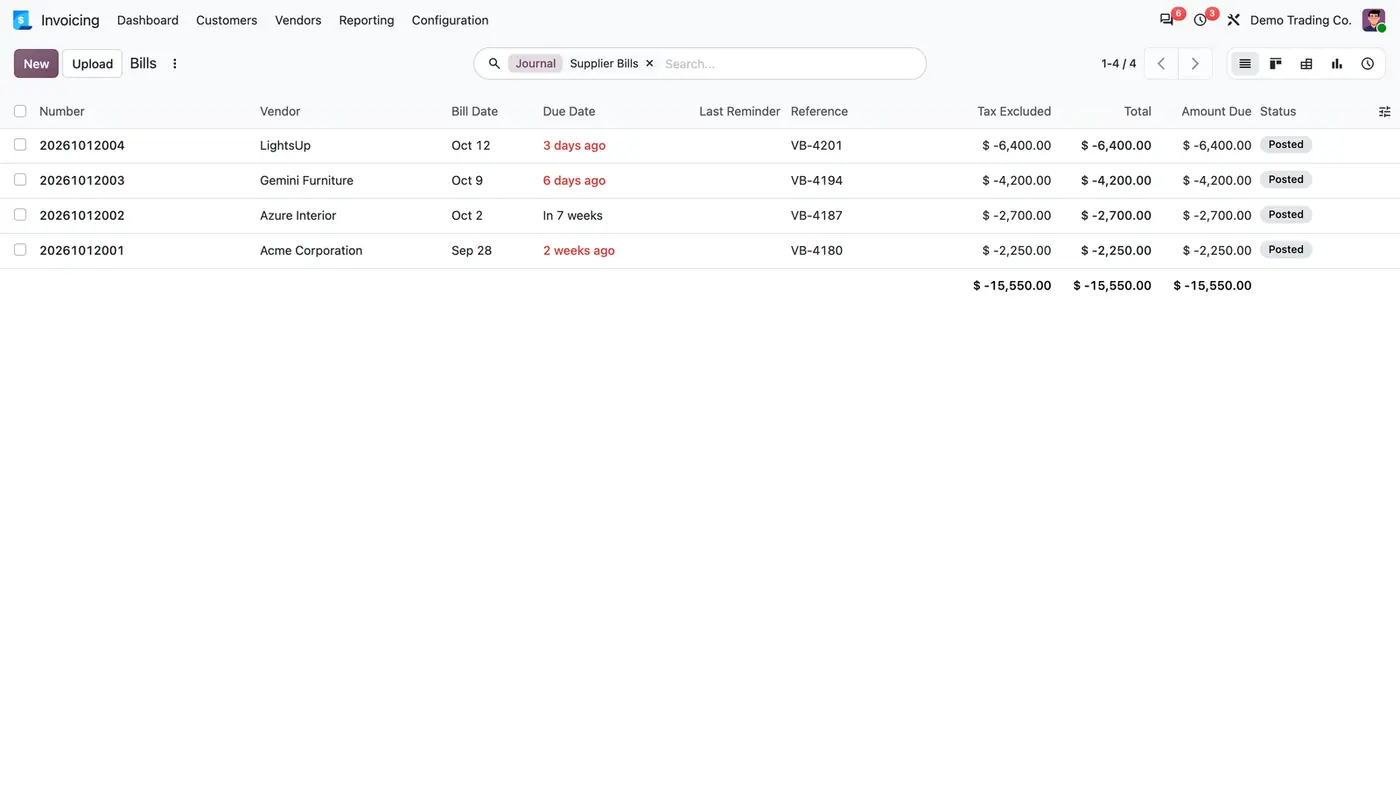
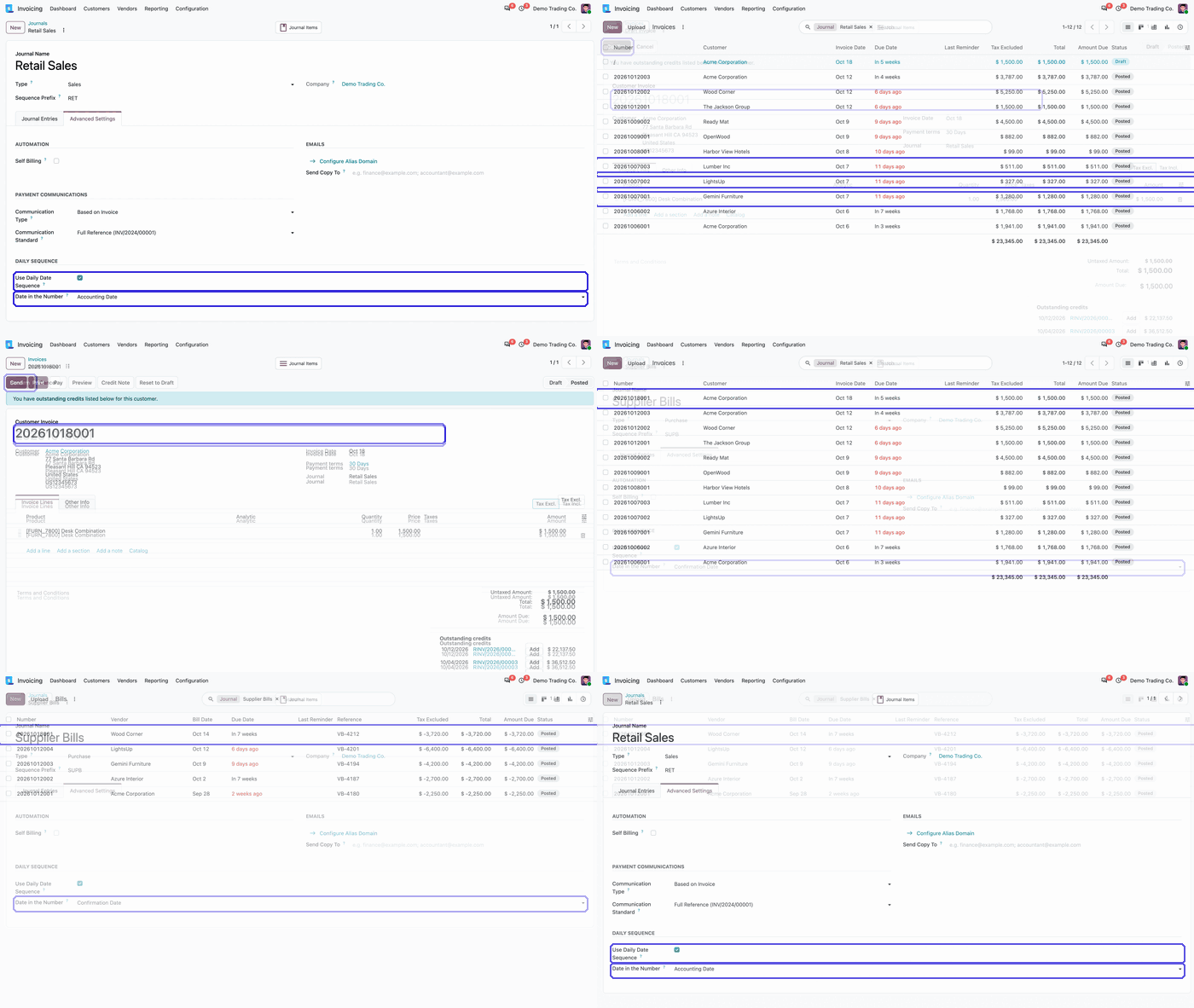 Play demo
Requires: Invoicing (account), Discuss (mail)
Odoo Online (SaaS) does not allow third-party apps, so the app cannot be installed there. Use Odoo.sh or an on-premise Odoo database, Community or Enterprise.
Every purchase includes 90 days of free support from FlexCode Systems.
| Setting | What it does |
|---|---|
| Use Daily Date Sequence | Turns the YYYYMMDDXXX numbering on for this journal. |
| Date in the Number | Confirmation Date is the posting day; Accounting Date is the entry's own date. |
The one chosen on the journal: the confirmation date (the day the entry is posted, in the user's time zone) or the accounting date, which is the invoice date for customer invoices.
No. Only journals with Use Daily Date Sequence ticked use the format; all others keep Odoo's numbering.
The counter grows to four digits, for example 202601021000, and starts again at 001 the next day.
Yes. The app keeps Odoo's own locked numbering, so two entries confirmed at once never get the same number.
Yes. The module respects the active company and its records, and has been tested in multi-company databases.
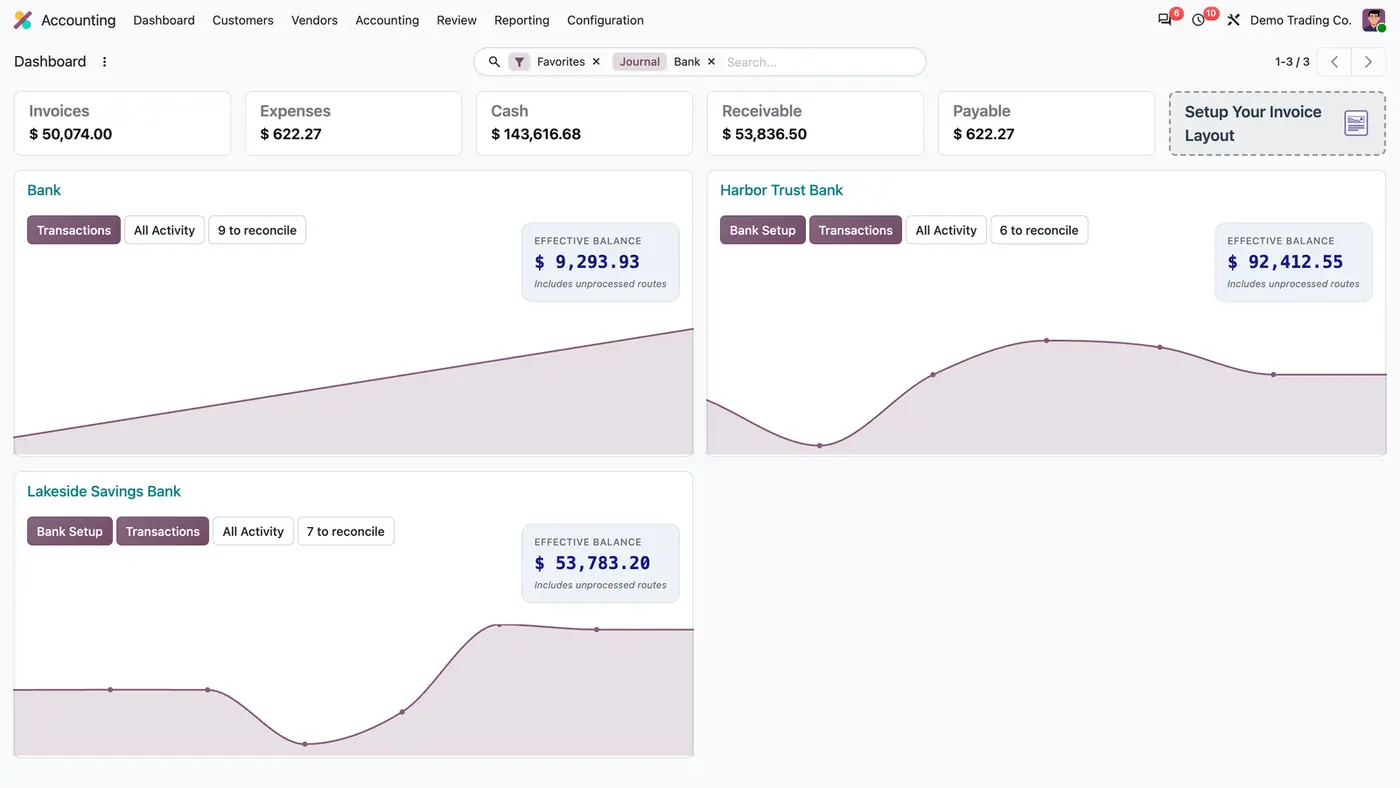
A default analytic distribution per journal, plus an Unclassified column in the analytic reports.
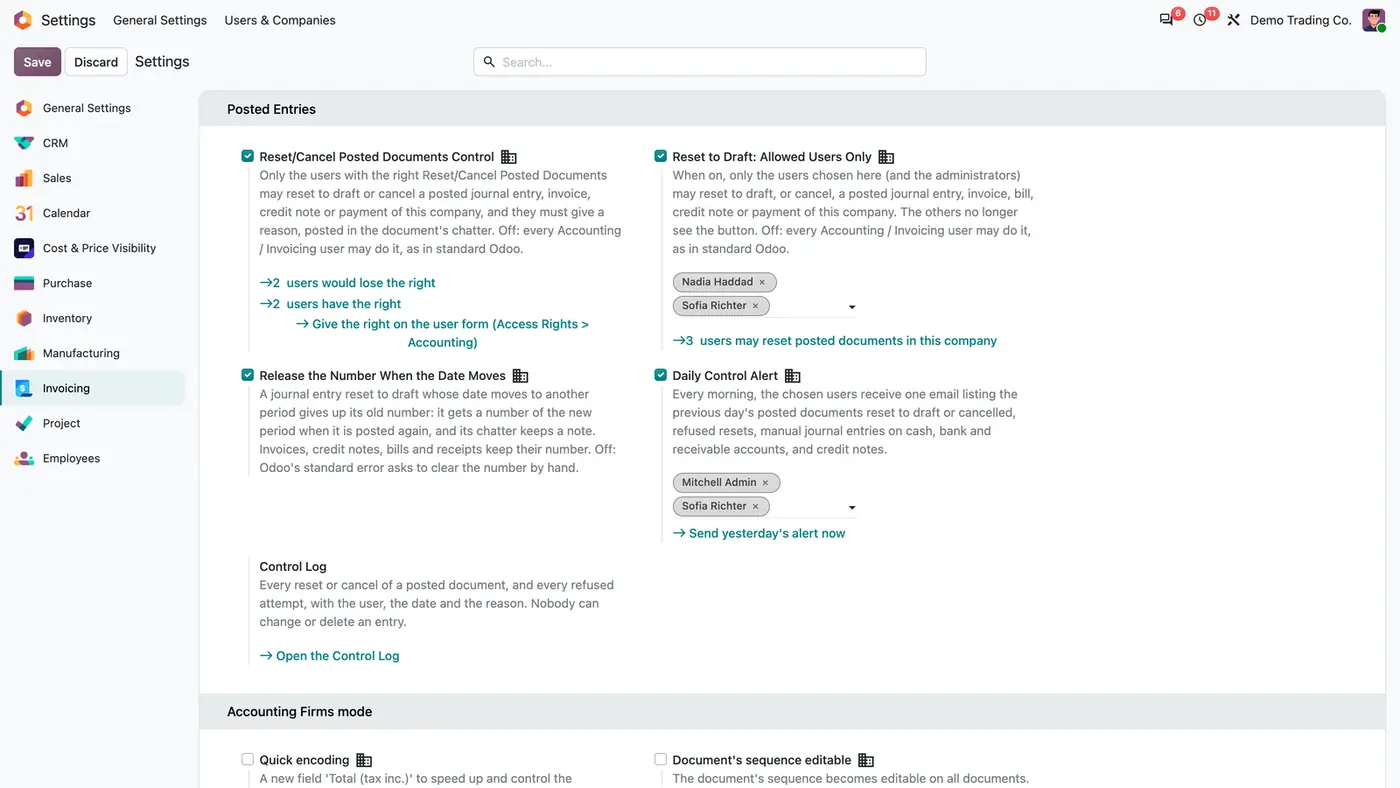
Control who may reset posted invoices, entries and payments to draft, with a reason, a log and a daily alert.
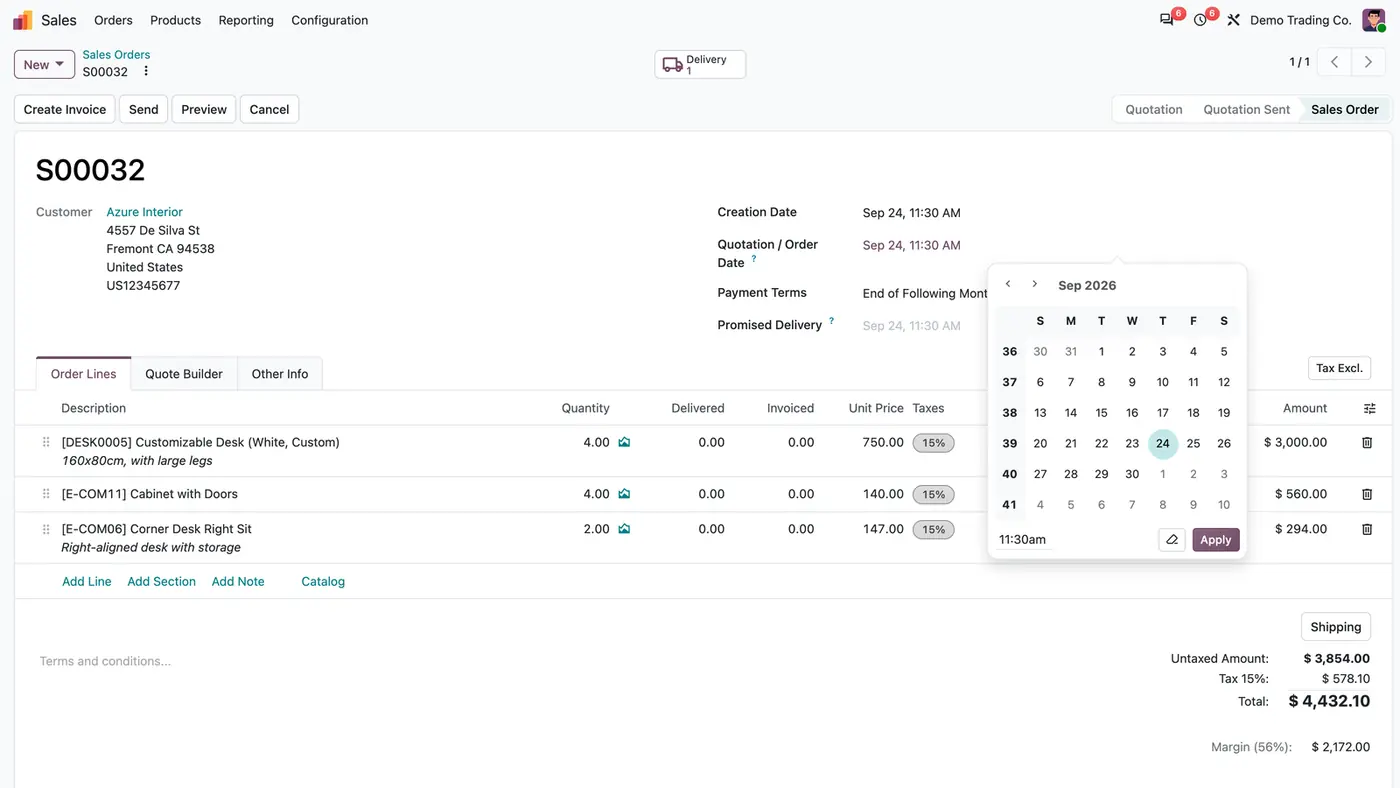
Control sales and purchase confirmation dates with role-based permissions.
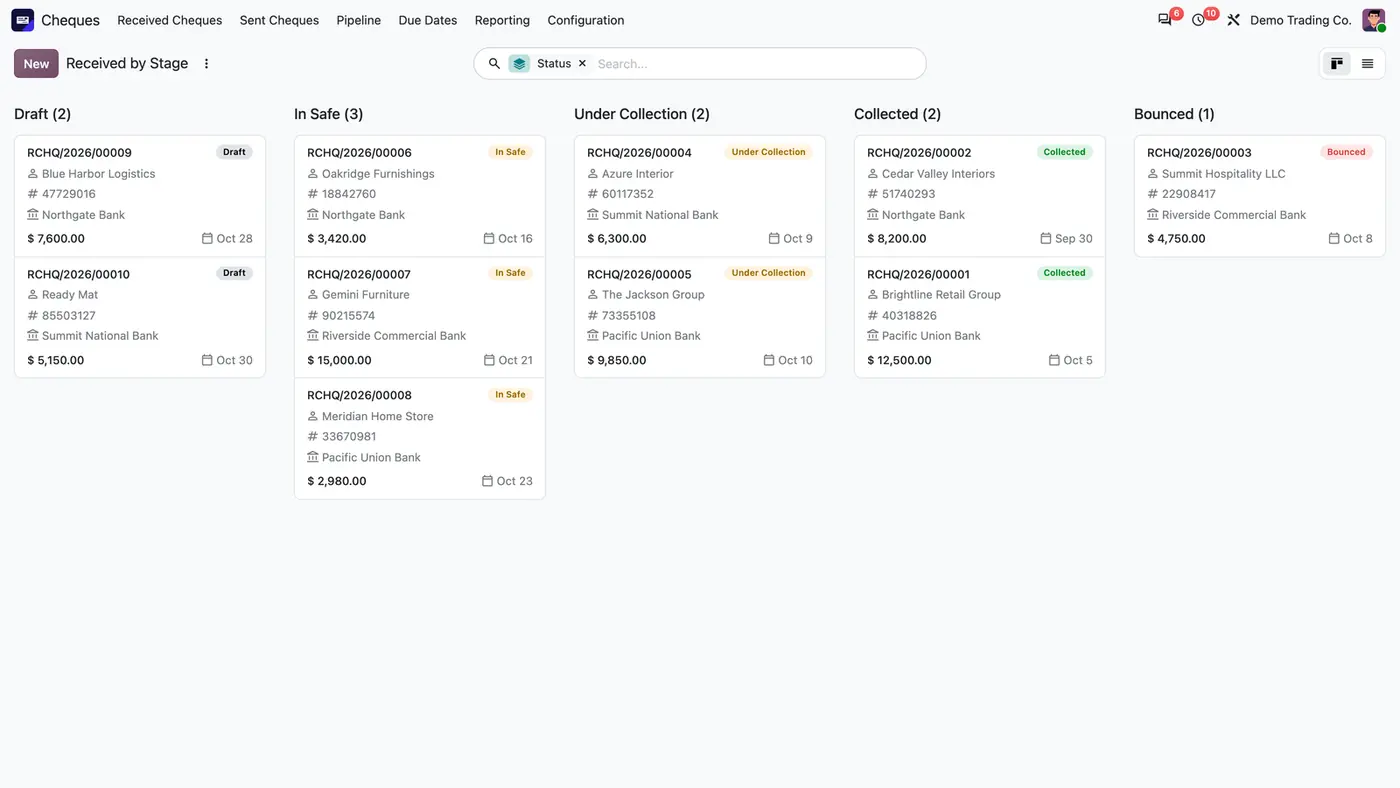
Received and issued cheques from safe to collection, with cheque books, due dates and automatic journal entries.
Destination journal selection for bank-matched internal transfers and auto-accounting on journal entry lines.
Hourly matching of PayPal, Mollie and bank transfer shop payments with their invoices, with a simulation mode.
We configure our apps for your process, train your team and build the extra pieces you need.