Pay sales commission on money collected, not on invoices sent
Commission on Payment adds a Payment Amount type to Odoo's commission plans. Each payment reconciled with a posted customer invoice earns the invoice salesperson the plan rate on the amount paid, and an unreconciled payment takes its commission back. Point of Sale cashiers without a user can earn on the net sales of their paid orders.
Odoo's standard Amount Invoiced type pays commission when the invoice is posted, whether or not the customer ever pays. Partial payments, bounced payments and payments that are later unreconciled have to be corrected by hand, and nobody can easily show which payment earned which commission. Point of Sale cashiers who work without an Odoo user cannot be put on a commission plan at all.
Screenshots
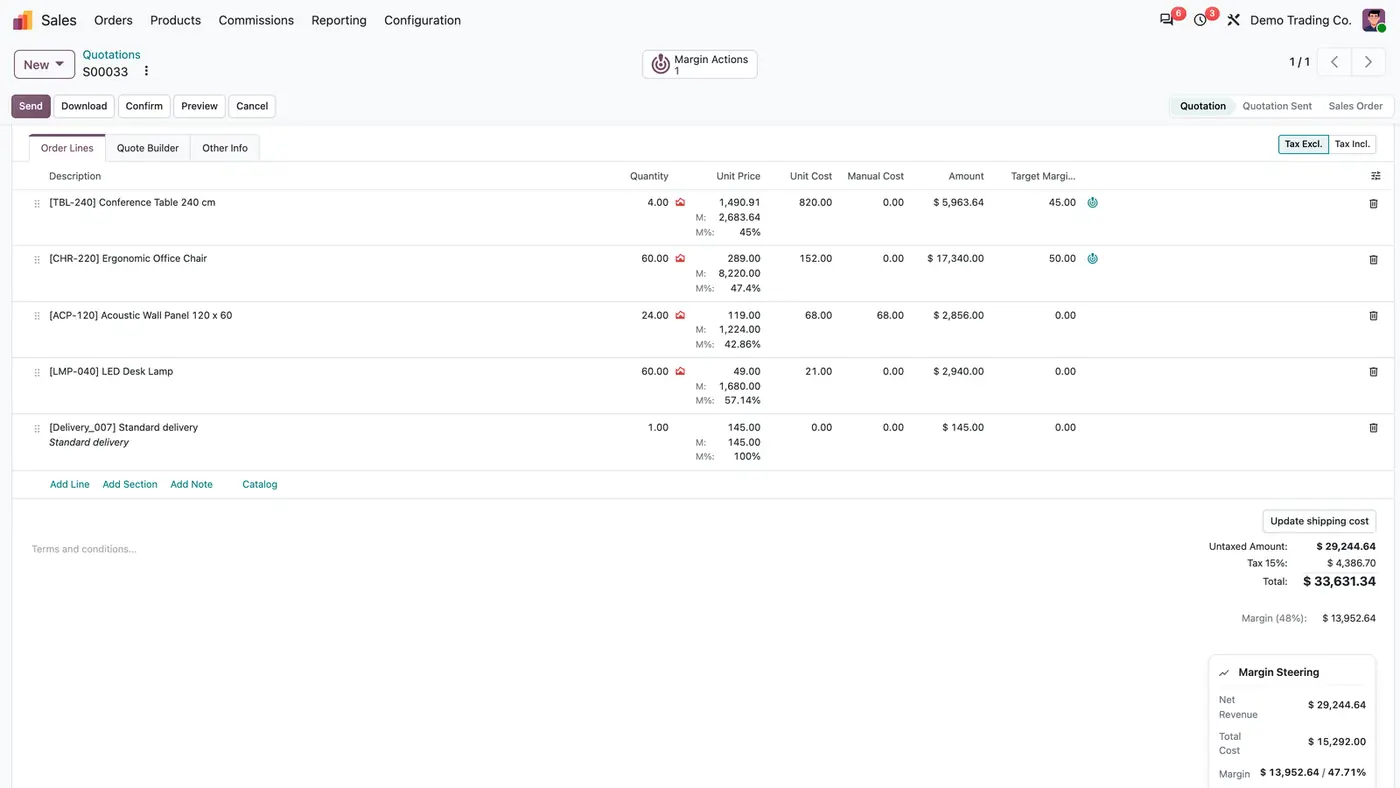
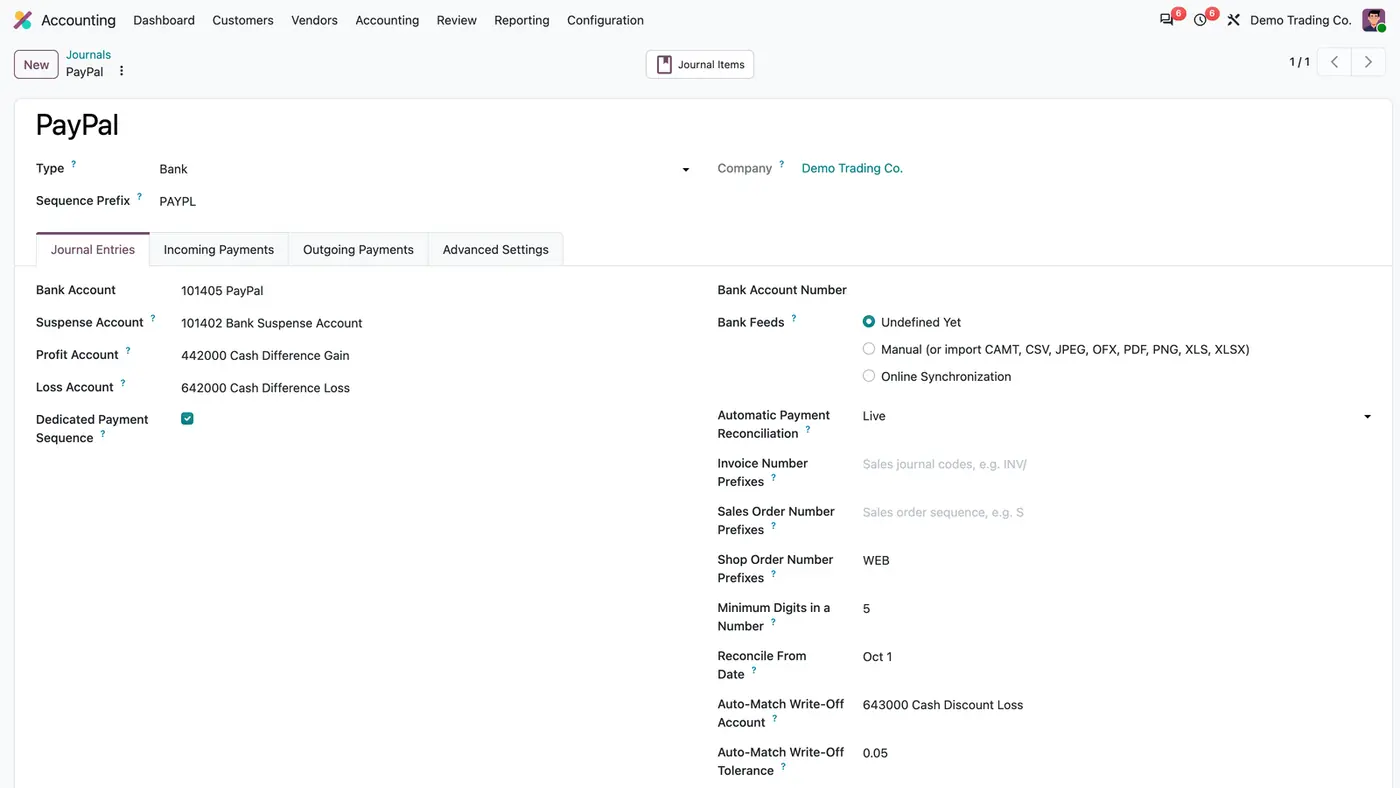
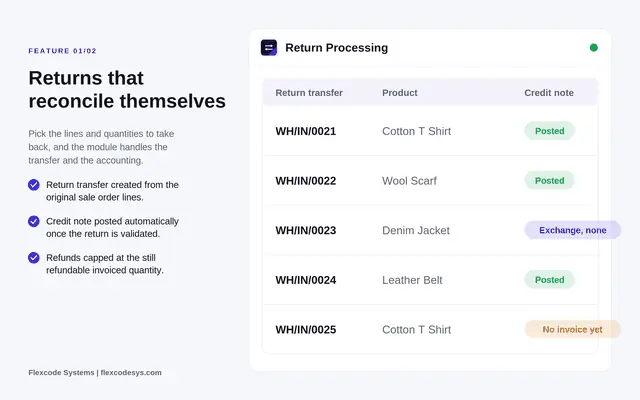
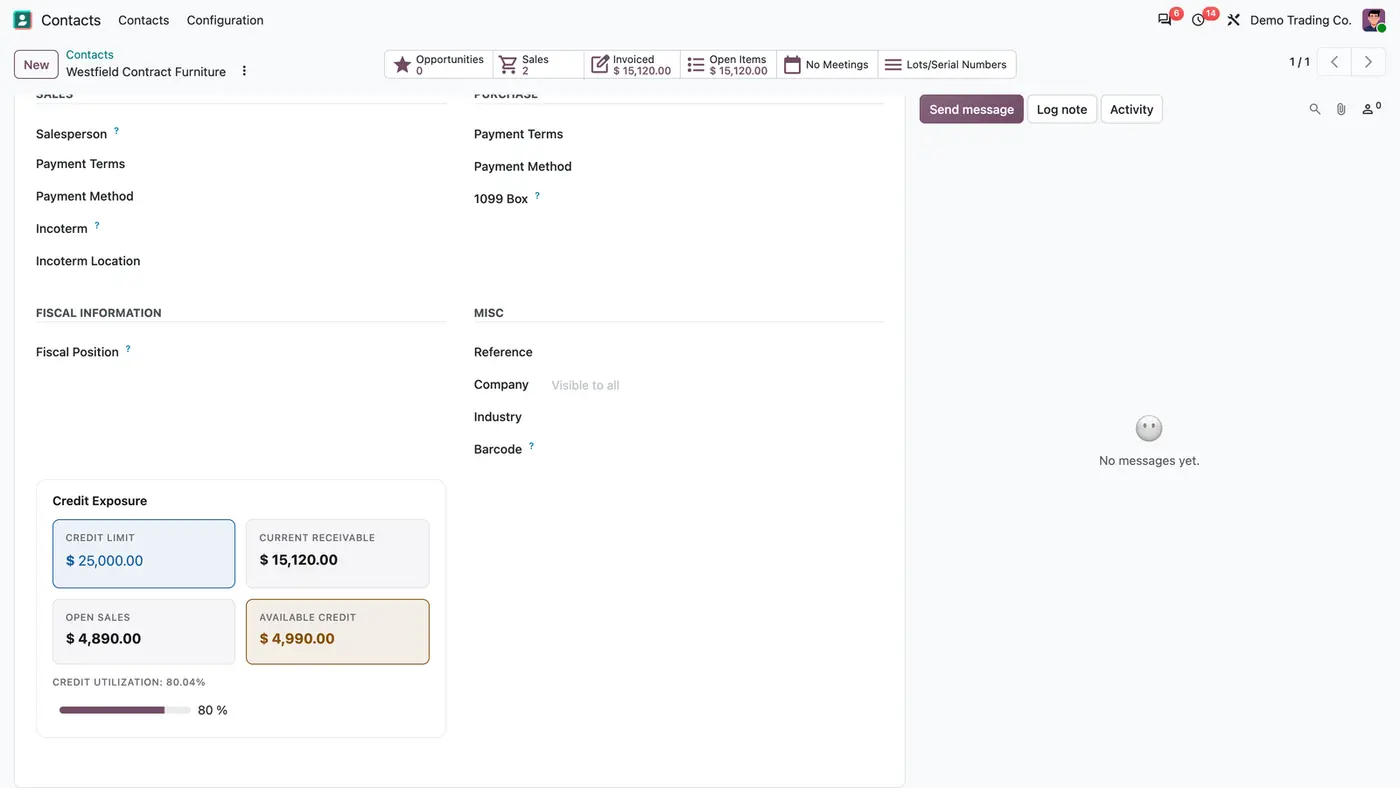
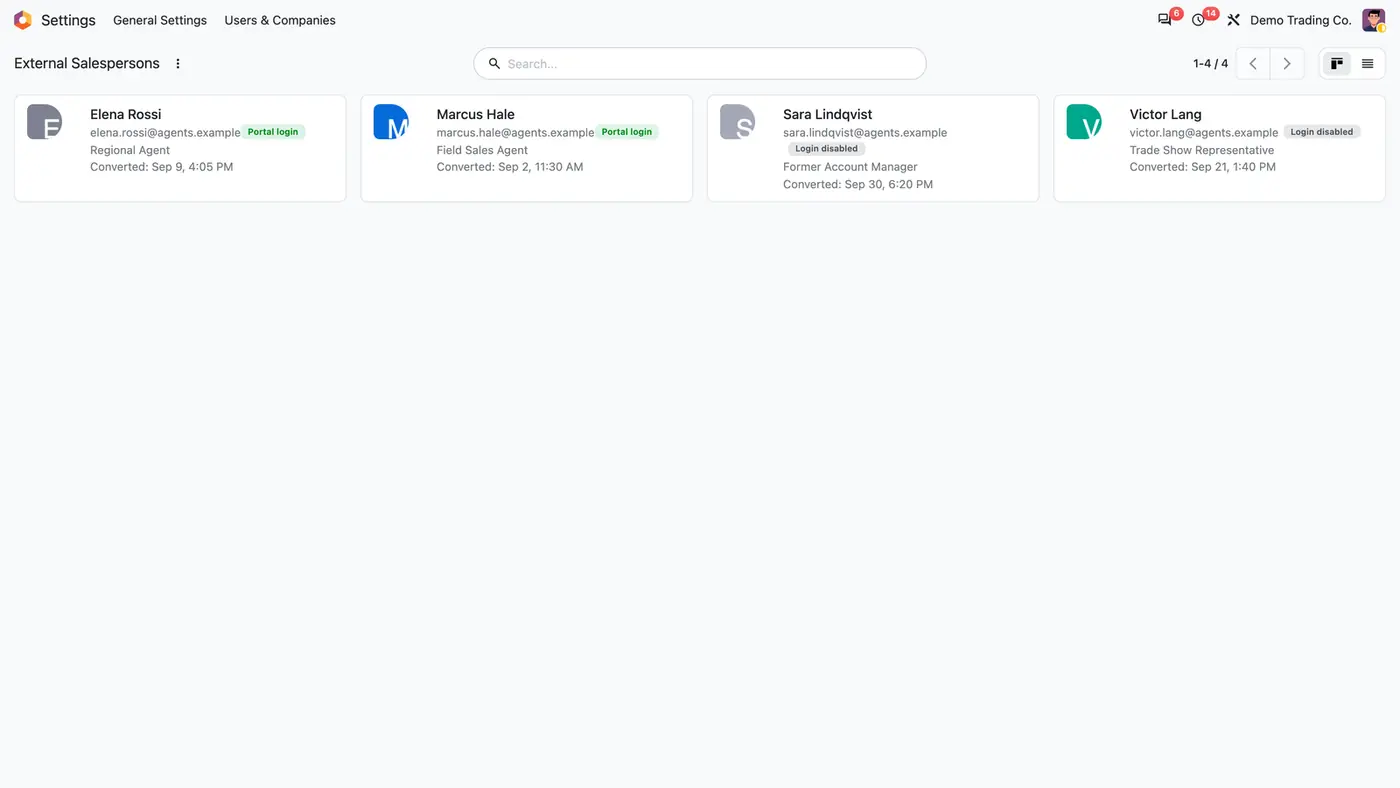
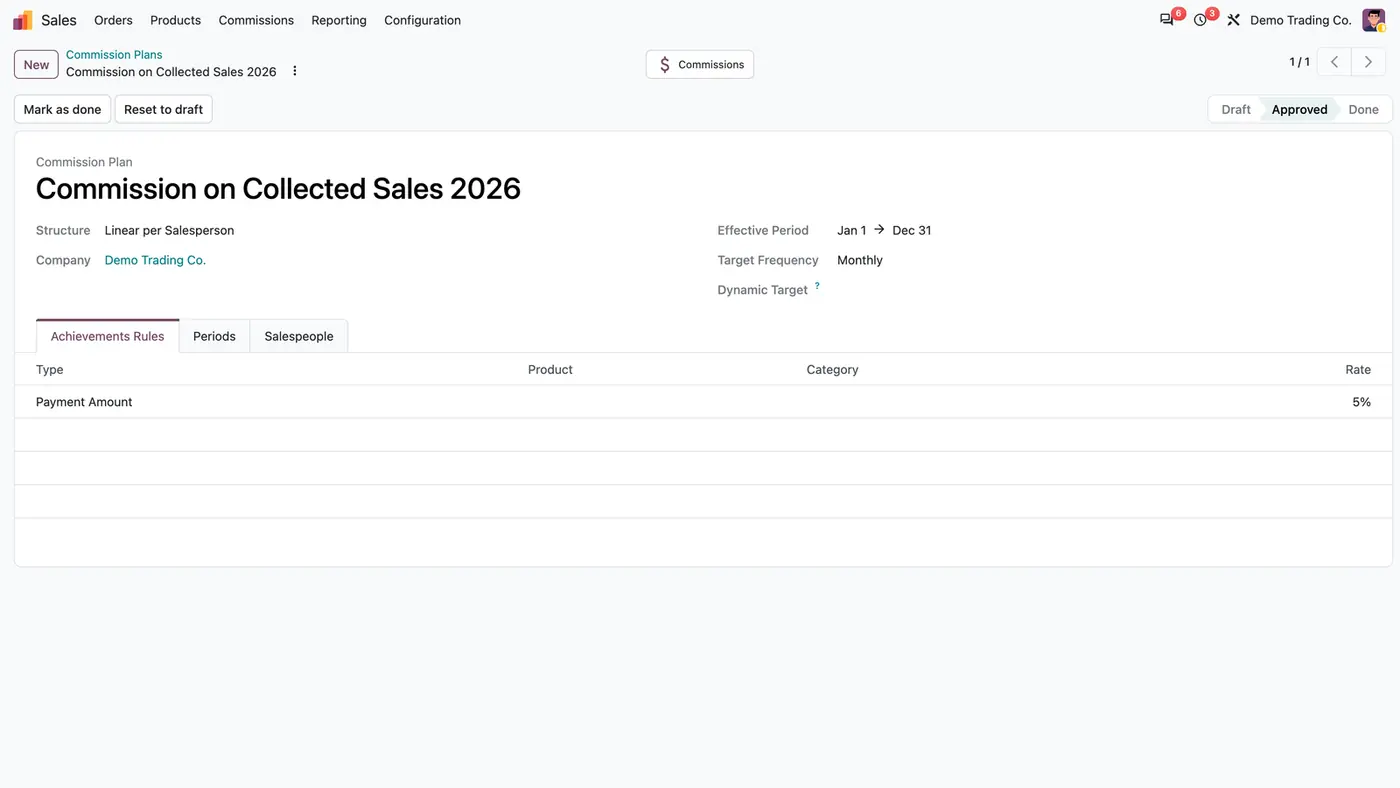
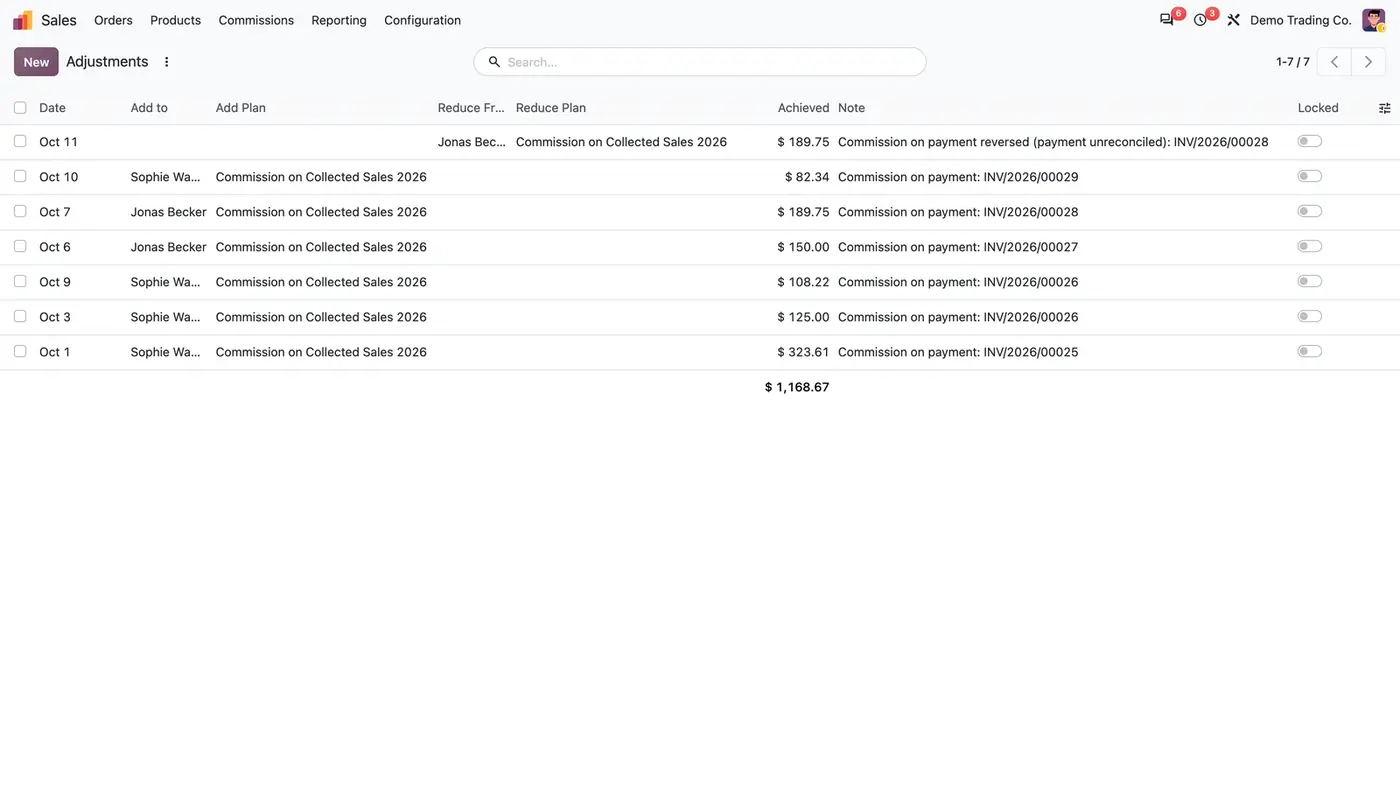
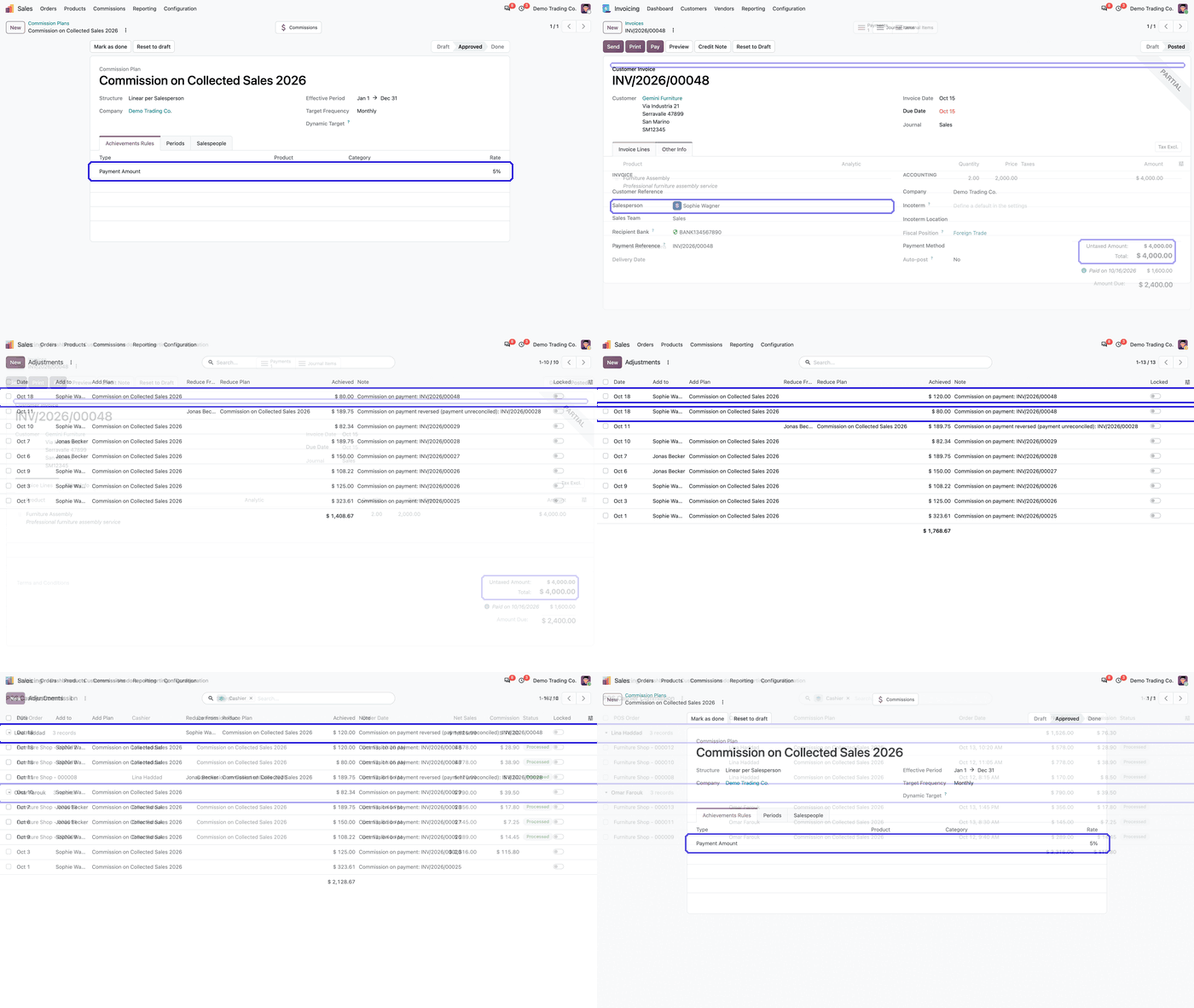
A commission plan that pays 5% on each customer payment through the new Payment Amount type.Every reconciled payment adds commission, and an unreconciled payment is taken back.The ledger keeps one row per payment and invoice, so no payment is paid twice.Point of Sale cashiers without a user earn commission on the net sales of their paid orders. Play demoA short walk-through of the commission plan and its Payment Amount rule.
What it does
Plan setup
Add the new achievement type Payment Amount to a commission plan and set its rate while the plan is in draft.
Keep using Amount Invoiced as before. A plan can use Payment Amount alone, or both types.
The invoice salesperson earns on each payment made during his period on the plan.
Fair to the payment
Each payment reconciled with a posted customer invoice earns the line's rate on the amount paid.
A partial payment earns pro rata, and every payment is booked separately, on its date.
The commission appears as an adjustment line per payment, with the invoice named in the note.
Reversals
Unreconciling a payment adds a Reduce adjustment of the same amount for the salesperson.
Resetting a payment or its invoice to draft also takes the commission back.
If the payment is reconciled again later, it earns once more. Deleting a draft payment stays possible.
Audit ledger
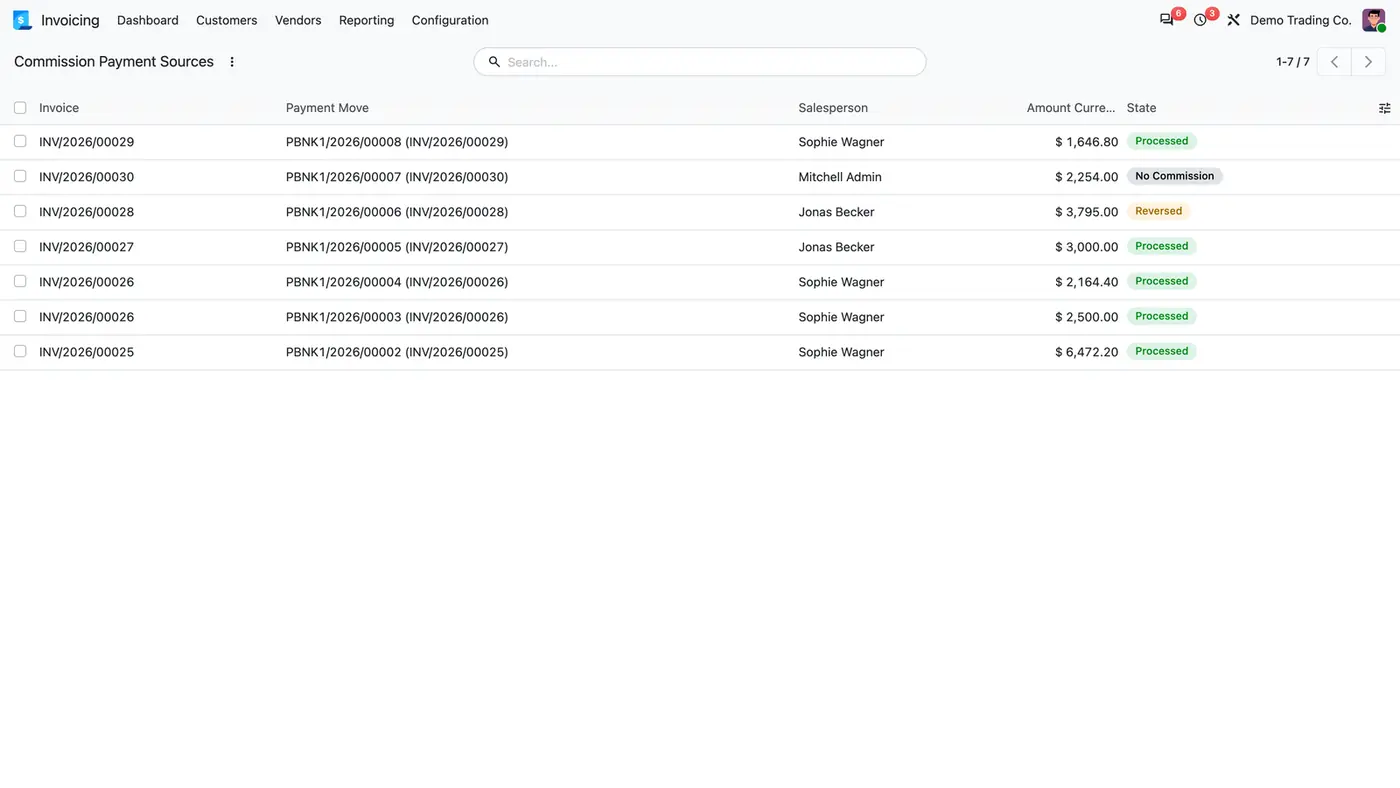
Commission Payment Sources, under Invoicing / Accounting, keeps one row per payment and invoice.
Each row shows the salesperson, the amount and the status Processed, No Commission or Reversed.
The ledger makes sure the same payment is never paid twice.
Point of Sale cashiers
Put employees without a user on the plan in the new Employees list.
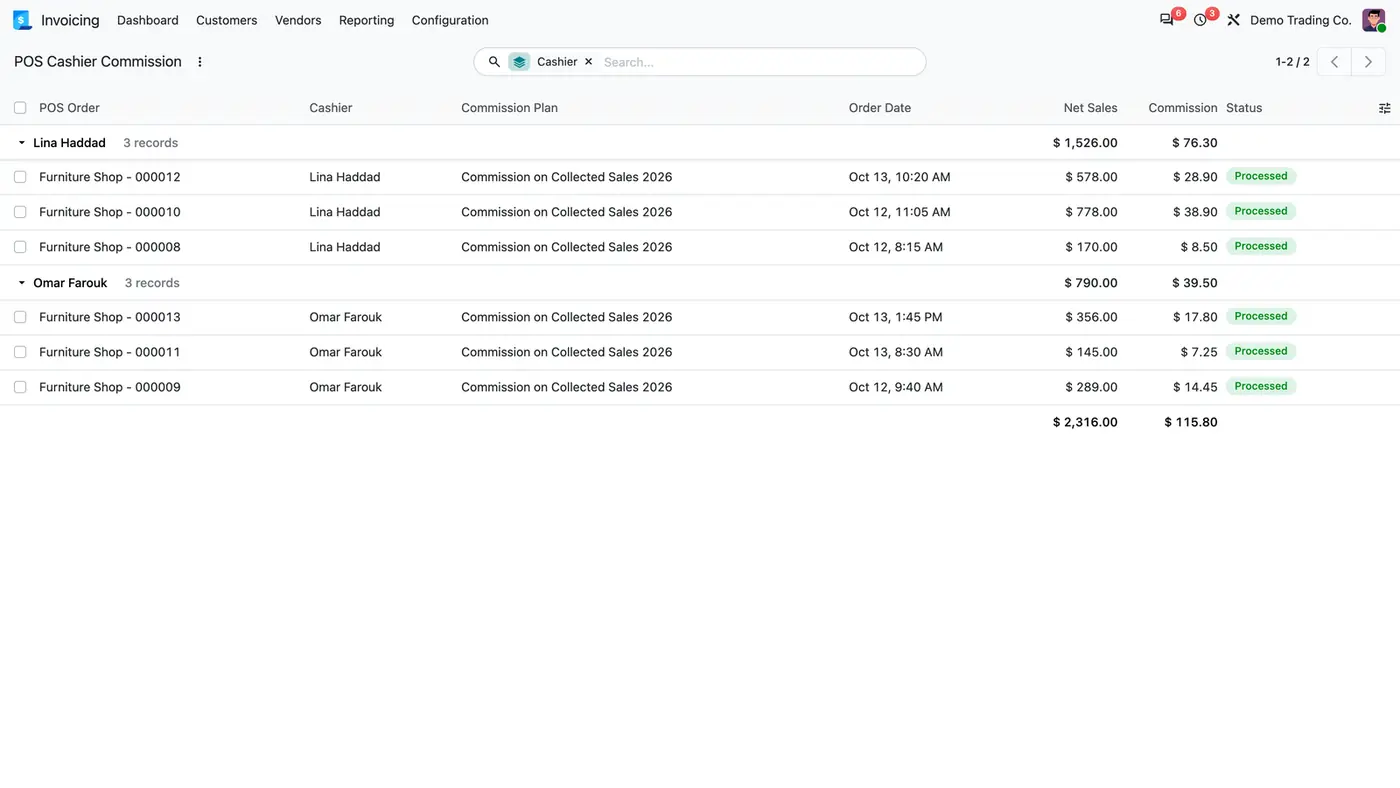
They earn the plan's Payment Amount rate on the net sales, without taxes, of each paid POS order they took.
A POS Cashier Commission list shows one row per order, grouped by cashier, with the plan used.
Multi-company
Only plans of the invoice's company pay.
Record rules apply per company, and the module has been tested in multi-company databases.
Who it is for
A good fit for
Companies that want to pay sales commission only on money actually collected.
Sales teams with partial payments, where commission should follow each payment.
Finance teams that need a record of which payment earned which commission.
Retailers who want to pay commission to Point of Sale cashiers who have no Odoo user.
Not a fit for
Commission on credit notes, customer refunds or exchange differences.
Commission for Point of Sale cashiers on target-based plans.
Odoo Community: the app needs the Enterprise Sale Commission module.
Databases on Odoo Online (SaaS), which cannot install third-party apps.
Install
Requires: Invoicing (account), Sales (sale_management), Sale Commission (Enterprise), Point of Sale (point_of_sale), POS - HR, Employees (hr), Discuss (mail)
Buy Commission on Payment on the Odoo Apps Store for your Odoo version (18.0, 19.0 or 20.0).
Add the module to your Odoo.sh project or to the addons path of your on-premise server.
Update the apps list in Odoo and install Commission on Payment. The required apps are installed with it if they are missing.
Odoo Online (SaaS) does not allow third-party apps, so the app cannot be installed there. Use Odoo.sh or an on-premise Odoo Enterprise database.
Every purchase includes 90 days of free support from FlexCode Systems.
Configure
Open Sales > Commissions > Commission Plans, open a plan in draft and add a Payment Amount line under Achievements Rules with its rate.
On the Salespeople tab, add the salespeople who should earn on payments.
Under Salespeople > Employees, add the Point of Sale cashiers who work without a user.
Approve the plan.
How to use it
Collect a payment
Register the payment on a posted customer invoice under Invoicing / Accounting > Customers > Invoices > Pay.
Once the payment is reconciled, the invoice salesperson gets a commission adjustment for the amount paid times the rate.
A second partial payment adds a second line for the same invoice.
Undo a payment
Unreconcile the payment, or reset the payment or the invoice to draft.
A Reduce From adjustment of the same amount is added and the ledger row is marked Reversed.
Check what each payment earned
Open Invoicing / Accounting > Accounting > Commission Payment Sources.
Review each row with invoice, payment, salesperson, amount and status. No Commission means the invoice salesperson is on no paying plan.
Limits
Credit notes, customer refunds and exchange differences earn no commission. A credit note or another invoice reconciled with the invoice earns nothing.
A target-based plan gives Point of Sale cashiers no commission.
Use either Payment Amount or Odoo's own Amount Paid in Full in a plan, not both.
Enterprise only, and it cannot be installed on Odoo Online (SaaS).
FAQ
Does the standard Amount Invoiced type change?
No. Amount Invoiced still pays when the invoice is posted. A plan can use Payment Amount alone, or both types if you want both.
What happens when a payment is cancelled or bounces?
Unreconciling the payment adds a Reduce adjustment of the same amount for the salesperson, and the ledger row is marked Reversed. If the payment is reconciled again later, it earns once more.
How is a cashier paid commission without a user?
Put the employee on the plan in the new Employees list. The rate is the plan's Payment Amount rate, applied to the net sales (without taxes) of each paid POS order the employee took.
How is Payment Amount different from Amount Paid in Full?
Amount Paid in Full is Odoo's own type, computed from the paid share of each invoice. Payment Amount earns per payment, keeps a ledger row for each one and takes back unreconciled payments. Use one of them in a plan, not both.
Does it work with Odoo Community?
No. It depends on Odoo's Sale Commission module, which is part of Enterprise. It runs on Odoo 18, 19 and 20 Enterprise, on Odoo.sh or on-premise.
 Play demo