HR & Payroll
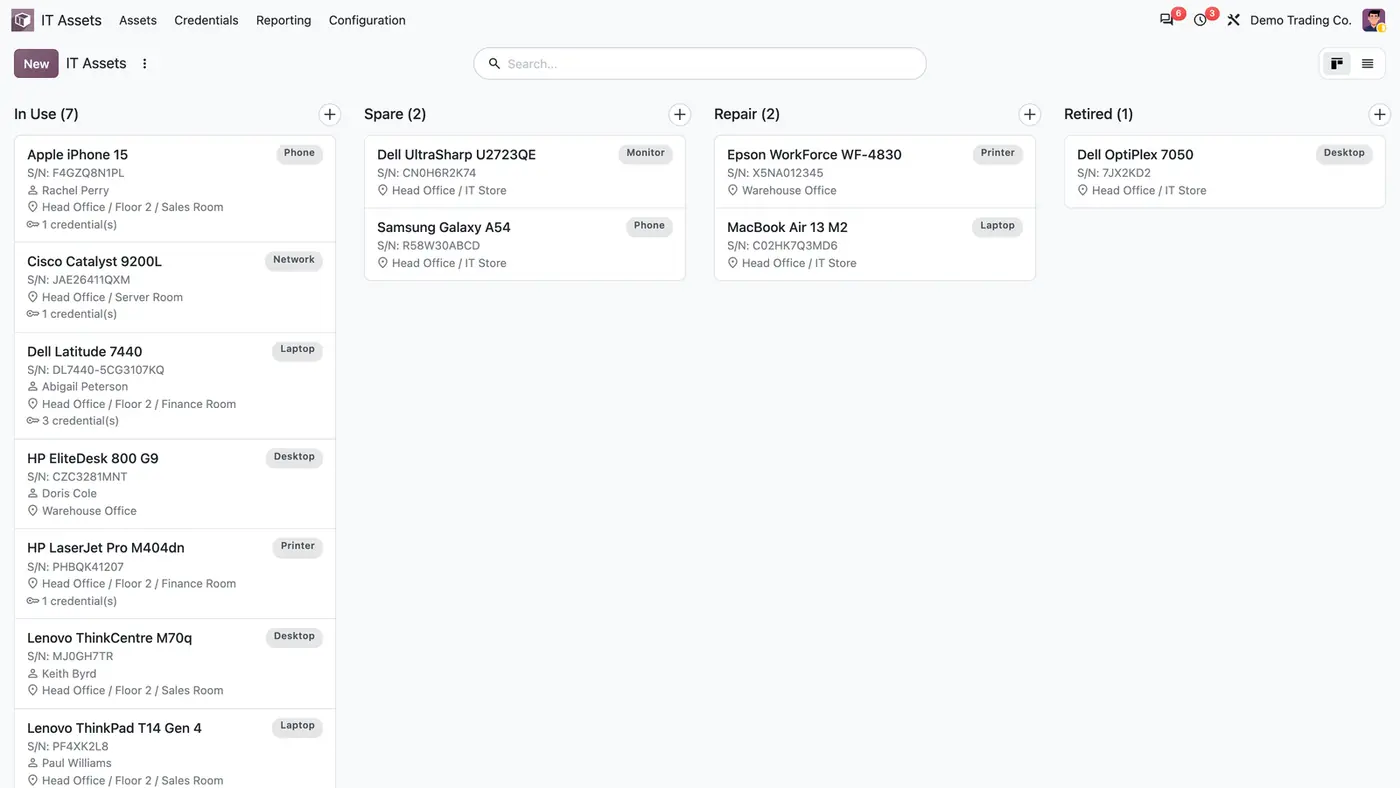
IT Asset Register
Register of company devices with holder, location, assignment history and encrypted, logged passwords.
Odoo 20 Odoo 19 Odoo 18€69.30
Connectors · Odoo 19
See where every company vehicle is, right inside Odoo Fleet
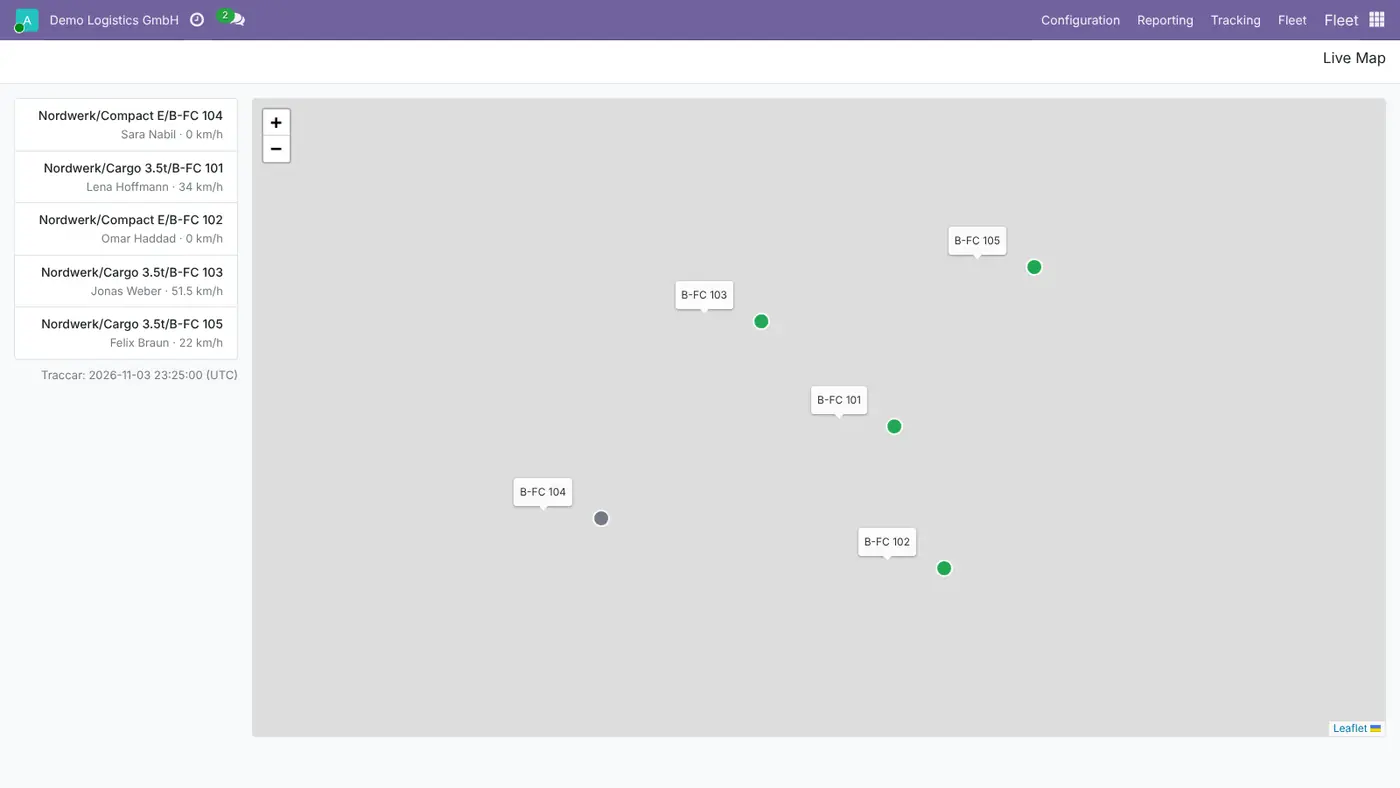
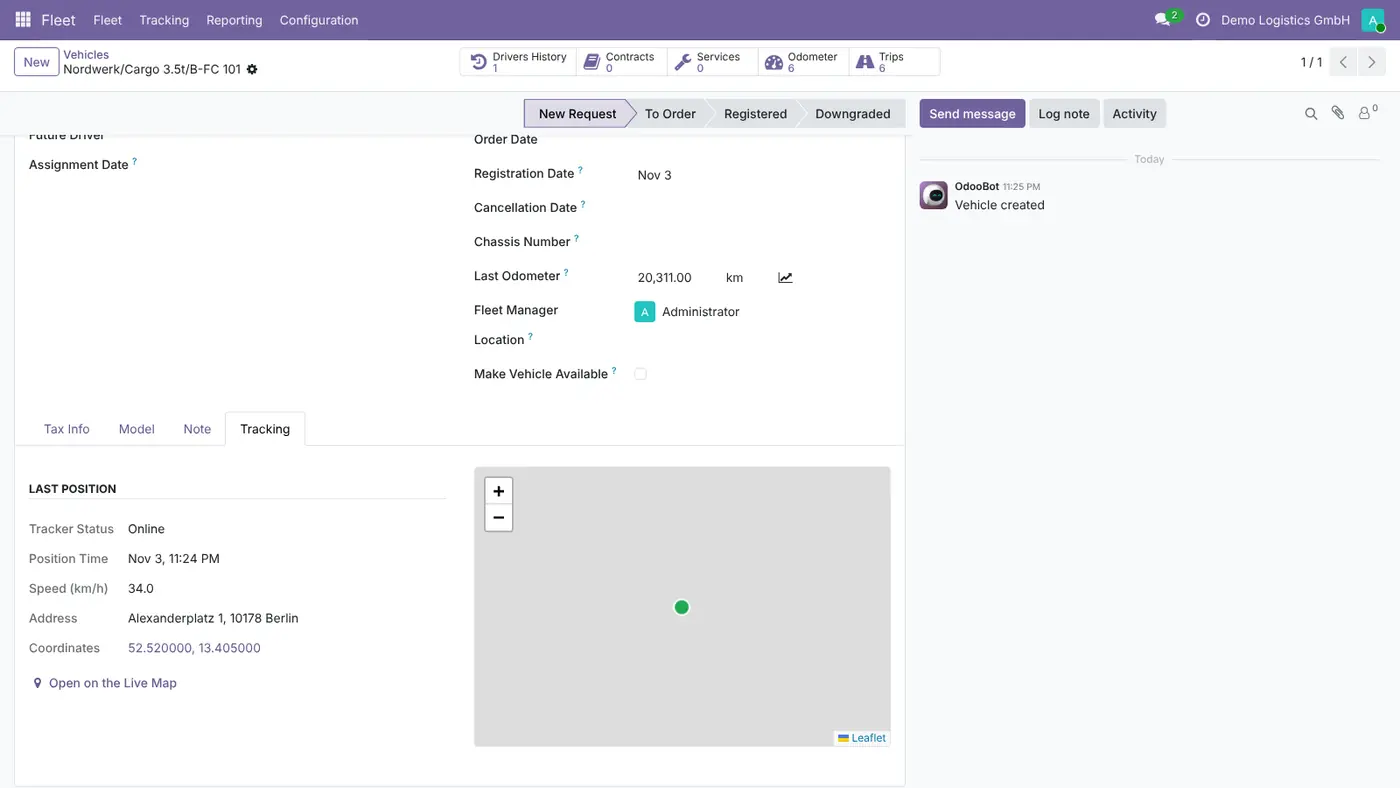
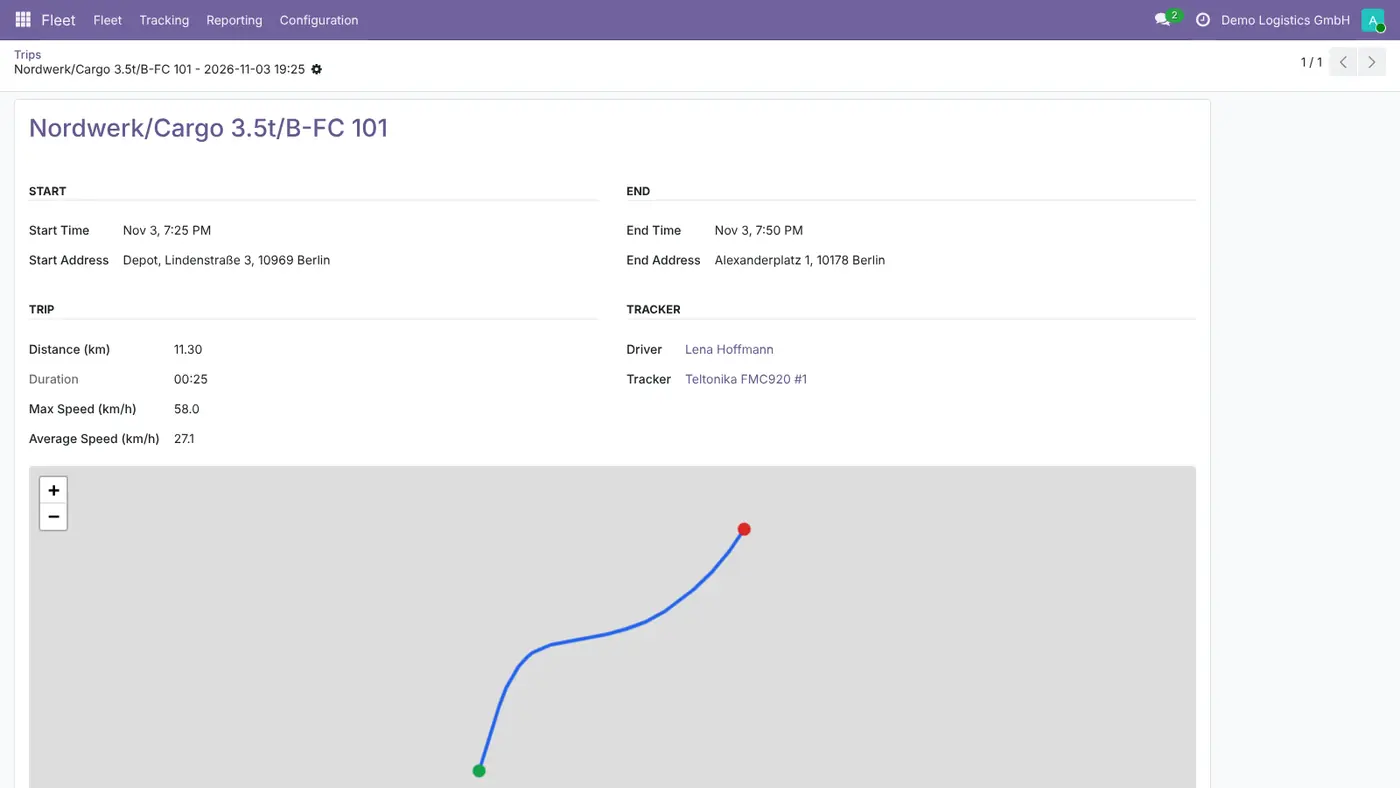
Fleet Tracking connects Odoo Fleet to your own Traccar server, the open source GPS tracking server. Trackers are linked to vehicles or drivers, a live map and the vehicle form show where every vehicle is, and trips arrive with their route and a replay. Geofences, speed limits and idling raise alerts, and tracking can be limited to working hours.
Key features
The vehicles are in Odoo Fleet, but their positions live in a separate GPS portal. Fleet managers switch between two systems to find a vehicle, odometer readings are typed in by hand, and nobody can say afterwards who drove which trip. Speeding, idling or a vehicle leaving its area only shows up when someone happens to look.
Requires: Fleet (fleet), Discuss (mail)
Odoo Online (SaaS) does not allow third-party apps, so the app cannot be installed there. Use Odoo.sh or an on-premise Odoo 19 database, Community or Enterprise.
Questions: info@flexcodesys.com.
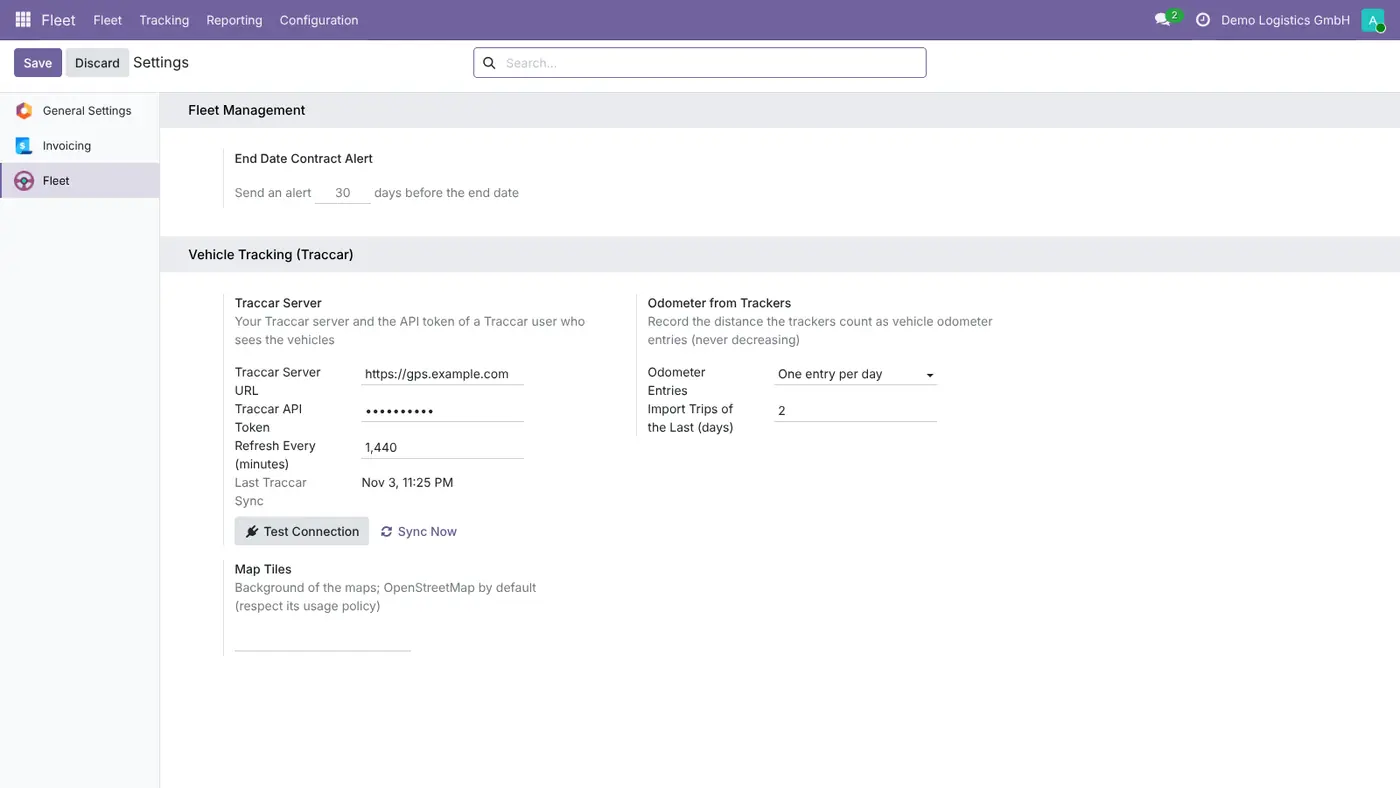
| Setting | What it does |
|---|---|
| Traccar Server URL and API Token | Your Traccar server and the token of a Traccar user who sees the vehicles (Traccar: Settings, Preferences, Token). Per company. |
| Refresh Every (minutes) | How often the scheduled action reads Traccar; 5 minutes by default. |
| Odometer Entries | One entry per day or every N km, never decreasing. |
| Import Trips of the Last (days) | How far back trips are imported from Traccar. |
| Map Tiles | Background of the maps; OpenStreetMap by default, or your own tile server. |
| Speed limit, idle threshold and alerts | Default speed limit (each vehicle can have its own), idle threshold and which events alert the fleet manager. |
| Track During Working Hours Only | Per company or vehicle; outside working hours Odoo imports nothing. |
Yes. Traccar is the free, open source GPS tracking server that receives the positions of the devices, and this app reads it through its REST API. You can run it yourself with Docker or Coolify, using the ready docker-compose file in the module's documentation, or use a hosted Traccar.
Yes. Install the free Traccar Client app on Android or iPhone, point it to your Traccar server on port 5055, and the phone appears as a tracker in Odoo.
The scheduled action reads Traccar every 5 minutes by default. The live map refreshes itself every 30 seconds and reads Traccar again once the interval is over. Trips are imported every hour.
Every device Traccar supports, for example Teltonika, GT06/Concox, Queclink and Coban, plus the free Traccar Client app on Android and iPhone. Apple AirTags and other Bluetooth tags do not work.
Tracking people is personal data. Inform the drivers in writing, get their consent where the law asks for it, and give access only to those who need it. Fleet Officers see only the vehicles they manage and drivers only their own vehicle. With Track During Working Hours Only, Odoo imports nothing outside working hours.
Register of company devices with holder, location, assignment history and encrypted, logged passwords.
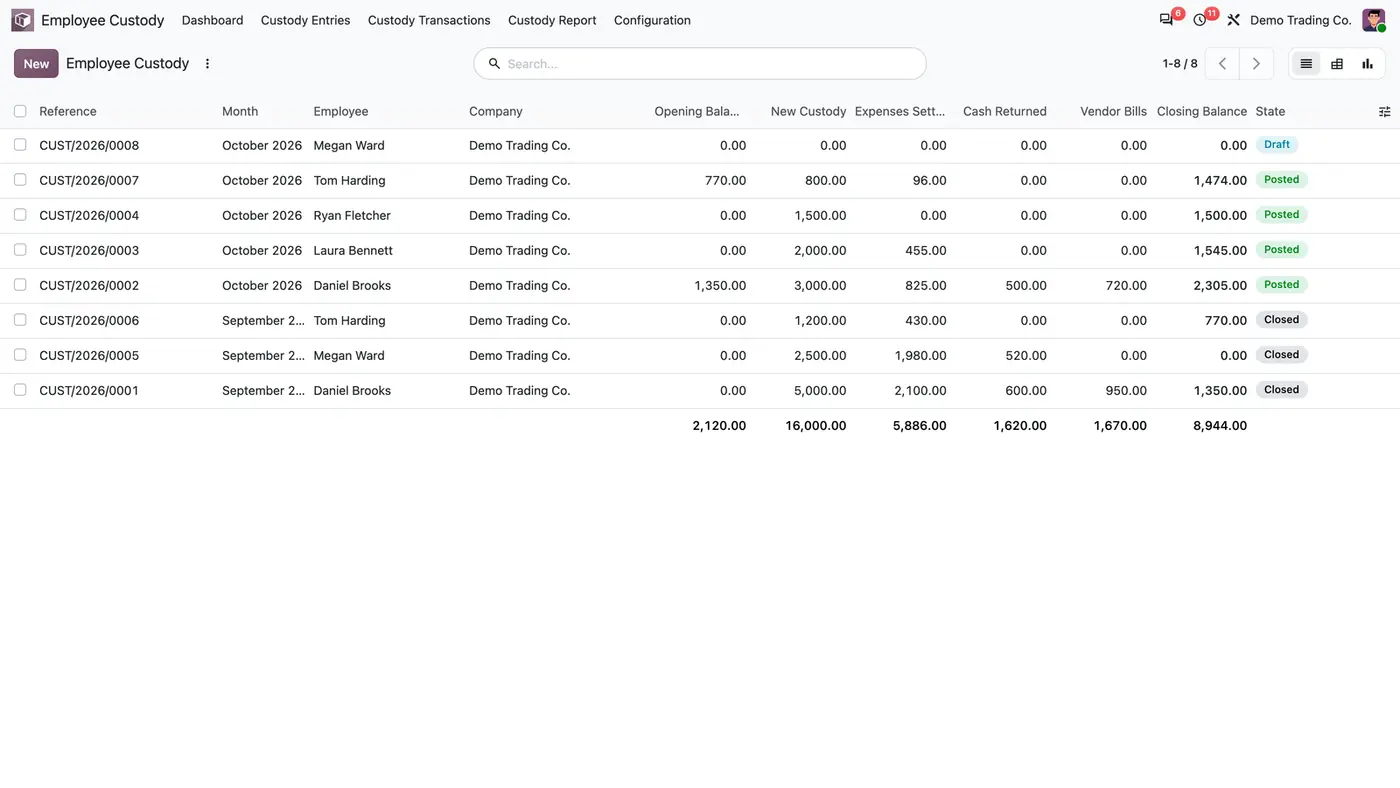
Employee custody and staff advances, integrated with Expenses.
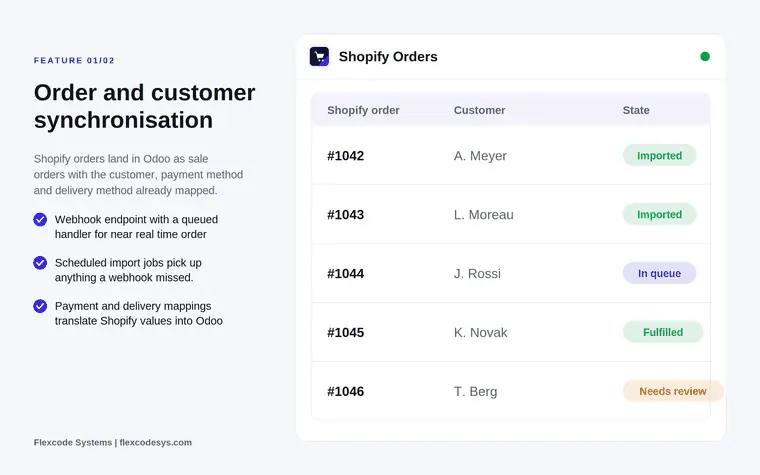
Sync Shopify orders, customers, products and stock. Ship in Odoo, the shop follows.
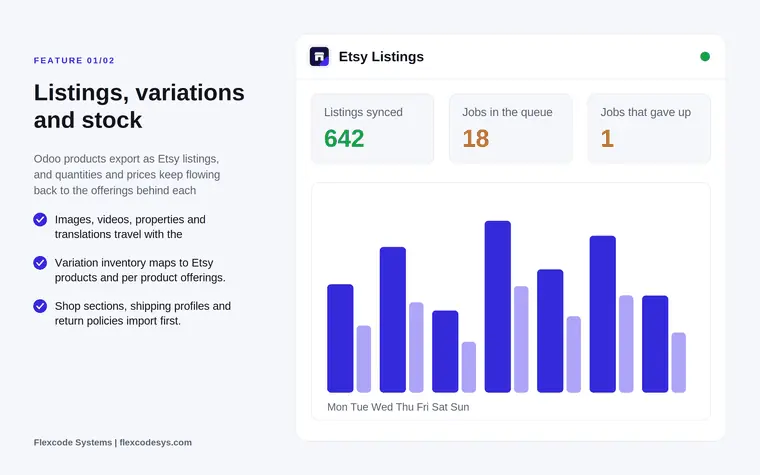
Sync Etsy listings, orders, stock and payouts through the Etsy Open API v3.
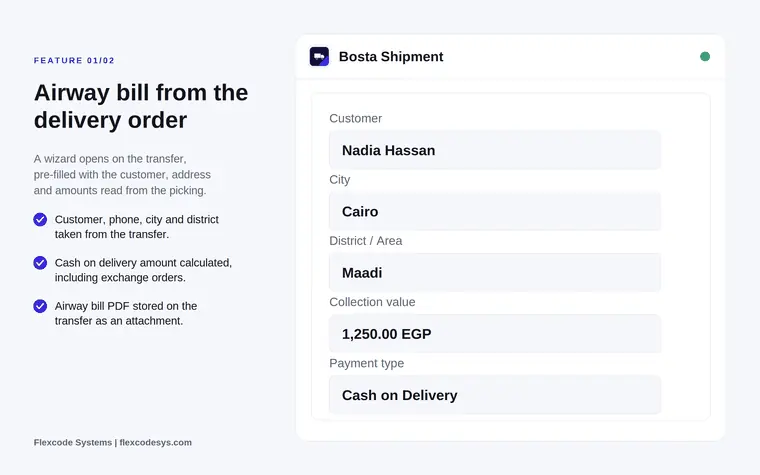
Create Bosta airway bills, print the label and let tracking status sync itself.
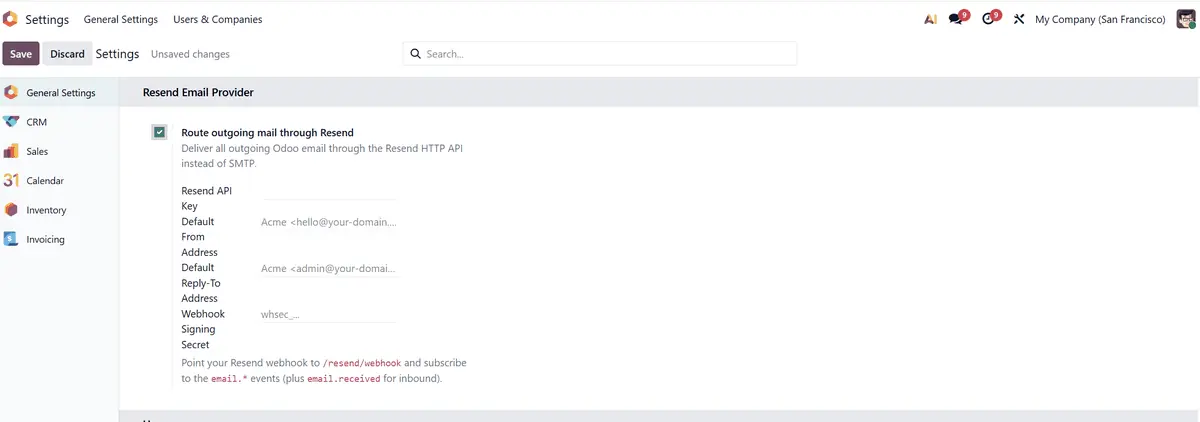
Send Odoo email through the Resend API: delivery tracking, bounces and inbound replies.
We configure our apps for your process, train your team and build the extra pieces you need.