Connectors
Shopify Connector
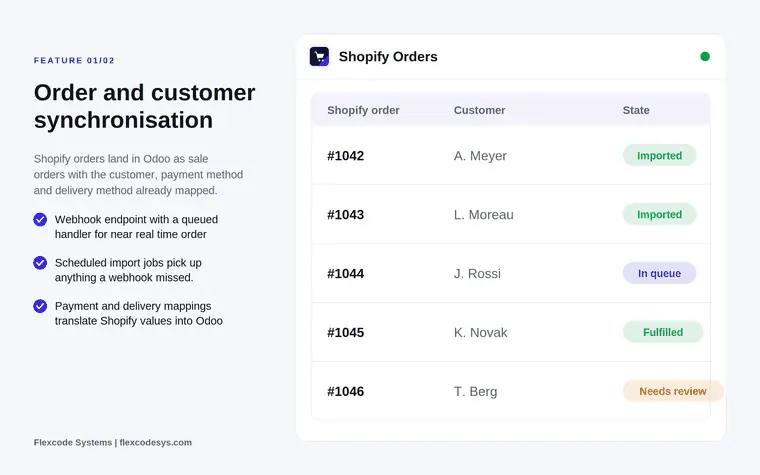
Sync Shopify orders, customers, products and stock. Ship in Odoo, the shop follows.
Odoo 20€104.30
Connectors · Odoo 19
Odoo products and stock in your Shopware 6 shop, with one owner per field
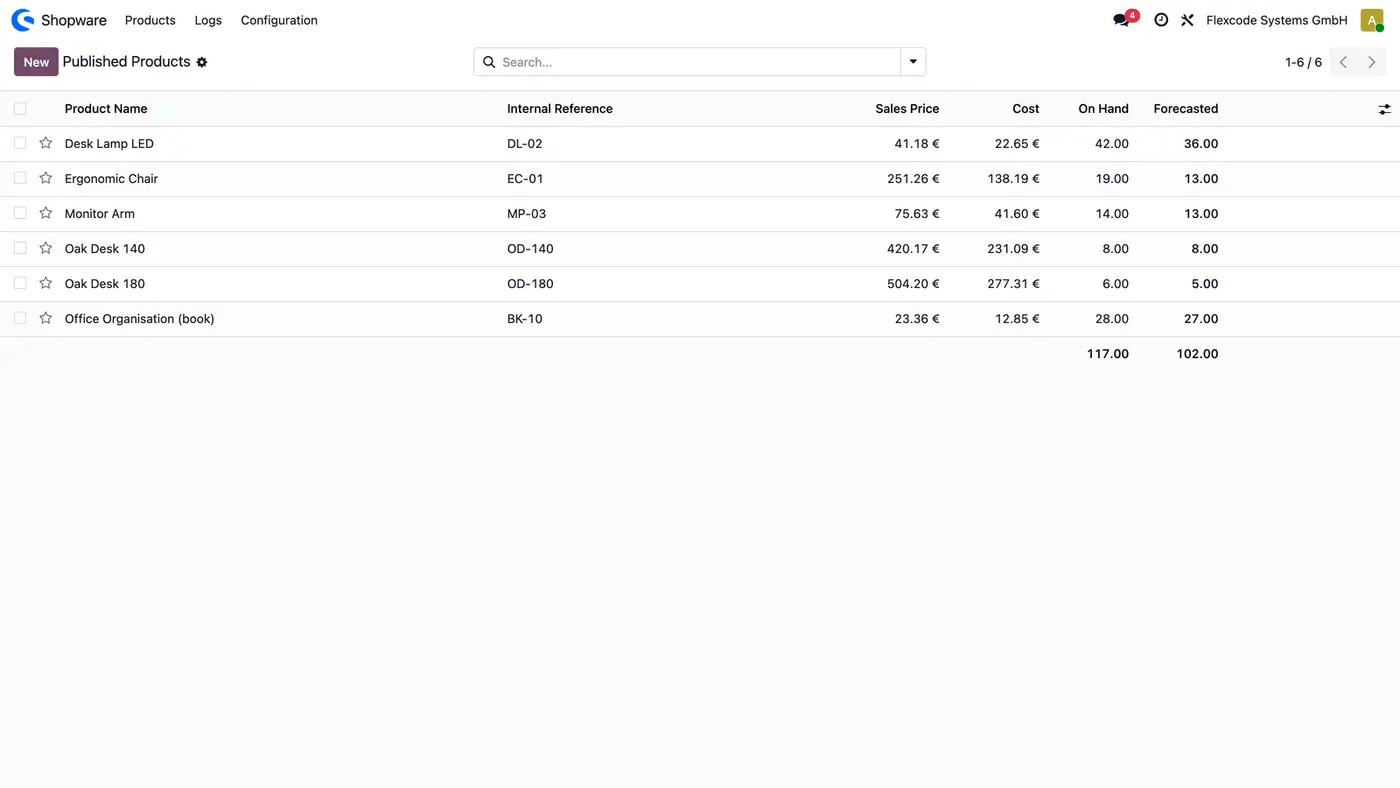
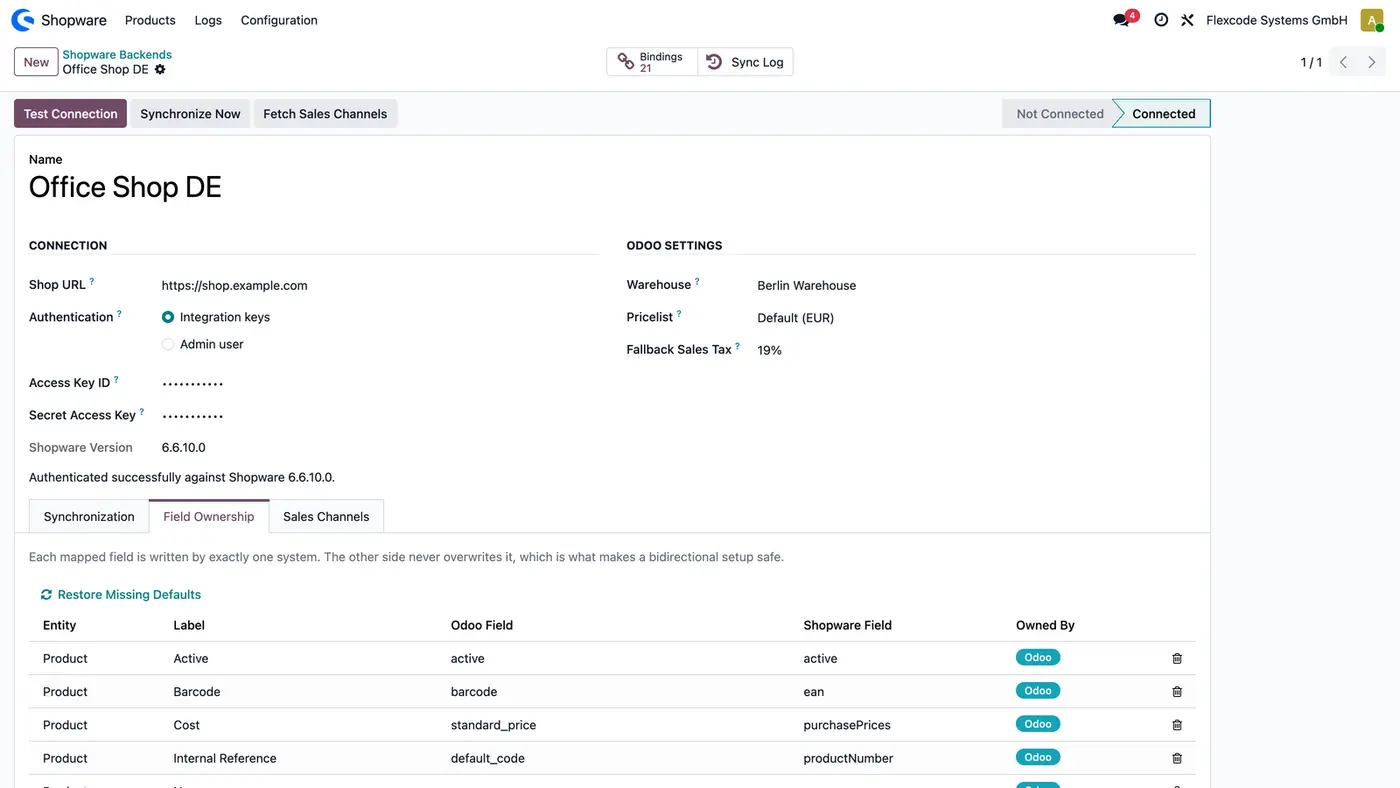
Shopware 6 Connector links Odoo 19 to a Shopware 6 shop through the Shopware Admin API. Products and variants with prices, categories and images go out to Shopware, stock follows every 15 minutes, and each mapped field is written by one system only, so Odoo and Shopware never overwrite each other. Orders, invoicing, pricing, catalogue extras and webhooks are separate add-ons.
Key features
Without a connector, products, prices and images are maintained twice, once in Odoo and once in Shopware, and the two drift apart. Stock moves in the warehouse while the shop keeps selling what is no longer there. When both systems are allowed to edit the same field, one side quietly overwrites the other and nobody knows which value is right.
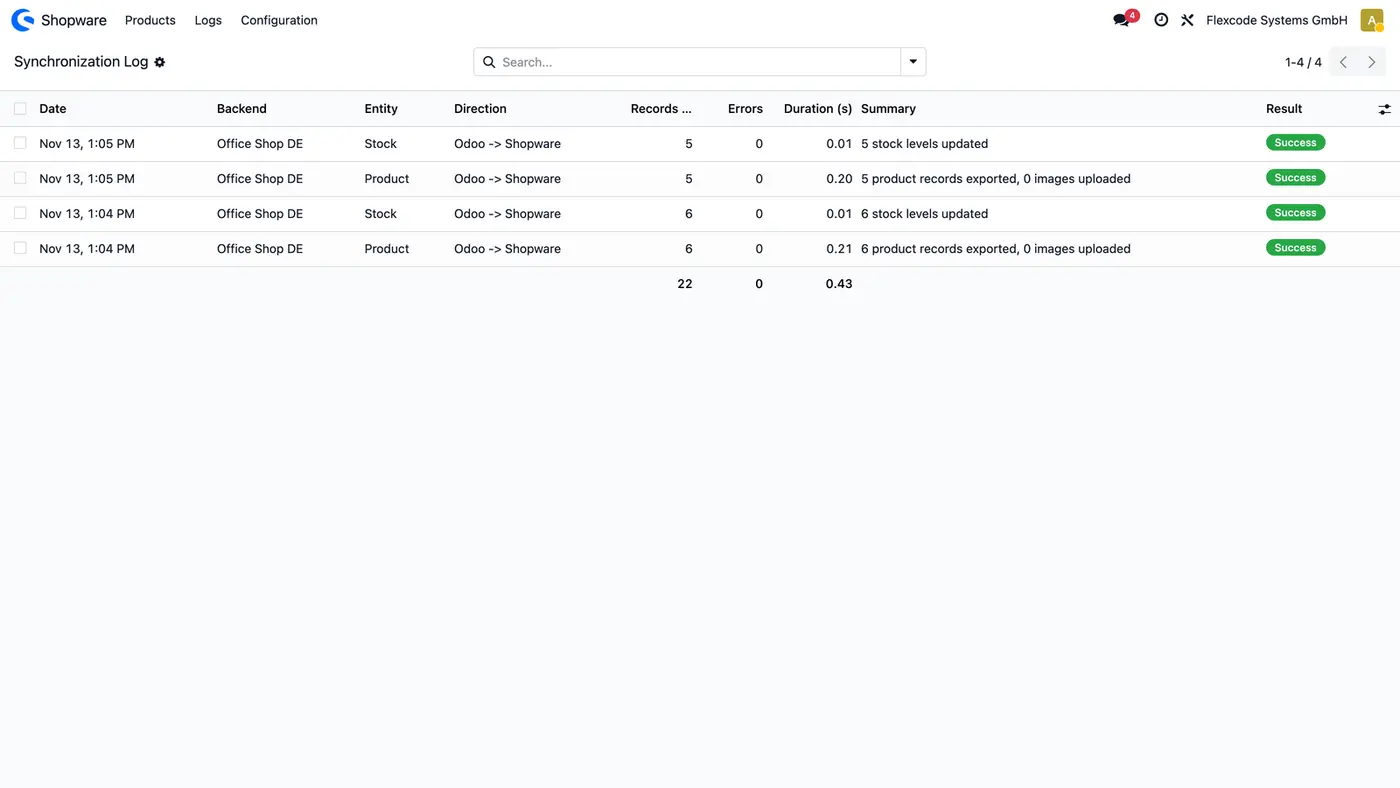
Optional modules on top of the connector, each sold separately on the Odoo Apps Store.
Shopware 6 Connector: Salesflexcode_shopware_connector_sale | Shopware orders and customers in Odoo, total checked per order, tracking and shipped status back to Shopware. | €208.60 |
Shopware 6 Connector: Invoicingflexcode_shopware_connector_account | Invoices, payments, credit notes and cancellations in Odoo as Shopware reports them. Needs Sales. | €256.90 |
Shopware 6 Connector: Pricingflexcode_shopware_connector_pricing | Odoo pricelists as Shopware price rules, with quantity tiers and prices per customer group. | €173.60 |
Shopware 6 Connector: Catalogue Extrasflexcode_shopware_connector_extra | Manufacturer, units, delivery time, cross-selling and custom fields from Odoo to Shopware. | €173.60 |
Shopware 6 Connector: Webhooksflexcode_shopware_connector_webhook | Shopware orders and customers in Odoo within a minute instead of at the next hourly run. | €173.60 |
Requires: Inventory (stock), Invoicing (account), Discuss (mail)
Odoo Online (SaaS) does not allow third-party apps, so the connector cannot be installed there. Use Odoo.sh or an on-premise Odoo 19 database, Community or Enterprise.
Every purchase includes 90 days of free support from FlexCode Systems.
| Setting | What it does |
|---|---|
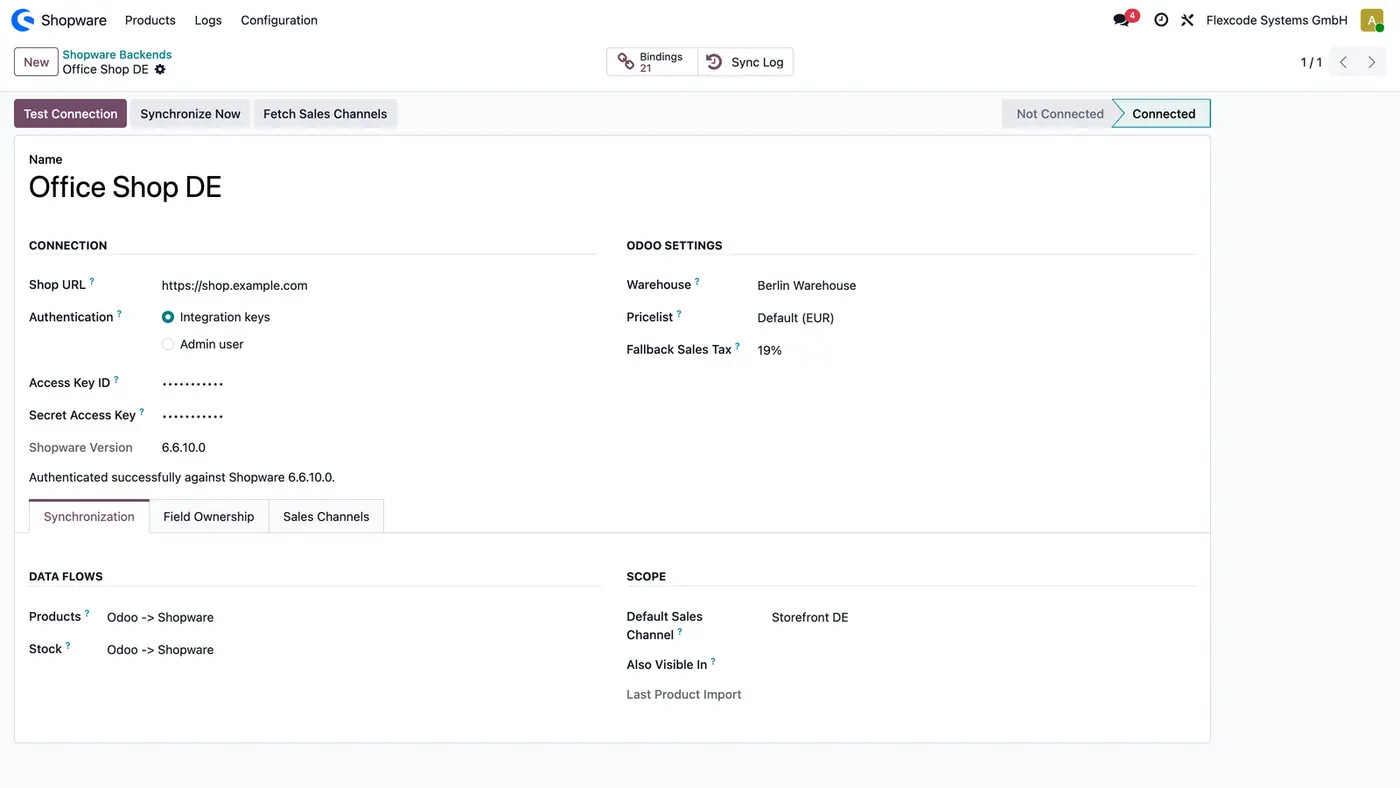
| Shop URL | The address of your Shopware 6 shop. |
| Authentication | Integration keys for a live shop, or Admin user for a demo or trial shop. The keys stay hidden and are never written to a log. |
| Warehouse | The Odoo warehouse whose free stock is sent to Shopware. |
| Pricelist | The pricelist used for the prices sent to Shopware. |
| Fallback Sales Tax | Used for a product that has no tax. |
| Products and Stock data flows | The direction of each flow, for example Odoo -> Shopware, Shopware -> Odoo or Bidirectional for products. |
| Default Sales Channel and Also Visible In | The storefronts a published product is visible in. |
| Field Ownership | Per mapped field, the one system allowed to write it. |
Shopware 6.6 and 6.7, through the Shopware Admin API. Test Connection records the version it finds.
Integration keys for a live shop: create an integration under Settings > System > Integrations in Shopware with the rights the installed modules need. Demo and trial shops lock integrations until go-live, so for those choose Admin user.
Odoo, for products, prices and stock by default, while Shopware keeps the descriptions and SEO texts. The Field Ownership rules decide this per field. A catalogue kept in Shopware can also be imported.
Yes. Each shop is its own backend with its own connection, settings, ownership rules and log.
Sales, Invoicing, Pricing, Catalogue Extras and Webhooks. Each is sold separately and needs this core; Invoicing also needs Sales.
Sync Shopify orders, customers, products and stock. Ship in Odoo, the shop follows.
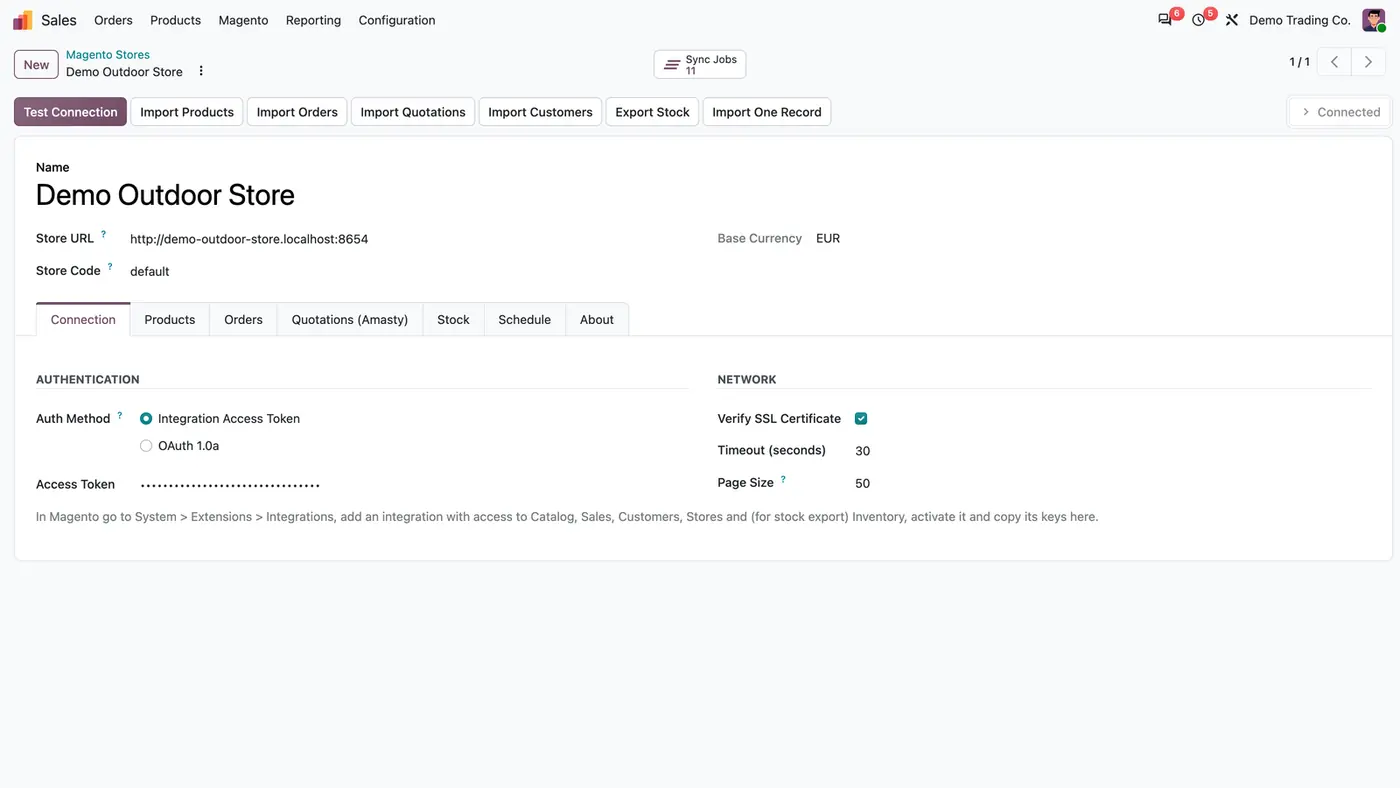
Magento 2.4 products, customers, orders and Amasty quotes into Odoo; free stock back to Magento.
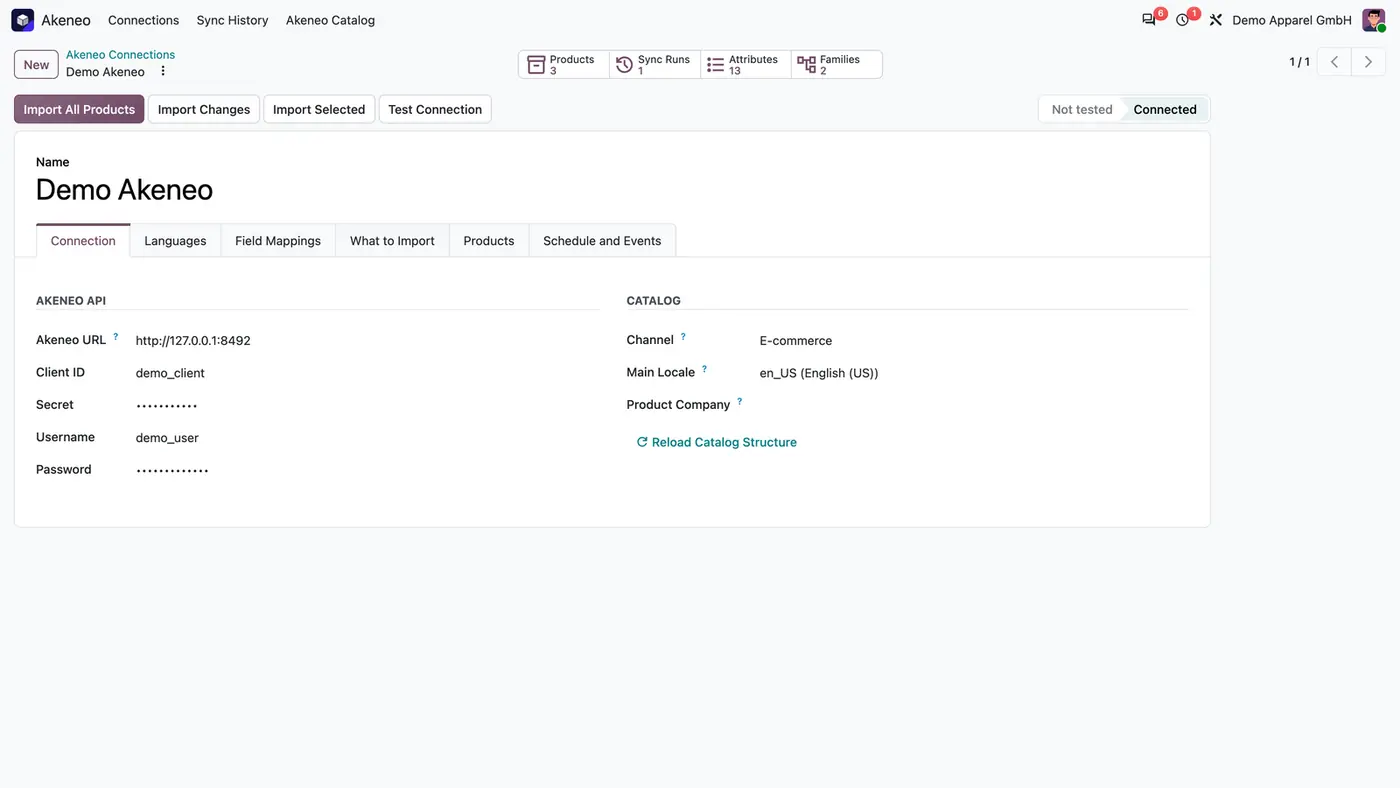
Import products, product models, translations and images from Akeneo PIM into Odoo, by schedule or webhook.
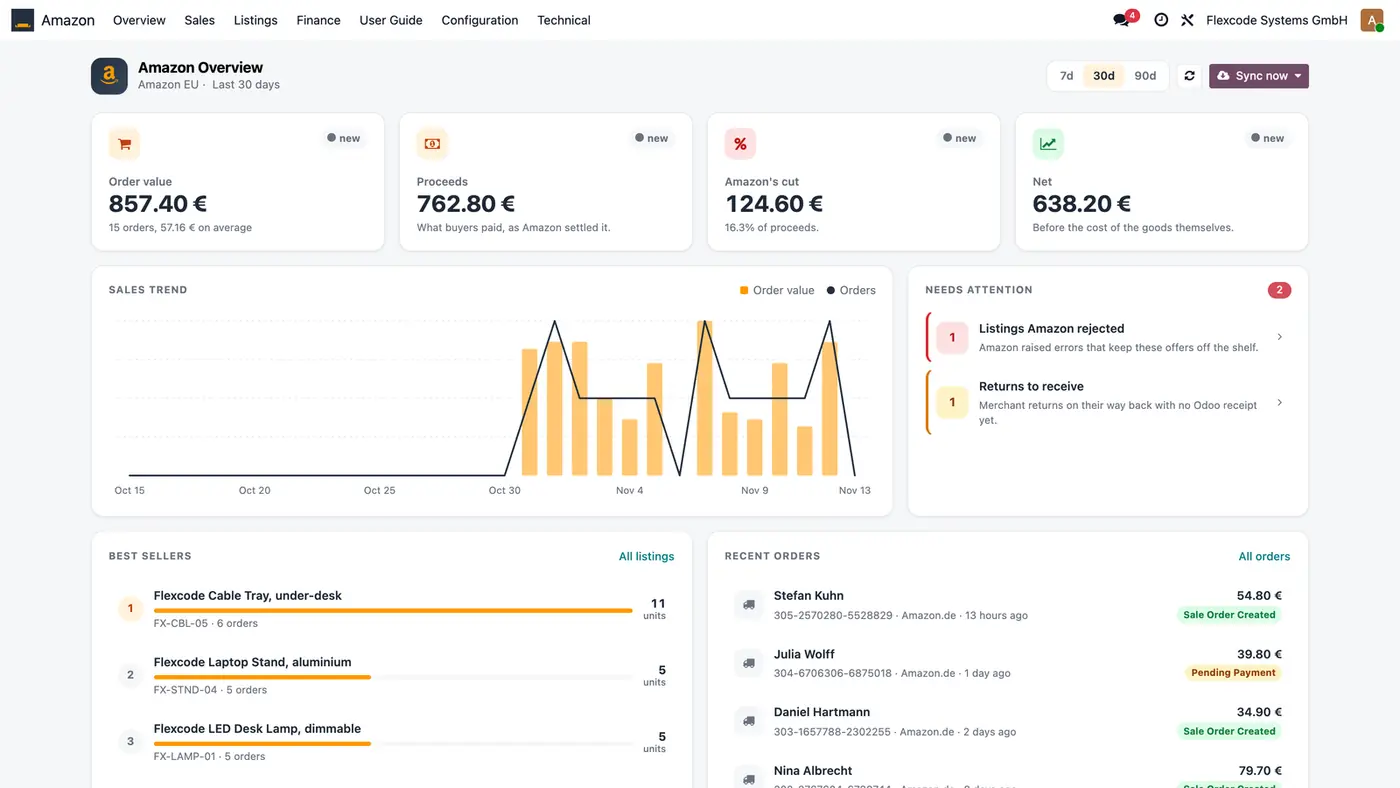
Amazon orders as Odoo sale orders; listings, prices and stock from Odoo; fees and payouts back in.
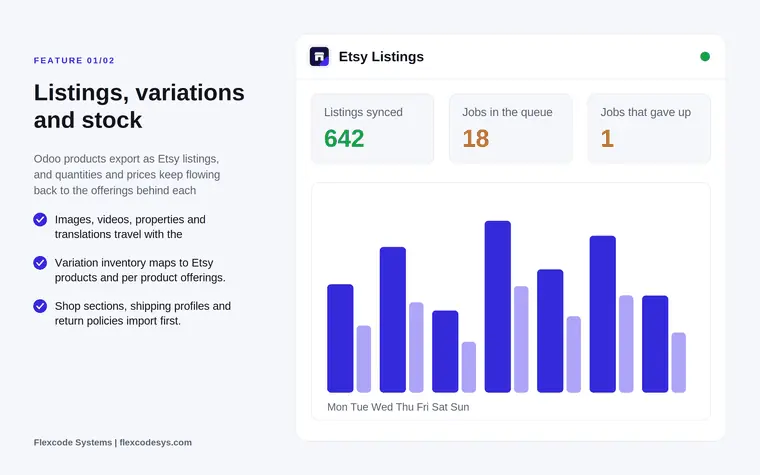
Sync Etsy listings, orders, stock and payouts through the Etsy Open API v3.
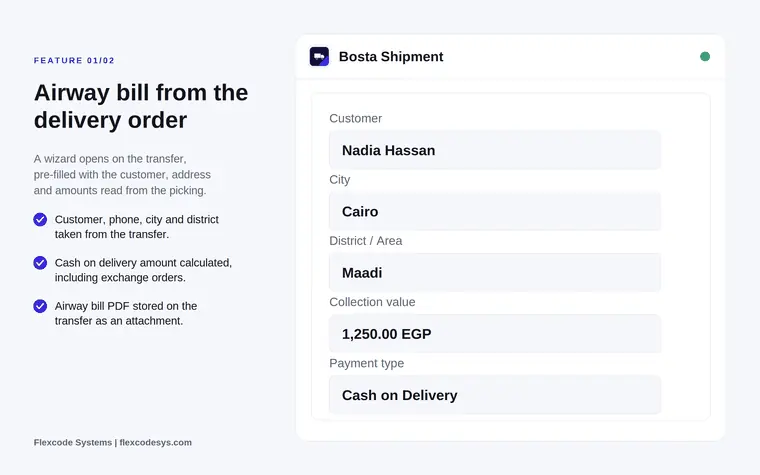
Create Bosta airway bills, print the label and let tracking status sync itself.
We configure our apps for your process, train your team and build the extra pieces you need.