Magento Connector reads your Magento 2.4 store through its REST API and brings products, customers, sales orders and, with the Amasty Request a Quote extension, quotations into Odoo 18, 19 and 20. It sends the free stock quantity back to Magento. Every import and export runs as a background job with counters and an error log, from a button or on its own schedule.
Without a connector, every Magento order is typed into Odoo a second time, with the customer, the addresses, the bundle items, shipping and taxes. Stock changes in the warehouse reach the shop only when someone updates them by hand, and a failed manual step simply goes missing instead of showing up anywhere.
Screenshots
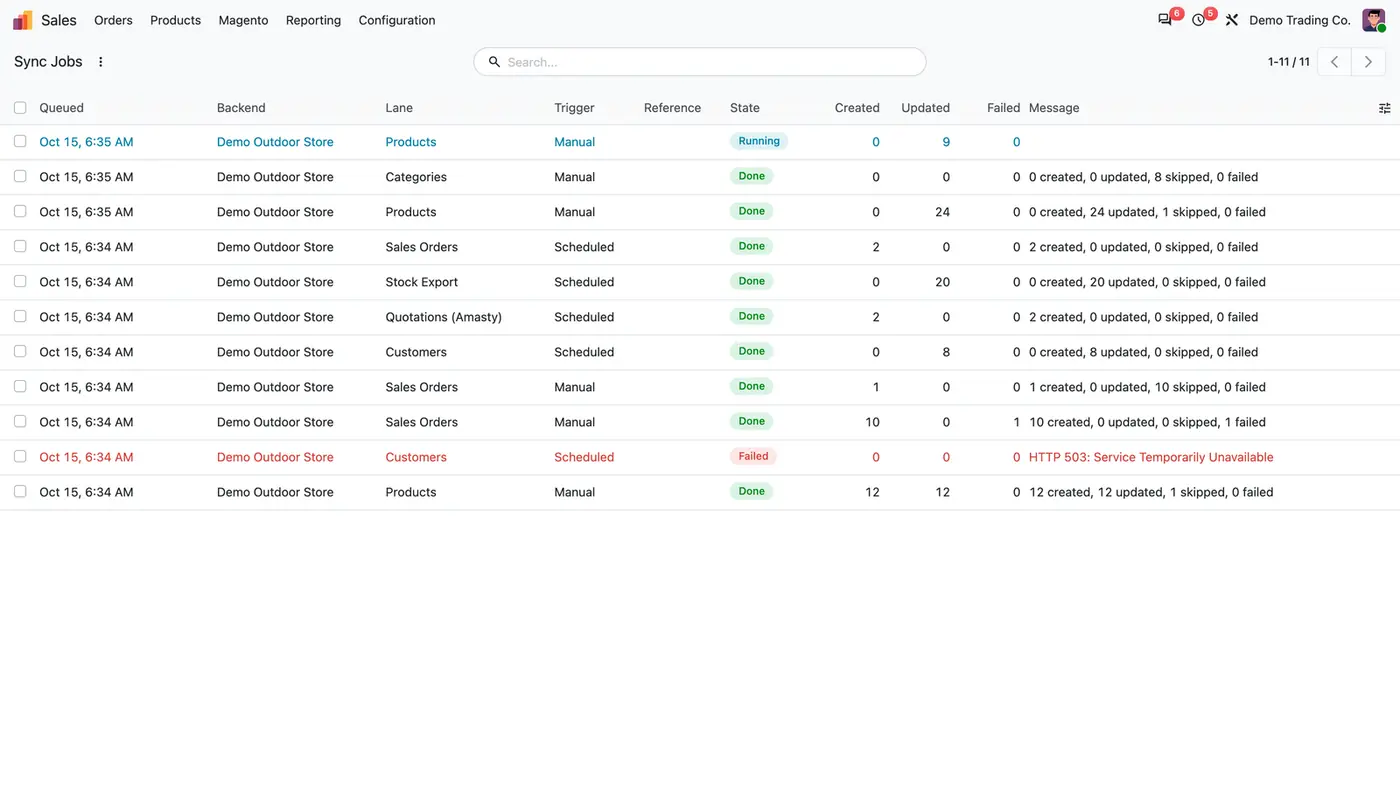
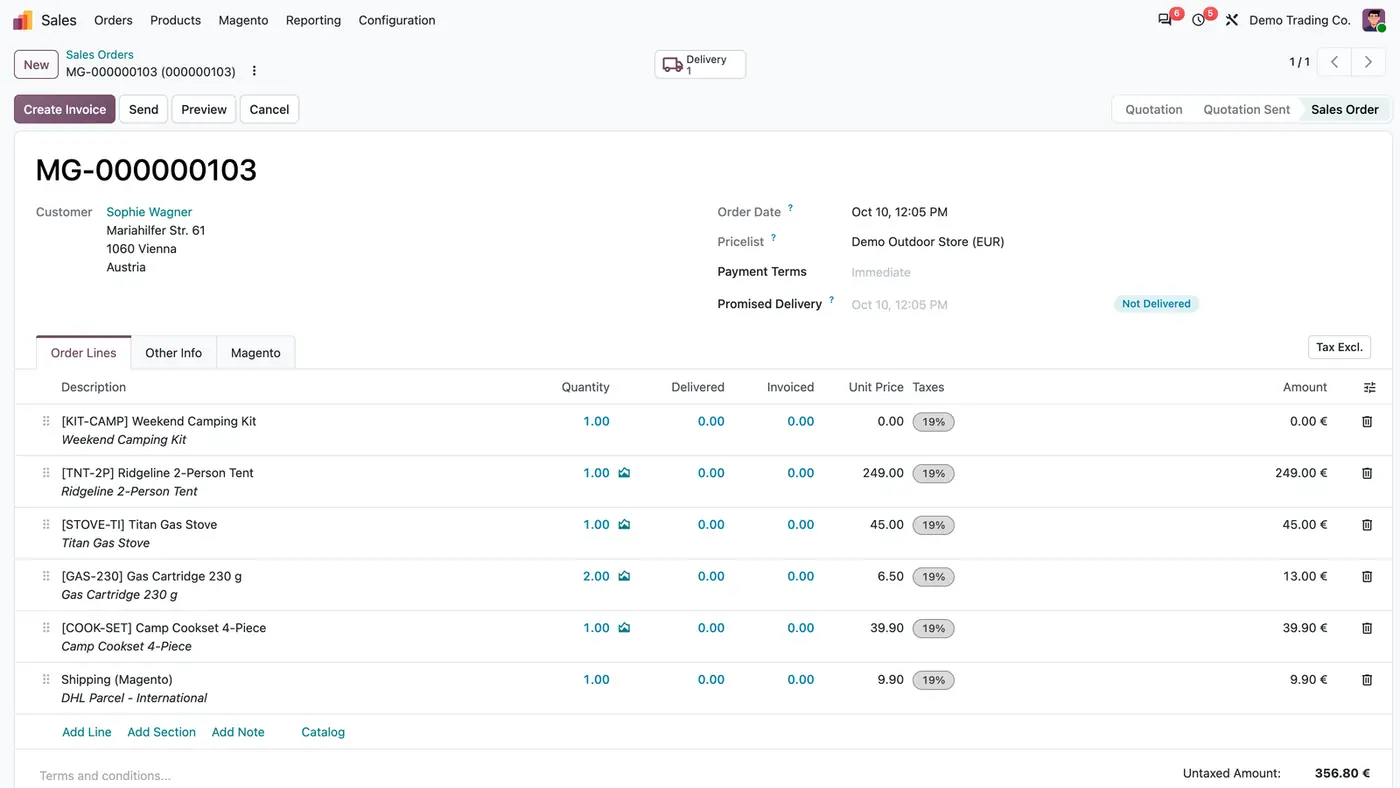
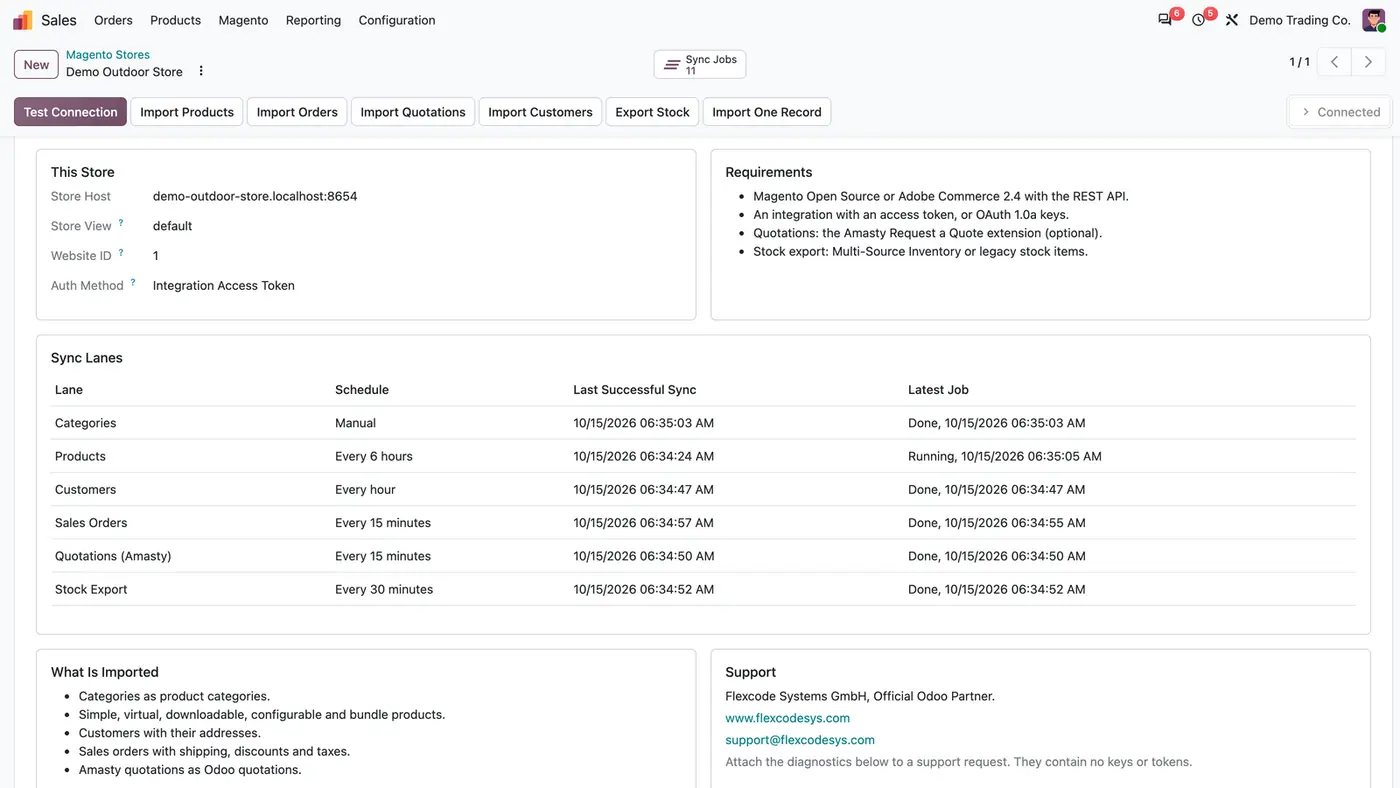
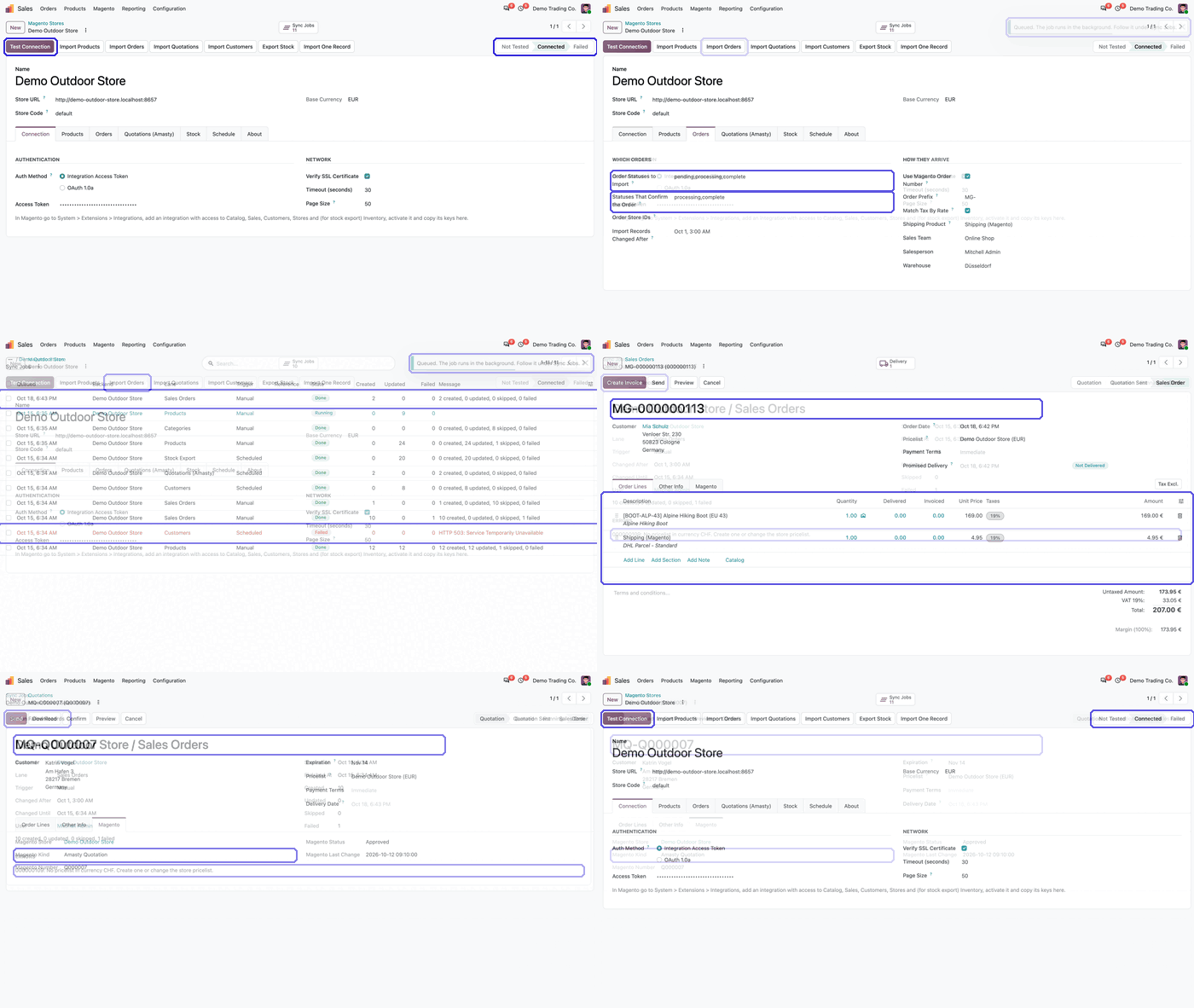
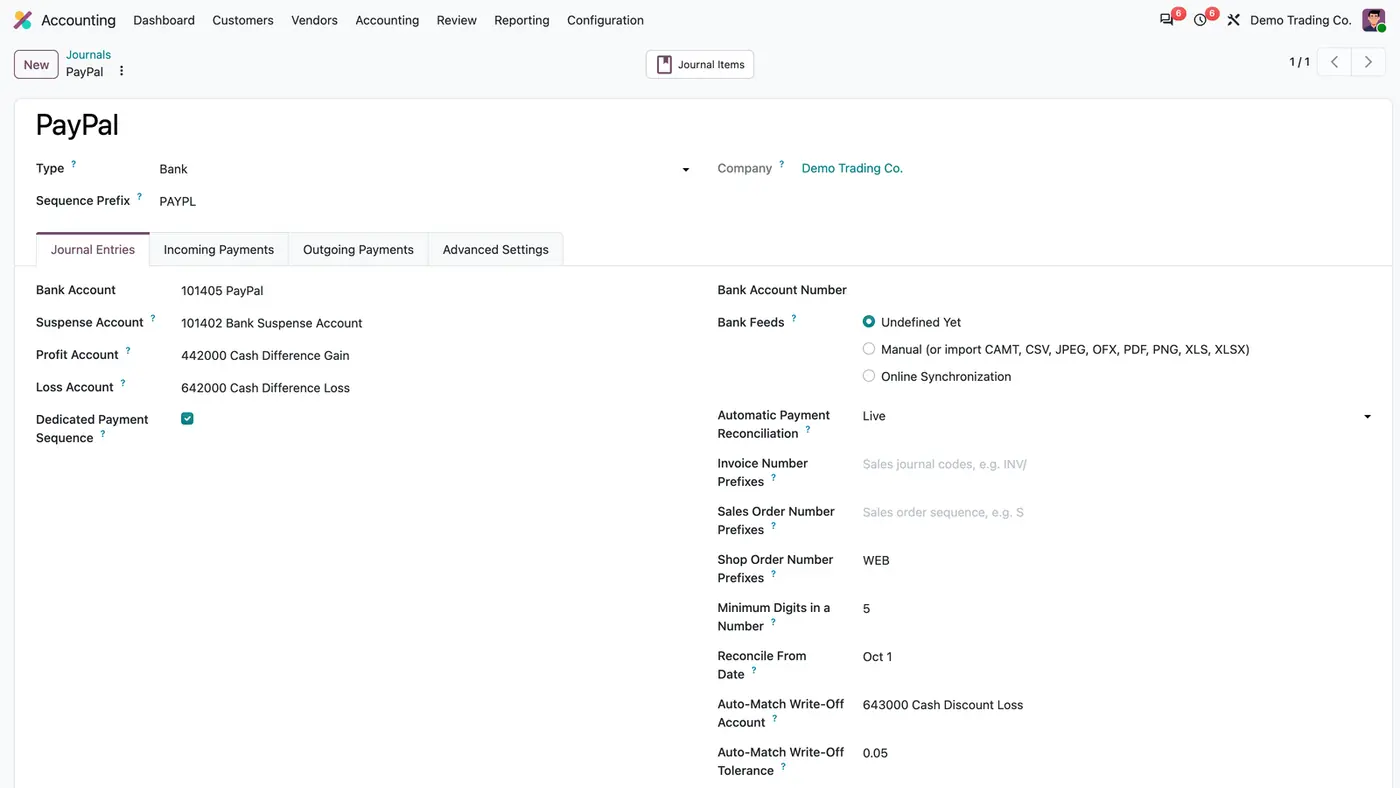
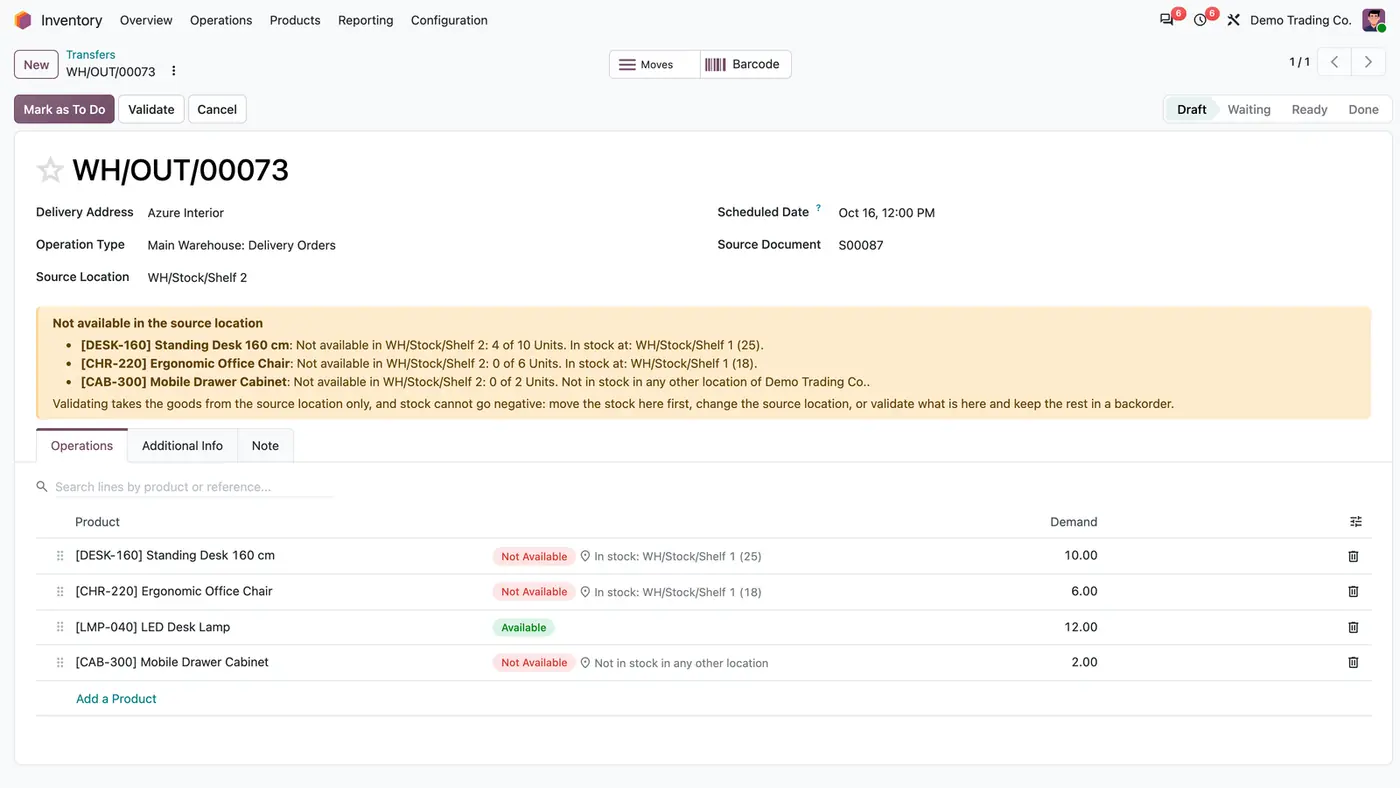
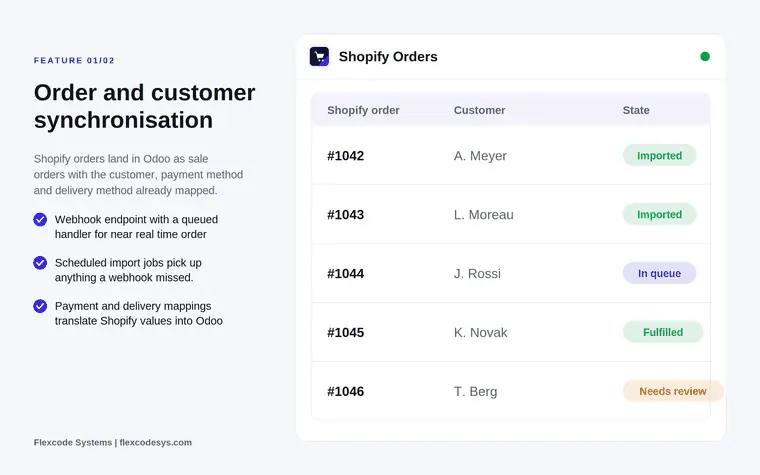
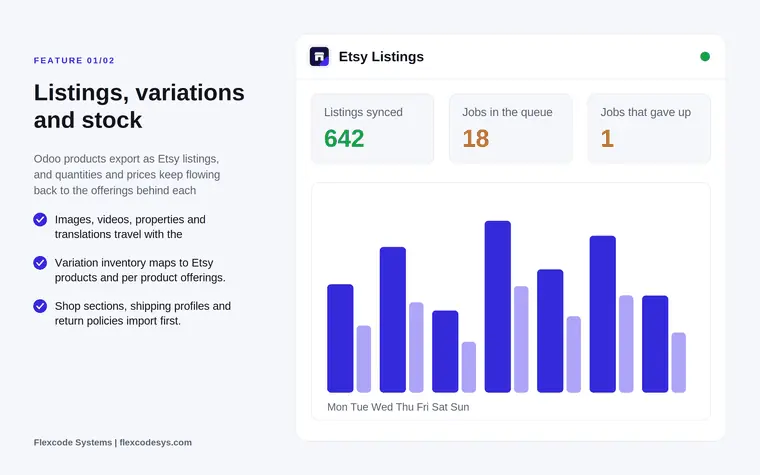
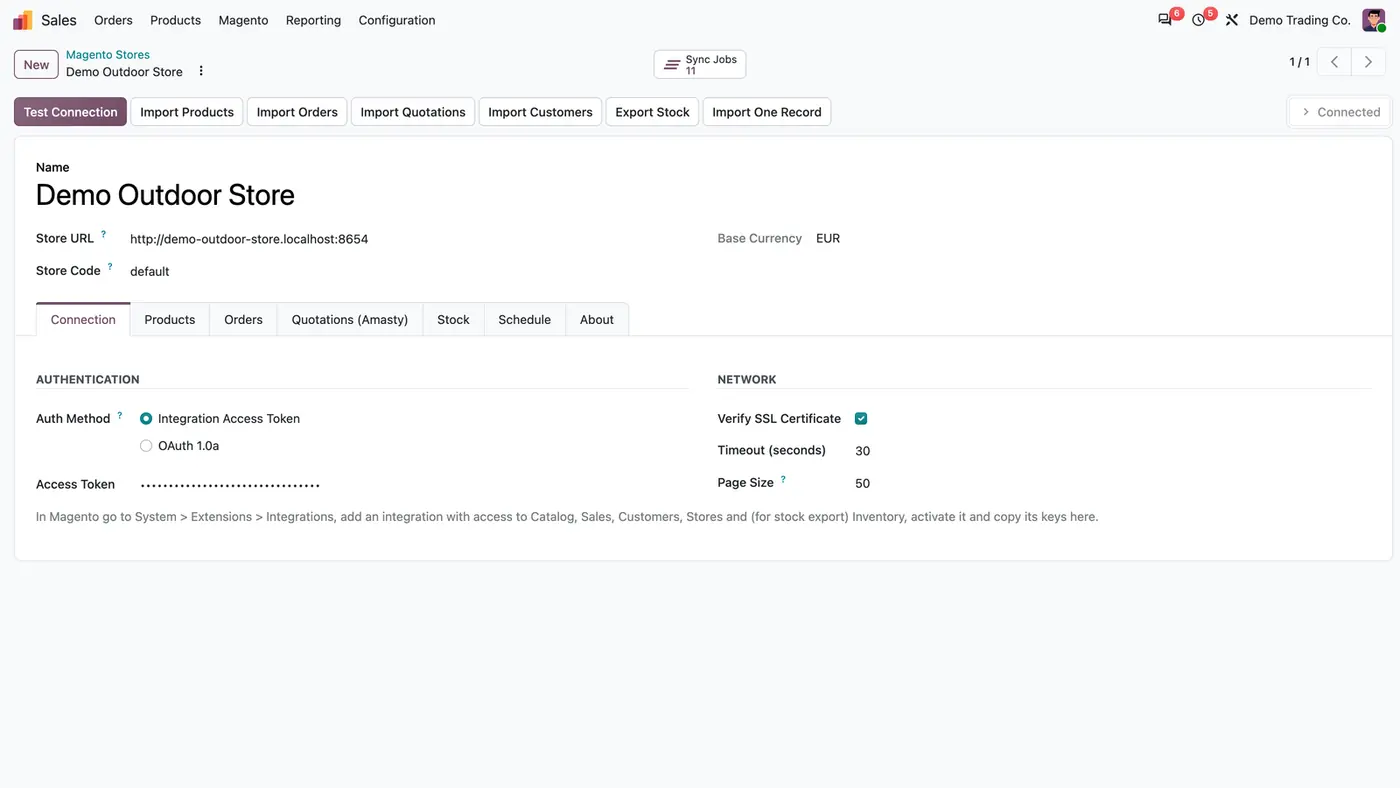
The store form holds the connection; Test Connection reads the store, and the buttons queue each import and the stock export.Every run is a background job with counters, so a problem shows up as a job, not as a missing order.An imported Magento order, confirmed by its Magento status, with the bundle items, shipping and tax matched by rate.The About tab lists the requirements and every sync lane with its schedule and latest job. Play demoFrom queuing an import to reading the error log of a job and running its failed records again.
What it does
Every standard Magento product type
Import simple, virtual and downloadable products.
Import configurable products as one Odoo product with variants; combinations Magento does not sell are archived.
Import bundle products with the list of their items.
Categories, the main image and tier prices come along with the products.
A Magento product is linked to the Odoo product with the same internal reference (SKU) before anything new is created.
Orders ready to deliver and invoice
Each order arrives with customer, invoice and delivery addresses, order lines, line discounts, shipping and taxes matched by rate.
Orders in the Magento statuses you choose are confirmed; by default processing and complete. Pending orders stay quotations.
An imported order only follows later status changes and is never rebuilt, so changes made in Odoo are kept.
The Magento order date is kept, and the order gets a Magento tab.
Amasty quotations
Plain Magento has no quotation API. With the Amasty Request a Quote extension installed, each Amasty quote becomes an Odoo quotation with the price the shop owner set.
The quotation follows changes while it is still a draft in Odoo, is confirmed when Magento moves it to a confirming status, and is cancelled when Magento cancels it.
Leave the option off when the extension is not installed on the store.
One contact per customer
Registered customers are matched by their Magento ID, guests by e-mail.
The default billing address becomes the contact address; other addresses become delivery addresses.
Free stock back to Magento
The free quantity of every linked, inventory-tracked product is sent to Multi-Source Inventory or to legacy stock items.
Only quantities that changed since the last export are sent.
Background jobs that never block the screen
Buttons and schedules queue jobs. Each job freezes its time window, pages through Magento by ID, saves its progress page by page and resumes after a restart.
Every run is listed under Sales > Magento > Sync Jobs with lane, trigger, state and counters.
A bad record is written to the job's error log and skipped, and the run goes on. Re-run Failed Records runs the same time window again.
Several stores can be connected, each with its own connection, options, schedule and jobs, and each can belong to its own company.
Who it is for
A good fit for
Merchants on Magento Open Source or Adobe Commerce 2.4 who run delivery and invoicing in Odoo.
Teams that retype Magento orders into Odoo today.
B2B shops that use the Amasty Request a Quote extension and want quotes as Odoo quotations.
Companies with several Magento stores, possibly in different Odoo companies.
Not a fit for
Sending products, prices, customers or orders to Magento: only the free stock quantity goes back.
Quotation import on Magento stores without the Amasty Request a Quote extension.
Databases on Odoo Online (SaaS), which cannot install third-party apps.
Buy Magento Connector on the Odoo Apps Store for Odoo 18.0, 19.0 or 20.0.
Add the module to your Odoo.sh project or to the addons path of your on-premise server.
Update the apps list in Odoo and install Magento Connector. Sales and Inventory are installed with it if they are missing.
Odoo Online (SaaS) does not allow third-party apps, so the connector cannot be installed there. Use Odoo.sh or an on-premise database, Community or Enterprise.
Every purchase includes 90 days of free support from FlexCode Systems.
Configure
In Magento, go to System > Extensions > Integrations, add an integration with access to Catalog, Sales, Customers, Stores and, for the stock export, Inventory, activate it and copy its keys.
In Odoo, open Sales > Magento > Stores, create the store, enter the store URL, store code and the access token or the four OAuth 1.0a keys, and click Test Connection.
On the Orders tab, choose the Statuses That Confirm the Order.
Only with Amasty: tick Amasty Request a Quote Installed on the Quotations (Amasty) tab.
Import the catalog, then the orders, and switch on the lanes you want on the Schedule tab under Automatic Sync.
Setting
What it does
Store URL and Store Code
The address of the Magento store and the store view to read.
Auth Method
Integration Access Token or OAuth 1.0a. The token is shown masked.
Verify SSL Certificate, Timeout, Page Size
Network options on the Connection tab.
Statuses That Confirm the Order
Magento statuses that confirm an imported order. Default: processing and complete.
Amasty Request a Quote Installed
Switches on quotation import. Leave it off when the extension is not installed.
Automatic Sync
Lanes to run on schedule, each with its interval in minutes.
How to use it
First import
Click Import Products. The job is queued; follow it under Sync Jobs.
Click Import Orders once the catalog is in. Use Import One Record for a single product, order, quotation or customer, or for a period.
Scheduled sync
By default products run every 6 hours, customers every 60 minutes, orders and Amasty quotations every 15 minutes, and the stock export every 30 minutes.
The About tab shows each lane with its schedule, last successful sync and latest job.
Handle a failed record
Open the job under Sales > Magento > Sync Jobs and read the error log, for example an order in a currency without a pricelist.
Fix the cause in Odoo and click Re-run Failed Records. The same time window runs again.
Limits
Only the free stock quantity goes from Odoo to Magento; products, prices, customers and orders are not sent.
Quotation import needs the Amasty Request a Quote extension.
Lines of an imported order are never rebuilt from later Magento changes; only the status is updated.
It cannot be installed on Odoo Online (SaaS).
FAQ
Which Magento versions are supported?
Magento Open Source and Adobe Commerce 2.4, through the standard REST API. Authentication uses an integration access token or the four OAuth 1.0a keys of the integration.
Do I need the Amasty extension?
Only for quotations. Products, customers, orders and stock work with plain Magento. Quotation import reads the Amasty Request a Quote extension, because Magento itself has no quotation API.
Are products that already exist in Odoo duplicated?
No. A Magento product is linked to the Odoo product with the same internal reference (SKU) before anything new is created.
Can I connect more than one store?
Yes. Each store has its own connection, options, schedule and jobs, and can belong to its own company.
What happens when one record fails during an import?
The record is written to the job's error log and skipped, and the run goes on. When the job is done, Re-run Failed Records runs the same time window again, so the failed records get another try.