FlexCode Systems
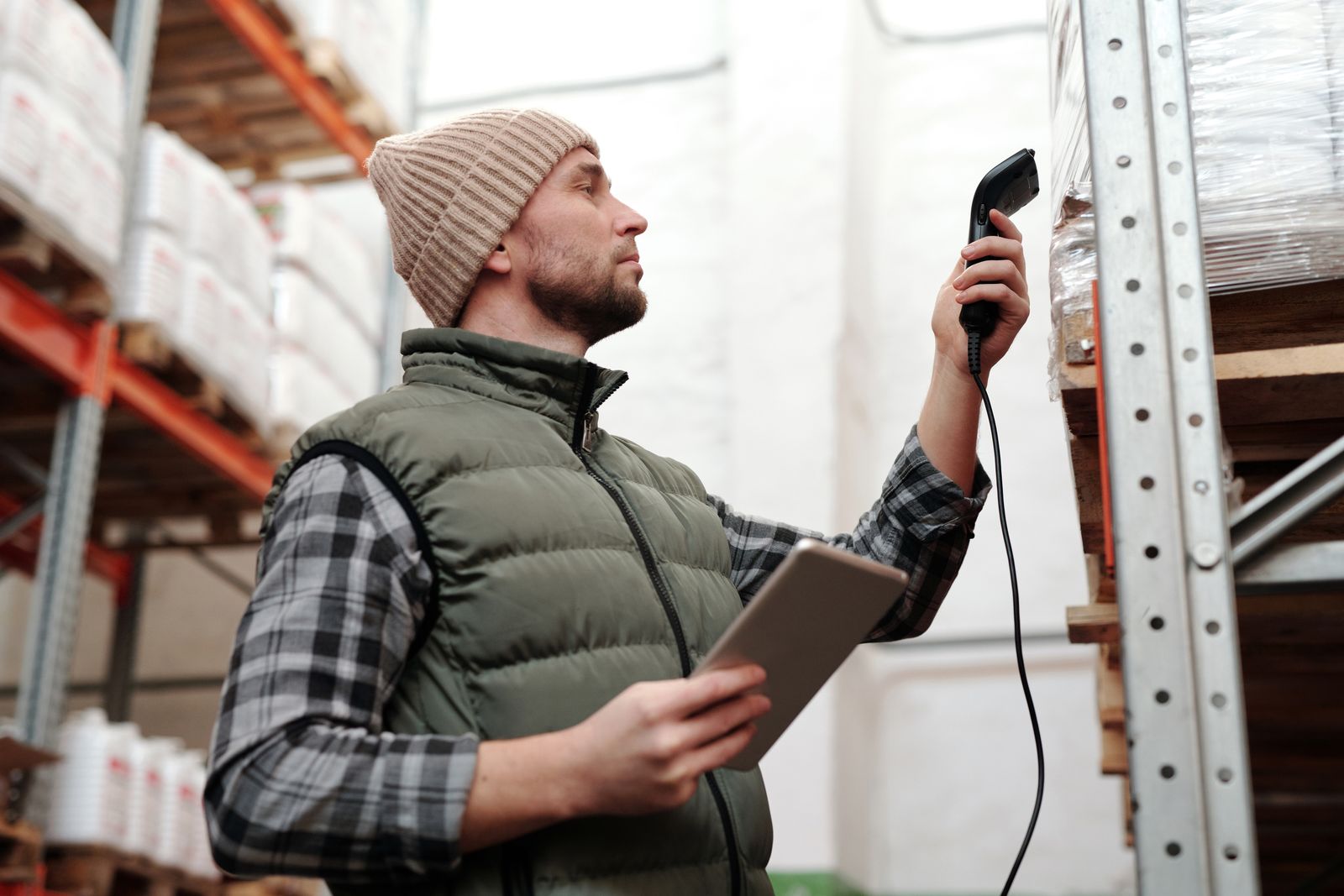
Barcodes only help if they are consistent, and hand-typed ones rarely are. One person codes by category, another by supplier, a third leaves the field blank, and variants often share a single code so a medium and a large scan the same. The Odoo barcode generator fixes the root cause by building each code from rules, so every product and variant is coded the same way without anyone deciding on the spot.
Odoo lets you type a barcode into a product, which is fine for a handful of items and a mess for a catalogue. Left to people, codes follow no shared logic. Some are missing, some collide, and variants often inherit one code across every size and colour.
The damage shows up at the worst moments. A stock count will not reconcile because two products share a code. A picker scans a medium and the system thinks it is a large. A label prints nothing because the field was blank. Every one of these traces back to the same cause: codes assigned by habit instead of by rule.
The app generates product and variant barcodes in Odoo 19 Enterprise from a defined structure. Instead of typing a code, you let the barcode be built from the product's category, its attributes and a running sequence, so the result follows a consistent pattern across the catalogue.
The outcome is a catalogue where scanning is reliable and stock counts can be trusted.
The full setup guide for the Product Barcode Generator walks through installation, configuration and the backfill step by step.
The app builds and assigns barcode values; it does not print labels. Once your products carry structured barcodes, printing runs through your normal label setup. If you use Dymo and want labels without a price shown, the Dymo Label Without Price app adds that option beside the standard Dymo layout. And when you need to pull up several products at once from the search bar rather than one at a time, the Multi Search app covers that.
How do I create product barcodes in Odoo?
Install the app, define how the barcode should be built from category, attributes and a sequence, then generate codes for your products. Because the structure is set once and applied consistently, you avoid the mixed, hand-typed codes that make stock counts and scanning unreliable across a growing catalogue.
Does it generate barcodes for variants?
Yes. Product variants receive their own structured barcodes rather than sharing one code across every size or colour. That distinction matters in the warehouse, because a scanner then identifies the exact variant, which keeps picking accurate and stock figures trustworthy.
Can I print these barcodes on labels?
The app creates the codes; printing is a separate step. Once your products carry structured barcodes, you can print them through your label setup. If you use Dymo and want labels without a price shown, the Dymo Label Without Price app adds that option beside the standard Dymo layout.
How is the app priced and supported?
The Product Barcode Generator is a one-time purchase for Odoo 19, priced at EUR 69.30 on the Odoo App Store and licensed under OPL-1. Every licence includes 90 days of complimentary support from FlexCode.